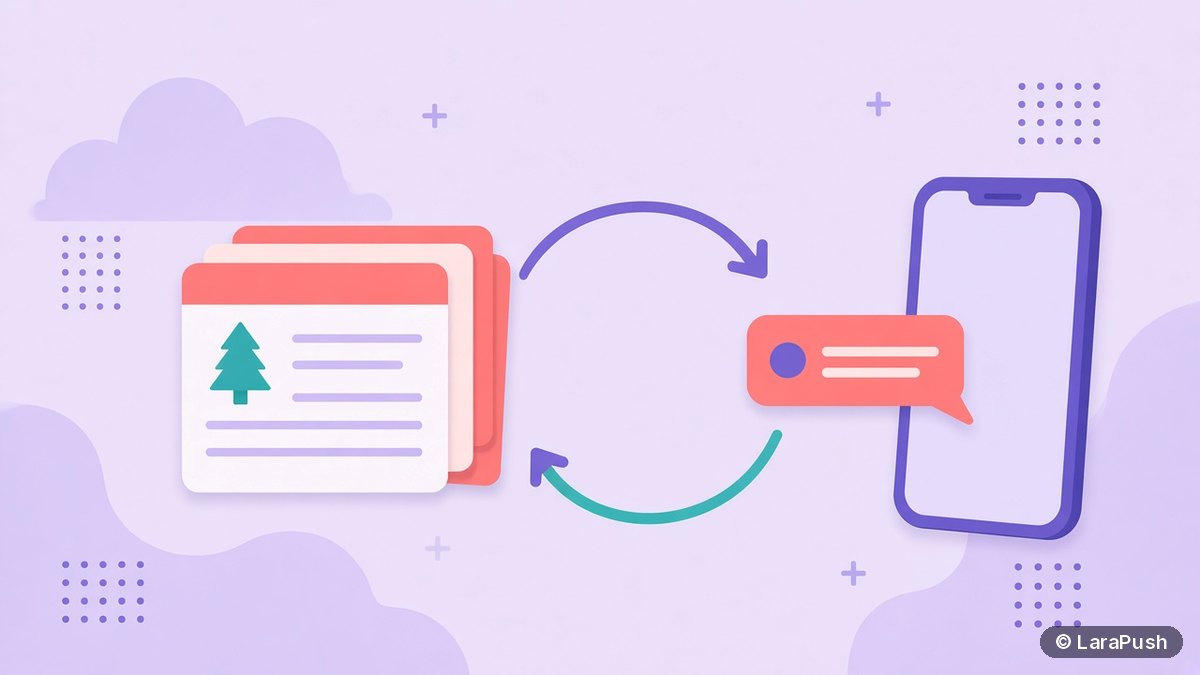

To recirculate evergreen posts with push notifications, pick old posts that are still accurate, refresh them, write a new notification angle, and send them on a steady schedule to the subscriber segments most likely to care. Automate it with a tool that resurfaces posts at a set interval, and track clicks with UTM tags.
Most blogs publish a post, push it once, and never mention it again. Yet your archive often holds your best work: guides that still rank, tutorials that still answer questions, and explainers your newer subscribers have never seen. So a simple recirculation routine can bring readers back to that archive without writing anything new. Here’s how I’d recirculate evergreen posts with web push, step by step.
What is an evergreen post, and why recirculate it with push?
An evergreen post is content that stays useful for months or years, such as a how-to guide, a definition, a checklist or a “best of” list you keep updated. Recirculating it means sending it again to subscribers, usually ones who joined after it was first published.
Push is a good fit for three reasons:
- Newer subscribers never saw it. Anyone who subscribed after the original send has no idea the post exists.
- It’s your channel. You don’t depend on search rankings or social algorithms to resurface the post.
- It fills quiet days. A blog that publishes twice a week can still send something useful on other days.
That said, recirculation only works if the posts are genuinely useful. Sending stale content trains readers to ignore you.
Which old posts should you recirculate?
Recirculate posts that are still accurate, still relevant and still good. I’d score each candidate on four questions:
| Question | Keep if | Drop or update if |
|---|---|---|
| Is it still accurate? | Facts, prices and screenshots are current | Anything has changed since publishing |
| Does it still get search traffic? | Search Console shows steady clicks | Traffic has collapsed and the topic is dated |
| Is it seasonal? | It matches the coming weeks | It’s off-season (resend later) |
| Would a new reader find it useful? | It answers a common question | It needs context from old news |
Google Search Console’s Performance report is the quickest way to find posts that still earn clicks (Search Console help). Posts that rank but get little push traffic are often the best candidates.
How do you recirculate evergreen posts with push, step by step?
Recirculating evergreen posts with push takes six steps:
- Build a shortlist. Pick 10–30 posts that pass the four checks above.
- Refresh each post. Update facts, dates in the text, links and images before you send anyone there.
- Write a fresh notification. Don’t reuse the original alert. Lead with the problem the post solves, such as “Still setting up push on WordPress? Here’s the checklist.”
- Pick the segment. Send to subscribers who joined after the post was first published, or to readers of related topics.
- Schedule a steady rhythm. For example, one evergreen post on days you don’t publish anything new.
- Tag and measure. Add UTM parameters and compare clicks with your new-post alerts.
For writing tips, see how to write appealing push notifications. For timing, read the best time to send push notifications.
How often should you resend old posts?
Resend old posts only as often as readers keep clicking. A good starting point is to fill gaps in your publishing schedule rather than add extra sends on busy days. Then watch CTR and unsubscribes per send.
Volume matters more than ever. Since October 2025, Chrome can automatically remove notification permission from sites that send a high volume of notifications with very low engagement (Google). Google also said its tests found that sites sending fewer notifications saw more clicks. So recirculation should replace low-value sends, not pile on top of them. My guide to push notification frequency covers this in more detail.
As a rule of thumb, don’t send the same post to the same subscriber twice in a short window. Segments by subscription date make that easy.
Should you recirculate manually or automate it?
Automate it once the routine works. Manual recirculation is fine for testing: you pick a post, write the alert and schedule it. However, it’s easy to forget once you’re busy, and consistency is the point.
| Approach | Best for | Effort | Risk |
|---|---|---|---|
| Manual scheduled sends | Testing which posts work | High | Gaps when you’re busy |
| Drip sequence for new subscribers | Showing your best posts to every new reader | Low after setup | Sequence goes stale if not reviewed |
| Automatic resurfacing at an interval | Large archives | Lowest | Can resend weak posts unless you curate the pool |
A drip sequence is the most targeted option. For example, a new subscriber gets your three best guides over their first two weeks. Meanwhile, automatic resurfacing suits sites with hundreds of evergreen posts.
How do you measure whether recirculation works?
Measure recirculation by comparing evergreen sends with new-post sends. Add UTM parameters to every link, as Google Analytics recommends with utm_source, utm_medium and utm_campaign at minimum. Use a campaign value such as evergreen so these sessions are easy to filter.
Then compare three numbers each month:
- CTR per send in your push tool, evergreen versus new posts.
- Unsubscribes per send, to catch fatigue early.
- Engaged sessions from push in Google Analytics.
If evergreen sends hold a similar CTR to new posts without more unsubscribes, keep going. Otherwise, tighten the post pool. See how to track push notification visits in Google Analytics.
Where does LaraPush fit?
LaraPush has a feature built for this job. On the Pro plan, AutoMagic Push automatically sends a random recent or evergreen post at an interval you set, and Drip Campaigns send sequenced notifications spaced over hours or days. Every plan includes scheduling, segments by subscription date and last visit, and Quick Push, where you paste a URL and the metadata is fetched for you.
The trade-offs: AutoMagic Push and Drip are Pro features ($799 one-time, excluding tax; see LaraPush pricing), there’s no free plan, and you host LaraPush on your own VPS. If you run WordPress, pair it with Push on Publish for new posts. For other options, see the best push notification services and tools.
Frequently asked questions
Yes, if the post is still accurate and useful. Most subscribers who joined after the original send have never seen it. Refresh the post first, write a new notification angle, and send it to the segments most likely to care.
Pick posts that are still accurate, still get search clicks in Google Search Console, and answer a common question. Skip posts tied to old news, and hold seasonal posts until the right time of year.
Use evergreen sends to fill gaps in your publishing schedule, not to add extra notifications on busy days. Watch CTR and unsubscribes per send. Chrome can now remove permission from sites that send many notifications with very low engagement.
Yes. Drip sequences can show your best posts to each new subscriber, and some tools resurface posts automatically. In LaraPush, AutoMagic Push on the Pro plan sends a random recent or evergreen post at an interval you set.
Yes. Write a fresh title that leads with the reader’s problem or a new angle, rather than repeating the original alert. Subscribers who saw the first send are less likely to ignore it, and new subscribers get a clearer reason to click.