

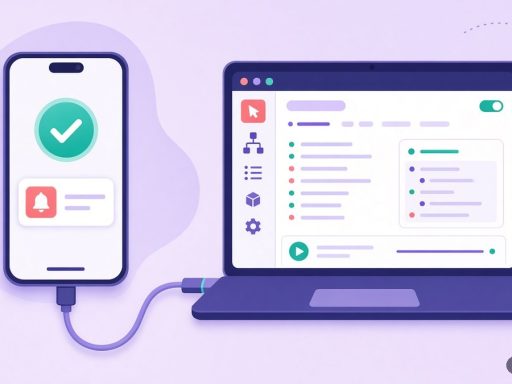

Chrome’s ‘Possible Spam’ Update, Notifications Hidden (FIX)
Google is rolling out a new feature in Chrome that automatically filters out what it considers “spam notification”…
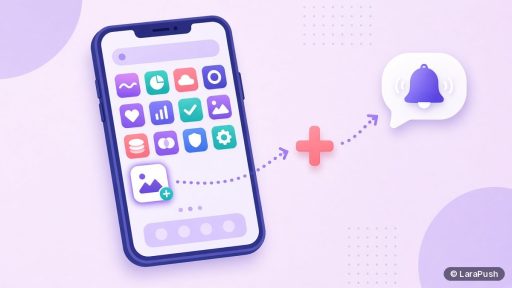
How to Get Web Push Notifications Working on iPhone (Home Screen Setup)
How do you get web push notifications working on iPhone? What your site needs, what visitors must do, and how to check the setup works.
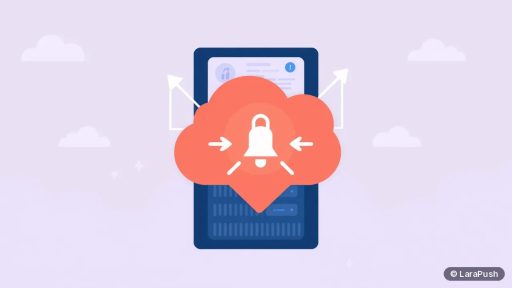
Can You Put a Self-Hosted Push Panel Behind Cloudflare?
Yes, a self-hosted push panel can run behind Cloudflare. Use Full (strict) SSL, skip caching for the panel and keep API calls unblocked.
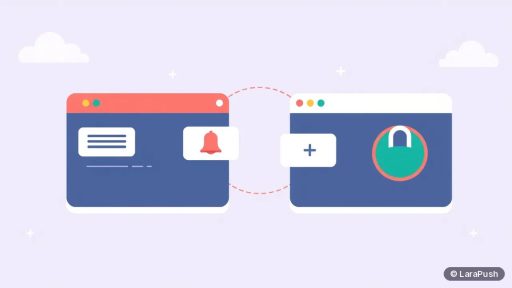
What Happens to Web Push Subscribers If You Change Domain?
Web push subscribers don't move when you change domain, because permission belongs to the old origin. Here is how to keep as many as you can.
How to Connect Firebase to a Self-Hosted Web Push Panel
How to connect Firebase to a self-hosted web push panel: create a project, register a web app, copy the config into your panel and test.
Do You Need HTTPS to Send Web Push Notifications?
Yes, web push needs HTTPS. The Push API and service workers only run in secure contexts, with localhost as the only exception for testing.
How to Secure a Self-Hosted Push Notification Server
How to secure a self-hosted push notification server: lock down SSH, use a firewall and HTTPS, protect the admin login, keys and backups.
What Happens If Your Self-Hosted Push Server Goes Down?
If your self-hosted push server goes down, subscriptions stay valid but sending, automations, sign-ups and stats stop until it is back.
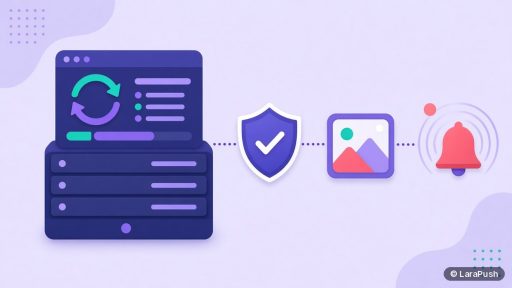
How to Update a Self-Hosted Push Notification Panel Safely
How to update a self-hosted push notification panel safely: read release notes, back up, snapshot, update in a quiet window, then test.
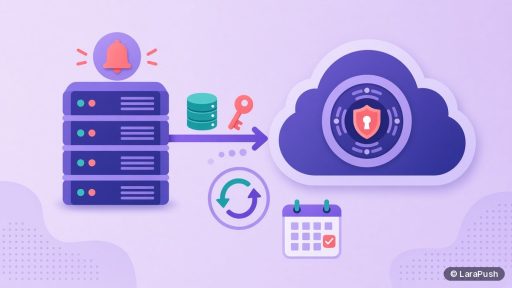
How to Back Up a Self-Hosted Push Notification Panel
How to back up a self-hosted push notification panel: the database, VAPID keys and config, and media, stored off the server and tested.
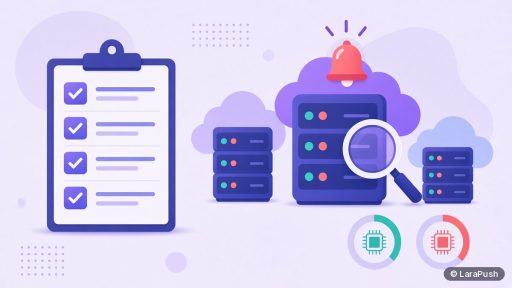
What to Look For in a VPS for Self-Hosted Push Notifications
What to look for in a VPS for self-hosted push notifications: root access, Ubuntu LTS, snapshots, the right region and room to grow.