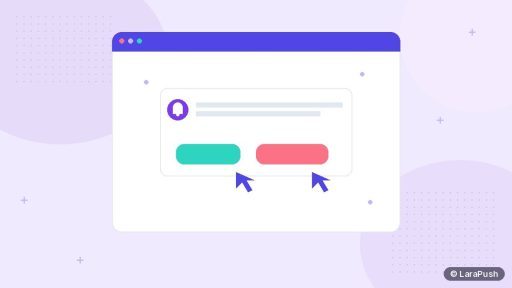
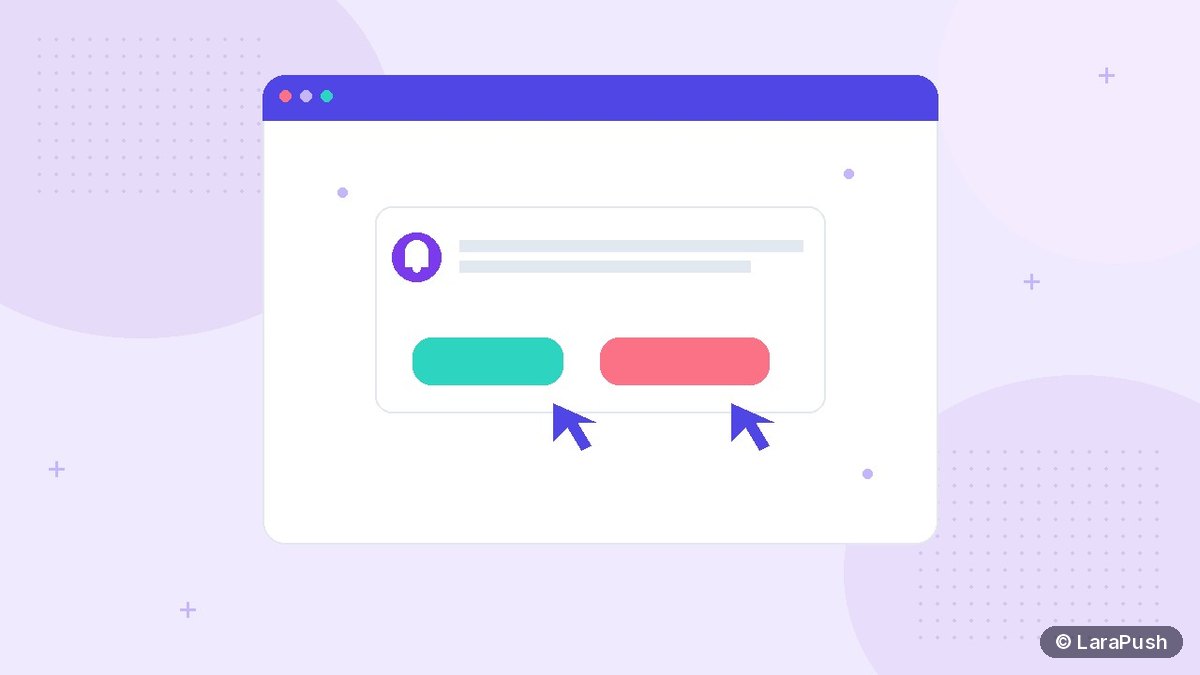

Yes, web push notifications can have buttons — but support depends on the browser and OS. Action buttons (also called notification actions) let people choose a next step without opening the whole site first. Chrome on Android and many desktop Chromium builds show them; Safari and some desktop setups are more limited, so always plan a useful default click URL.
Buttons are optional extras on top of the main notification click. The Notifications API defines `actions` as a list of labeled choices on a notification (MDN Notification.actions, MDN NotificationAction). Your service worker then handles `notificationclick` and routes each action.
What are CTA buttons on a web push notification?
CTA buttons are secondary controls shown under or beside the notification body. Typical pairs:
- View order / Track parcel
- Read story / Save for later
- Buy now / Remind me
- Accept / Decline (for invites)
Each action has an `action` id (a short string your code recognises) and a `title` (the label the person sees). Icons for actions are supported in some browsers but are easy to overdo — labels matter more.
| Piece | Role |
|---|---|
| Main title + body | Explain why this alert exists |
| Default notification click | Opens your primary URL when they tap the body |
| Action button 1 | Alternative path (e.g. track, decline, snooze) |
| Action button 2 | Second alternative when the platform allows it |
Which browsers support push notification buttons?
Support is uneven, so design for graceful fallback.
- Chrome / Edge on Android: action buttons are commonly shown and are the strongest case for CTAs.
- Chrome / Edge on desktop (Windows, macOS, Linux): actions are often available, but OS notification centres can still hide or truncate them.
- Firefox: action support has varied by version and OS; never assume parity with Chrome.
- Safari (macOS / iOS web push): treat action buttons as unreliable or unavailable; make the body click sufficient.
web.dev’s push and notification guides emphasise testing on real devices rather than trusting a single desktop preview (web.dev push notifications overview). MDN also notes that the maximum number of actions is browser-dependent — some UIs show only the first one or two.
Practical rule: the notification must still make sense with zero buttons. Buttons are accelerators, not the only path.
How do you add CTA buttons to a web push?
At a high level:
- Decide the primary click URL for the notification body.
- Pick at most one or two actions with short labels (one or two words).
- Include `actions` in `showNotification()` from your service worker when a push arrives.
- Listen for `notificationclick`, read `event.action`, and open the matching URL (or run silent logic).
- Call `event.notification.close()` and use `event.waitUntil(…)` so the worker stays alive while windows open.
- Track each action separately in your analytics so you know which button won.
Example shape (illustrative):
self.registration.showNotification(title, {
  body,
  data: { url: primaryUrl },
  actions: [
    { action: 'track', title: 'Track' },
    { action: 'details', title: 'Details' }
  ]
});
On click, if `event.action === ‘track’` open the tracking URL; if empty, open `data.url`. Full wiring still needs a working service worker and Push API subscription (MDN Using the Push API).
What copy works well on push CTA buttons?
Short verbs beat clever phrases.
- Strong: Track, View, Reply, Buy, Snooze, Open map
- Weak: Click here, Learn more (too vague), Super exclusive deal inside
Pair buttons with honest body copy. If the body says “Your order shipped”, a Track button is natural. If the body is a vague promo, buttons won’t fix weak intent. For title testing habits, see how to A/B test push notification titles.
Also watch frequency. Chrome has announced automatic removal of notification permission for sites that send high volume with very low engagement (Google, 10 Oct 2025). Clear CTAs that help people finish a task tend to keep engagement healthier than endless promo noise.
When should you skip CTA buttons?
Skip or simplify when:
- The only useful next step is “open this page” — one default click is enough.
- Your audience is mostly Safari / iPhone web push users.
- Labels would need more than a few words to make sense.
- You cannot track which button was pressed (then you cannot learn).
iPhone web push still needs iOS 16.4+ and Home Screen install (WebKit). Teach that path separately from desktop CTA experiments.
How do you measure whether buttons help?
Track at least:
- CTR on the default body click
- CTR per action id
- Combined engaged rate (any click ÷ delivered)
If buttons steal clicks from the body without raising total engagement, simplify. Related reading: push notification metrics and web push notification examples by industry.
Where does LaraPush fit?
LaraPush campaigns support up to 2 CTA buttons with separate click tracking, so you can see which action people choose without building custom worker analytics from scratch. The panel is self-hosted on your VPS; a licence covers one server with unlimited domains on that server; there is no free plan (Startup from $499, Pro from $799 one-time). See features, pricing and the guide. For stack context: best push notification services and tools and add push notifications to a website.
Frequently asked questions
Yes on many Chromium browsers, especially Chrome on Android and common desktop builds. Support is weaker or absent on some Safari setups, so always provide a useful default click URL when no button is shown.
Browsers cap the number of visible actions; many UIs effectively show one or two. LaraPush supports up to 2 CTA buttons with separate click tracking. Design as if only the first button might appear.
Do not rely on them. iOS web push already requires iOS 16.4+ and Home Screen install; treat the body click as the primary path and test on a real device before promising button UI.
No. The default click (empty action) usually opens your primary URL. Each action id is a separate branch you handle in the service worker’s notificationclick event.
No. Use buttons when there are two honest next steps. Otherwise a single clear body click is cleaner and easier to measure.