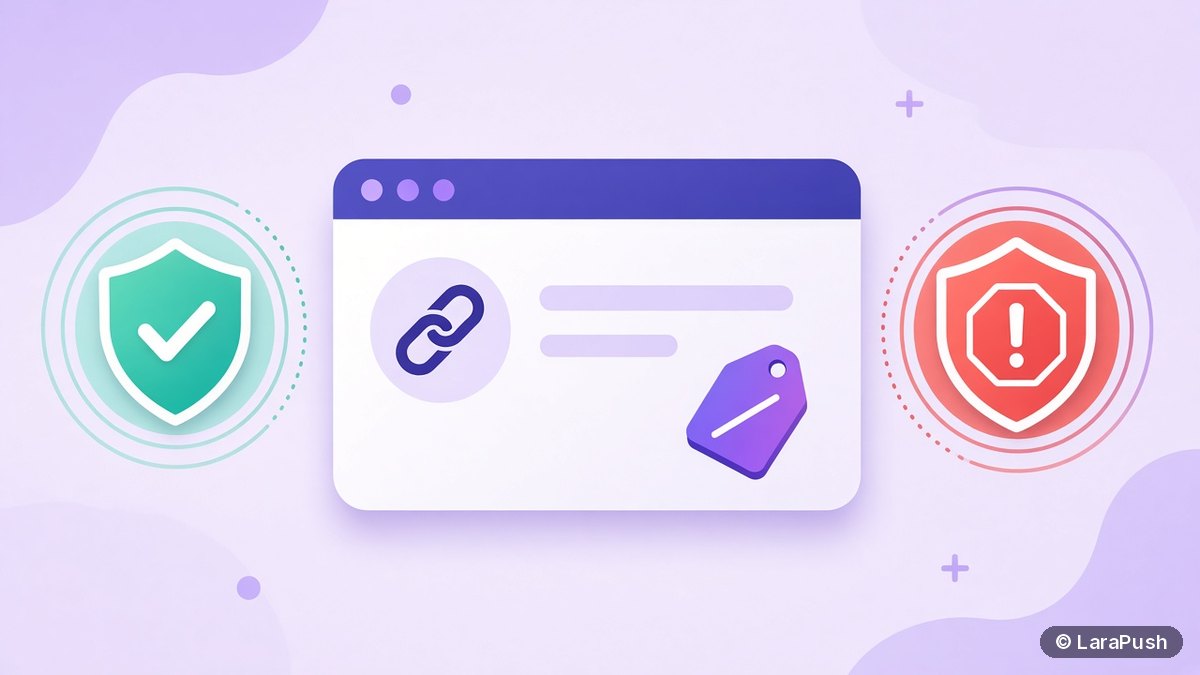

Push notifications are good for affiliate marketing when you send useful content to people who subscribed on your own site, such as deal roundups, reviews and price drops that link to your posts. They get you blocked when you trick visitors into subscribing, disguise alerts as system warnings, or push straight to scammy offers, which Chrome treats as abusive notifications.
Affiliate marketers ask me about web push for an obvious reason. It’s a direct line to readers that doesn’t depend on Google rankings or social reach. But push also has a bad reputation in parts of the affiliate world, thanks to fake “click allow” pages and spammy notification networks. Here’s how I separate what works from what gets a site penalised.
Quick facts:
- Google defines abusive notifications as ones that “mislead users or promote malware, phishing, or scams”, in its Abusive notifications help page.
- Sites with abusive notifications can be flagged in Search Console’s Abusive Notifications Report and face Chrome enforcement, per Google’s review cycle page.
- Chrome can show a quieter permission prompt on sites with very low notification acceptance rates, as announced on the Chromium blog.
- Web push subscribers are tied to your domain, so a penalty hurts the whole list, not just one campaign.
Are push notifications good for affiliate marketing?
Push notifications are good for affiliate marketing when they drive readers back to helpful content you own. A subscriber who chose your alerts and clicks through to a genuine review or deal post is a warm visitor, and that’s where affiliate commissions come from.
They work best for content affiliates: review sites, coupon and deal blogs, niche comparison sites and tech blogs. These sites publish often, have time-sensitive content, and can send a reason to click that isn’t just “buy now”. Push works poorly as a pure ad channel pointing at offers the reader never asked about.
What affiliate push campaigns actually work?
The affiliate push campaigns that work send readers to your own pages, add value in the message, and match what people subscribed for. Here are the formats I’d use:
| Campaign type | Example message idea | Why it works |
|---|---|---|
| New review | “We tested the 5 best budget routers” | Fresh content, natural affiliate links |
| Deal roundup | “Today’s 10 best laptop deals, checked” | Time-sensitive, high intent |
| Price drop | “The camera from our guide just dropped in price” | Personal and specific |
| Buying guide update | “Updated: best VPN for travel, November edition” | Recirculates evergreen pages |
| Seasonal event | “Black Friday tracker is live” | Recurring, expected by readers |
Notice that every message links to your site, not directly to a merchant. That keeps the click on a page with your disclosure, comparison and context, and it protects you if a merchant’s landing page changes. It also lets you use CTA buttons sensibly, for example one button for “See the deals” and one for “Read the review”; my CTA buttons guide covers that.
What gets affiliate push campaigns blocked?
Affiliate push campaigns get blocked when they mislead people at the permission step or in the notification itself. Google’s own examples include forcing users to allow notifications to see content, misleading pre-prompts, fake chat messages, fake system warnings, phishing and malware.
In affiliate terms, these are the practices to avoid completely:
- Fake “click Allow to continue” pages. Making notifications a condition for seeing content is listed as abusive.
- Alerts that look like system warnings. “Your device is infected” or fake chat bubbles are classic abuse patterns.
- Direct links to shady offers. Sending subscribers straight to unknown merchants, downloads or “prize” pages risks being treated as scams or malware.
- Buying or renting subscriber lists. Web push subscriptions belong to a specific site and push service; they aren’t a transferable list.
- Sending far too often. Even if it’s not flagged as abusive, heavy frequency drives blocks and unsubscribes.
How does Chrome penalise abusive notifications?
Chrome penalises abusive notification sites through the Abusive Notifications Report in Google Search Console. Google reviews a sample of your pages, and a site with a “Failing” status can face Chrome enforcement, which affects how notification requests from that site are shown.
The fix process is also documented: clean up every issue, then request a review in Search Console. Google notes that it reviews a sample of pages, so you need to fix the whole site, not just the examples listed. For a deal site whose push list is a key traffic source, that downtime is expensive. Prevention is much cheaper.
How do you build an affiliate push list the right way?
You build the list with an honest, well-timed prompt that tells visitors exactly what they’ll get. The permission best practices from web.dev recommend asking in context, after the user understands the value.
- Decide what subscribers get, for example “daily deals” or “new reviews only”.
- Show a soft prompt after engagement, such as a scroll or second page view, not on first load.
- Use plain wording that matches what you’ll send.
- Never block content until someone subscribes.
- Send a welcome notification that confirms what they signed up for.
- Segment by interest or category so each subscriber gets relevant deals.
My permission prompt best practices guide goes deeper on prompt timing and copy.
How often should affiliate sites send push notifications?
Affiliate sites should send as often as they have something genuinely useful, and no more. A deal site with daily verified deals can justify a daily send; a review site publishing twice a week should send twice a week.
The best signal is your own data. Watch click-through rate and unsubscribe or block trends after each change in frequency. If unsubscribes jump after you add a second daily send, roll it back. The push notification metrics guide explains which numbers to track.
Do you need to disclose affiliate links in push notifications?
You should keep your normal affiliate disclosure on the page the notification links to, and follow the advertising rules where you and your readers are. Linking pushes to your own content pages makes this easy, because the disclosure is already there.
Sending pushes directly to a merchant link skips your disclosure entirely. That’s another reason to keep the click on your site.
Where LaraPush fits
LaraPush fits affiliate publishers who send often to large lists and want a flat cost, since it’s self-hosted with unlimited subscribers on your licensed server, from $499 one-time (check LaraPush pricing). It includes custom prompts with delay and re-prompt control, segmentation, scheduling and up to two CTA buttons with separate click tracking, and it injects no sponsored ads into your notifications. The Premium Add-on’s LP Links feature adds URL shortening with subscription; see LP Links. The trade-off is that you run your own VPS and there’s no free plan.
Frequently asked questions
Yes, as long as subscribers opted in honestly and the notifications are useful. The safest approach is to link each push to your own review or deal page, where your affiliate disclosure and context already sit, rather than straight to a merchant’s offer.
Not if you use them honestly. Google flags abusive notifications, such as forced opt-ins, misleading pre-prompts, fake system messages, phishing and malware. Sites flagged in the Abusive Notifications Report can face Chrome enforcement until the issues are fixed and a review is approved.
No. Web push subscriptions are created by a visitor on a specific site and tied to that site’s push setup, so they can’t be legitimately bought or sold. Bought traffic from push ad networks is a different thing and often points to low-quality offers.
There’s no reliable single benchmark for affiliate push specifically. Compare your campaigns against your own history, and use published third-party web push benchmarks only as a rough guide, with the source and year in mind.
The best tool lets you segment by interest, schedule sends, add CTA buttons and keep your subscriber data. Large affiliate lists often favour flat-cost options such as a self-hosted panel, while small sites may start on a SaaS free tier.