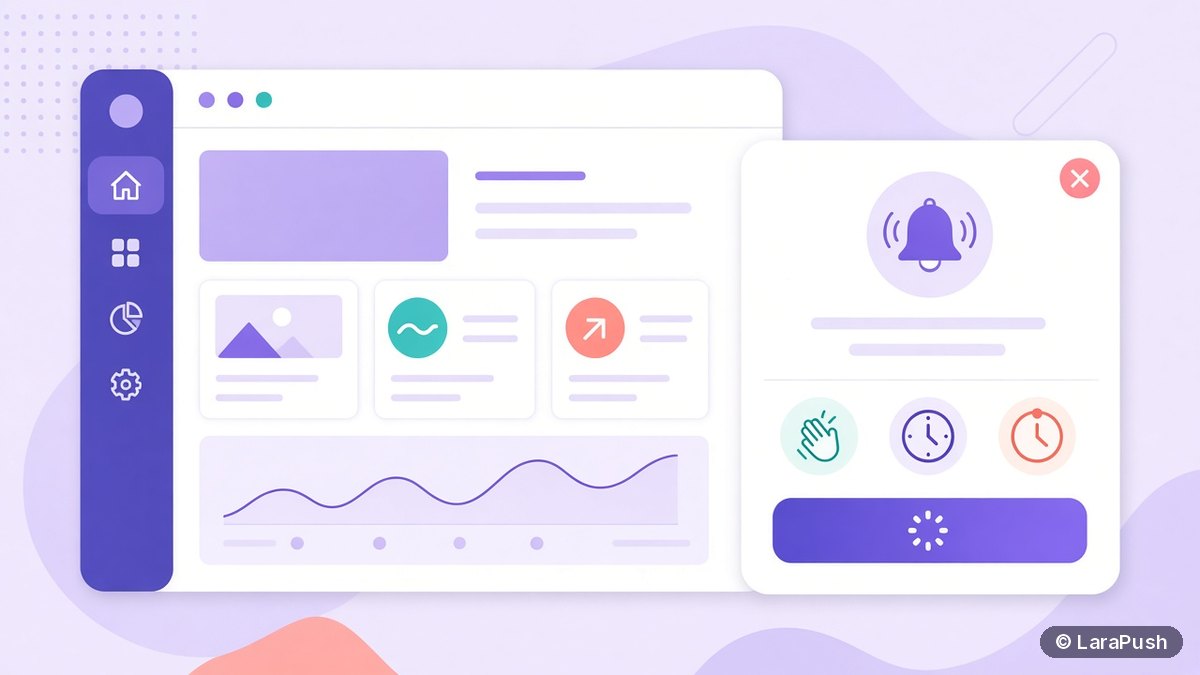

To get more people to allow push notifications without annoying them, explain the benefit first, ask only after a clear user action or moment of value, and use a soft prompt before the browser’s native permission dialog. Never fire the native prompt on first page load — a Block is permanent for that site in that browser.
Permission UX is where most push programs win or lose. Campaign copy cannot fix a list that never grows, and aggressive prompts create Blocks you cannot undo. Here’s the approach I recommend, tied to public browser guidance.
Why does the permission prompt annoy people?
Because it interrupts a task they already chose. On arrival, visitors often don’t know your brand, your alert topics or how often you’ll ping them. web.dev calls an immediate permission dialog on landing “the worst thing you can do” (web.dev Permission UX). Google’s broader permissions guidance adds that prompts without prior user interaction are allowed far less often than prompts after intent (web.dev permissions best practices).
Browsers also remember a hard denial. After Block, your site cannot show the native prompt again until the person digs through site settings — which almost nobody does. That is why soft prompts matter: declining your UI is recoverable; declining the browser UI often is not.
When should you ask visitors to allow notifications?
Ask when the benefit is obvious. Classic moments:
- After checkout: delivery or order updates.
- On a live news story: “Get an alert when this develops.”
- When an item is back in stock or a price drops.
- After a reader finishes an article or returns for a second visit.
- From a settings panel the user opened on purpose.
MDN recommends requesting notification permission in response to a user gesture, such as a click, and notes browsers increasingly require that gesture (MDN Using the Notifications API). Firefox and Safari have enforced interaction requirements for years; treating gesture-gated asks as mandatory is the safe default.
How do you design a permission prompt that converts?
Use a two-step pattern when you want volume without burning trust.
- Show your own soft prompt. State the topics and frequency in plain language.
- Offer Allow / Not now. Not now dismisses your UI only.
- On Allow, call `Notification.requestPermission()`. That triggers the real browser dialog.
- If granted, subscribe with your service worker and VAPID keys. Save the endpoint server-side.
- If denied, stop asking and explain how to re-enable in browser settings for people who change their mind later.
- Always offer an unsubscribe path in notifications or on-site settings so people don’t need the nuclear Block.
Alternative patterns that also work:
- Passive bell or footer toggle for blogs with high bounce rates (web.dev passive approach).
- Settings panel checkbox for logged-in product UIs.
- Contextual inline CTA beside a live event or stock status.
| Prompt style | Best for | Risk if misused |
|---|---|---|
| Soft modal then native | Content and ecommerce sites that need volume | Too frequent soft prompts feel like nagging |
| Passive bell / toggle | Blogs, docs, high-bounce traffic | Lower raw opt-in; slower list growth |
| Settings panel | Apps and dashboards | Hidden if users never open settings |
| Instant native on load | Almost never | High Block rate; quieter UI; wasted permission |
What copy should the soft prompt use?
Be specific and honest.
- Good: “Allow alerts for breaking tech news — about 1–2 per day.”
- Good: “Notify me when this order ships.”
- Weak: “Don’t miss out!” with no topic or frequency.
- Weak: “Click Allow to continue” that blocks reading until they decide.
Promise only what you will send. If you later blast daily promo noise after a “breaking news” opt-in, expect unsubscribes and, on Chrome, possible automatic permission removal for low engagement (Google, 10 Oct 2025).
How do you measure whether the prompt is working?
Track three rates separately:
- Soft-prompt click-through (Enable ÷ soft prompts shown).
- Native acceptance (Allow ÷ native prompts shown).
- Visitor opt-in (new subscribers ÷ unique visitors).
Also track Block rate and subsequent CTR. A prompt that “wins” opt-ins but produces subscribers who never click is not a win. For formulas, see push notification metrics and what is a good opt-in rate for web push.
What else should you fix around the prompt?
- HTTPS only. Notification permission requires a secure context.
- Service worker readiness. Don’t ask before your worker can complete subscribe.
- iPhone path. iOS Safari web push needs iOS 16.4+ and the site on the Home Screen (WebKit). Teach that path instead of showing a dead prompt.
- Re-prompt cool-downs. If someone says Not now, wait days or a new session, not thirty seconds.
- Quiet periods after denial. Never try to circumvent a browser Block with loops.
Setup walkthrough: add push notifications to a website. Troubleshooting: web push notifications not showing. Publisher habits: web push best practices for publishers.
Where does LaraPush fit?
LaraPush includes customisable prompts — native, modal, full screen, restrictive and bell — with delay and re-prompt controls so you can implement the soft-then-native flow without shipping custom permission UI from scratch. The panel is self-hosted on your VPS; a licence covers one server with unlimited domains on that server; there is no free plan (Startup from $499, Pro from $799 one-time). See features, pricing and the guide. For tooling context, see best push notification services and tools.
Frequently asked questions
Ask after a moment of value, explain the benefit in a soft prompt, then trigger the browser permission dialog only when they say yes. Avoid native prompts on first page load, and keep post-opt-in sending useful so engagement stays high.
You can emphasise Allow, but always give a clear Not now or dismiss path. Trapping people until they click Allow trains them to Block the real browser dialog — which you cannot recover from easily.
Long enough that the visitor has seen value: a scroll threshold, a finished article, a completed action or a return visit. Exact seconds matter less than context.
Teach Home Screen install on iOS 16.4+ before promising alerts. Without that step, standard web push subscription will not work the way desktop Chrome users expect.
Yes. Chrome has announced automatic removal of notification permission for sites that send a high volume of notifications with very low engagement. Useful prompts and useful sends both matter.