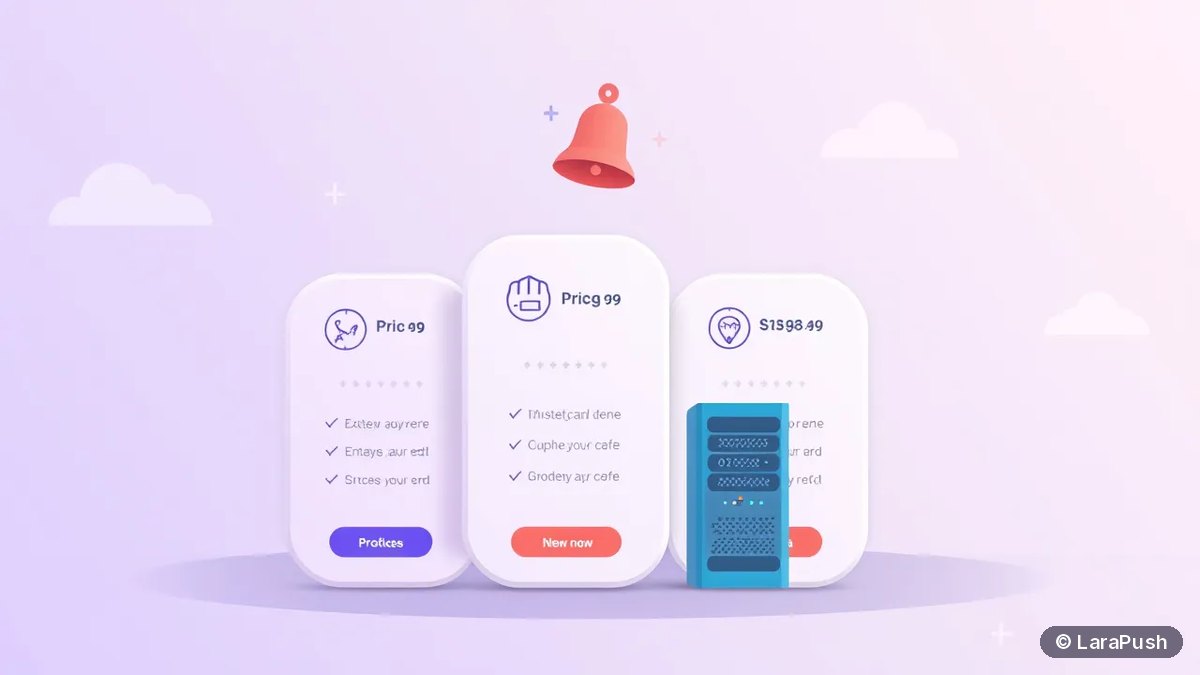

LaraPush Startup ($499 one-time) covers the core of self-hosted web push: unlimited domains and subscribers, segmentation, scheduled campaigns, templates, the WordPress plugin and the REST API. Pro ($799) adds AutoMagic Push, Drip Campaigns, advanced analytics, advanced segmentation and cloning. The Premium Add-on ($399) extends Pro only, with YouTube push, LP Links, backups and priority support.
The LaraPush Startup vs Pro decision is mostly a question of automation. Every plan is a one-time purchase for a self-hosted panel on your own server, so the difference isn’t subscriber limits or monthly fees. Instead, it’s which features run for you on autopilot. Below I break down each plan, who it suits, and the questions I’d ask before buying. Prices are the listed USD figures on the LaraPush pricing page as checked in November 2026; promotions and local currency can change what you pay.
What’s the difference between LaraPush Startup, Pro and Premium?
The short version: Startup is the full manual toolkit, Pro adds automation and deeper reporting, and Premium is an add-on for Pro that adds growth extras. Here’s how the three compare at a glance.
| Feature | Startup | Pro | Pro + Premium Add-on |
|---|---|---|---|
| Listed price (USD, one-time) | $499 | $799 | $799 + $399 |
| Unlimited domains and subscribers | Yes | Yes | Yes |
| Manual and scheduled campaigns, templates | Yes | Yes | Yes |
| Segmentation | Basic | Advanced | Advanced + URL and directory segments |
| Analytics | Basic | Advanced | Advanced + real-time link reports |
| AutoMagic Push and Drip Campaigns | No | Yes | Yes |
| Campaign and project cloning | No | Yes | Yes |
| YouTube auto-push, LP Links, external-link collection | No | No | Yes |
| Automated Google Drive backups | No | No | Yes |
| Free support period | 6 months | 12 months | 12 months + priority support |
All plans are perpetual licences for the version you buy. However, a licence covers one server, and there’s no free plan or free tier.
What do you get with the LaraPush Startup plan?
Startup gives you everything needed to collect subscribers and send campaigns by hand. According to the LaraPush llms.txt summary, it includes unlimited domains and subscribers, basic analytics, segmentation, manual and scheduled campaigns, custom prompts, templates, the WordPress plugin, the REST API, CSV import and export, and AMP and Blogger support.
That’s a solid base. For example, a blogger can install the free Push Notifications by LaraPush WordPress plugin, use Push on Publish, and send a scheduled campaign for a big post. A developer can trigger notifications through the REST API, which has no call limits.
Startup also includes 6 months of free support, Monday to Friday, 09:00 to 18:00 IST. Free installation and onboarding come with every plan.
What does LaraPush Pro add over Startup?
Pro adds automation, deeper analytics and time-saving tools. Specifically, it includes everything in Startup plus advanced analytics, AutoMagic Push, Drip Campaigns, advanced segmentation, and campaign and project cloning. Support also doubles to 12 months.
Two features usually decide the upgrade:
- AutoMagic Push automatically sends a random recent or evergreen post at an interval you set. As a result, older content keeps earning return visits without anyone writing a campaign. I explain the idea in my post on how to recirculate evergreen posts with push.
- Drip Campaigns send a sequence of notifications spaced over hours or days, such as an onboarding series for new subscribers. My guide to drip push notification campaigns covers planning one.
Cloning matters if you run many sites. Instead of rebuilding a project or campaign from scratch, you copy one and adjust it. That’s handy for agencies and publishers with networks of sites on one server.
What is the LaraPush Premium Add-on?
The Premium Add-on is a $399 upgrade for the Pro plan, not a plan on its own. You can’t buy it with Startup or by itself. It adds:
- YouTube auto-push, which notifies subscribers when you upload a new video.
- A URL shortener with subscription, called LP Links.
- External-link subscriber collection, through a script on third-party pages.
- URL and directory segmentation.
- Automated Google Drive backups on a schedule.
- Real-time link reports and priority support.
In short, Premium suits creators and marketers who drive traffic from outside their own site. For example, a YouTuber can use YouTube upload push notifications and LP Links to collect subscribers from video descriptions.
Which LaraPush plan do you need?
Choose by how much you want automated, not by audience size, since every plan allows unlimited subscribers. Here’s how I’d map common situations.
| Your situation | Plan I’d start with | Why |
|---|---|---|
| One or a few sites, you send campaigns yourself | Startup | Covers prompts, segments, scheduling and the API |
| Publisher with a large archive | Pro | AutoMagic Push recirculates older posts |
| SaaS or ecommerce onboarding sequences | Pro | Drip Campaigns handle timed series |
| Agency running many client sites | Pro | Cloning saves setup time per project |
| YouTuber or creator with off-site traffic | Pro + Premium Add-on | YouTube push, LP Links and external-link collection |
| Want hands-off backups | Pro + Premium Add-on | Scheduled Google Drive backups |
That said, if you’re unsure, list the features you’d use in the first month. If none of them is AutoMagic Push, Drip or cloning, Startup is probably enough.
Can you upgrade from Startup to Pro later?
The public pages don’t publish upgrade pricing from Startup to Pro, so I won’t guess. Instead, ask the LaraPush team at [[email protected]](mailto:[email protected]) before buying if you expect to grow into Pro. Also note that major version upgrades, for example v2 to v3, are a separate paid and optional upgrade. That’s different from moving between plans.
What do all LaraPush plans have in common?
Every plan shares the same core model, so a few things don’t change whichever you pick:
- Self-hosted. You install LaraPush on your own VPS; per llms.txt, an Ubuntu 24.04 server with 1 GB RAM and 1 vCPU is enough to start. My guide on self-hosted push server requirements goes deeper.
- One-time payment. There are no monthly fees to LaraPush, although you still pay for your server. I cover the trade-offs in disadvantages of self-hosted push notifications.
- Delivery through Firebase Cloud Messaging (FCM). You connect your own Firebase project, using the Firebase Cloud Messaging service for delivery.
- No injected ads. Subscribers don’t receive sponsored notifications.
- Browser reach. Chrome, Firefox, Edge, Opera and Android browsers, plus iPhone and iPad through Safari web push on iOS 16.4 and later for sites added to the Home Screen, as WebKit explains.
Where LaraPush fits
LaraPush suits site owners who’d rather pay once than rent push by subscriber count. The trade-offs are real: you run a VPS, a licence covers one server, and there’s no free plan. For a wider view of the market, see my comparison of push notification services, or check the full feature list and current pricing.
Frequently asked questions
LaraPush lists Startup at $499 and Pro at $799, both one-time payments in USD before taxes. The Premium Add-on costs $399 and requires Pro. Prices can change with promotions and local currency, so check the LaraPush pricing page before buying. EMI payment is available at checkout where supported.
No. The Premium Add-on is an upgrade for the Pro plan only. You can’t buy it on its own or add it to Startup. It adds YouTube auto-push, LP Links, external-link subscriber collection, URL and directory segmentation, Google Drive backups, real-time link reports and priority support.
No. Startup includes unlimited domains and unlimited subscribers on the one server your licence covers. The difference between plans is features such as automation and analytics depth, not audience size. Your server’s resources are the practical limit as you grow.
AutoMagic Push is a Pro feature, so it isn’t in Startup. It automatically sends a random recent or evergreen post at an interval you choose. Drip Campaigns, advanced analytics, advanced segmentation and cloning are also Pro-only features.
There’s no free plan or free tier. LaraPush is a one-time purchase with a perpetual licence for the version bought, plus free installation and onboarding. For refund terms, read the official LaraPush terms page rather than relying on summaries.