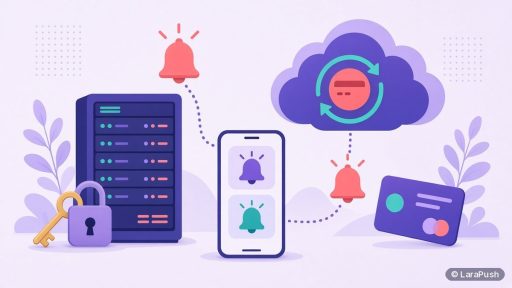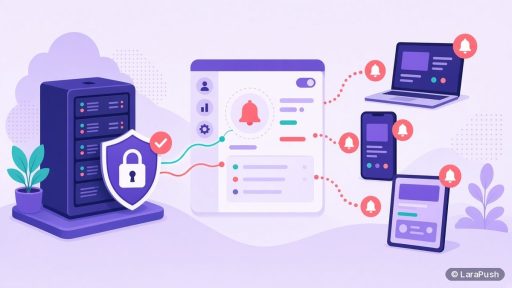
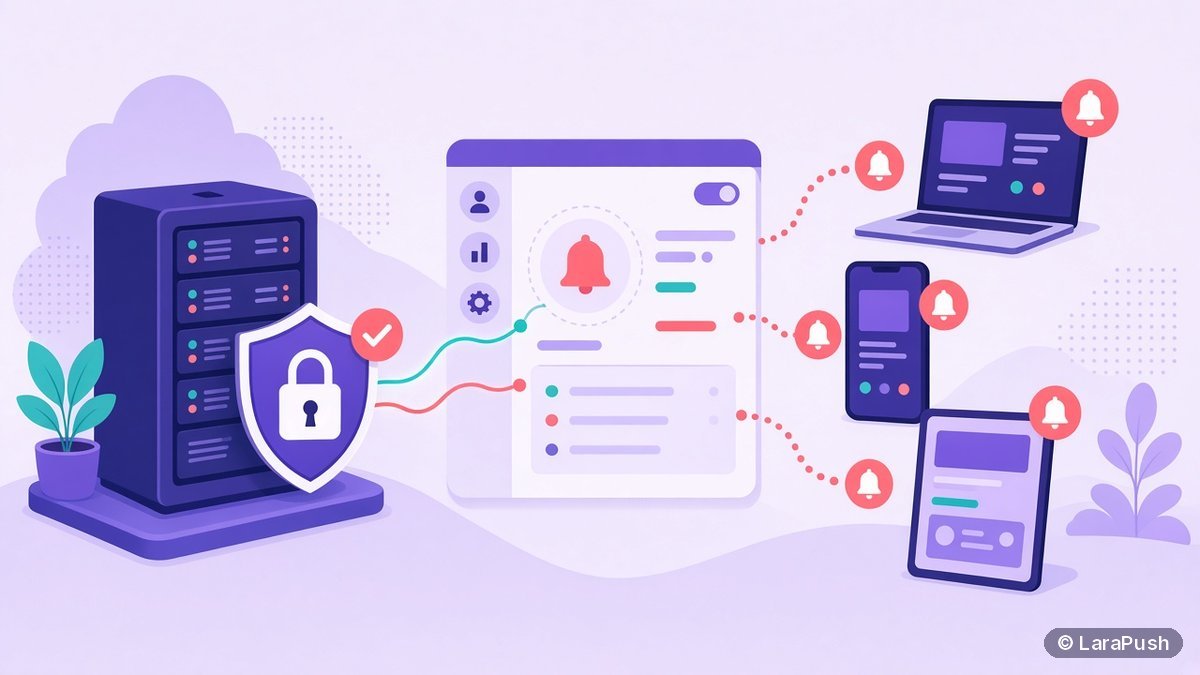

Self-hosted push notification software is a web push panel you install and run on your own server instead of renting it as SaaS. Your server stores the subscriber list and VAPID keys, builds the campaigns and hands each message to the browser’s push service for delivery. You own the data and pay for hosting, not per subscriber.
- Self-hosted push still delivers through browser push services such as Firebase Cloud Messaging (FCM), Mozilla’s push service and Apple’s push service.
- The standards behind it are open: the W3C Push API, IETF RFC 8030 (Web Push) and RFC 8292 (VAPID).
- You need a server, a domain with HTTPS and someone who can look after updates and backups.
- Pricing is usually a licence (or free for open source) plus your hosting bill.
I like self-hosted software for the same reason many developers do: I can see where my data sits. That said, “self-hosted” gets used loosely in push marketing. This guide explains what self hosted push notification software actually is, what runs where, and what you take on when you choose it.
What is self-hosted push notification software?
Self-hosted push notification software is an application you install on a server you control, usually a virtual private server (VPS). It gives you the same dashboard a hosted service gives you: opt-in prompts, a subscriber list, segments, campaigns and reports. The difference is who runs it. With SaaS, the vendor runs the servers. With a self-hosted panel, you do.
In other words, the software is the same kind of product. Only the operating model changes. You get a copy of the application, and you decide where it lives, who can reach it and how long data stays.
How does self-hosted web push actually work?
Self-hosted web push works in four steps, and only the last one leaves your server. The flow follows the standard Push API, which every major browser implements (MDN Push API).
- Register a service worker: your website loads a small JavaScript file and a service worker from your domain.
- Ask for permission: the visitor accepts the browser’s notification prompt.
- Store the subscription: the browser returns a push subscription (an endpoint URL plus keys), and your panel saves it in its own database.
- Send the message: your panel signs the message with its VAPID key, encrypts it and posts it to the endpoint. The browser’s push service then delivers it.
That last step is important. Even a fully self-hosted setup relies on the push service the browser chooses. Chrome uses Firebase Cloud Messaging, Firefox uses Mozilla’s push service and Safari uses Apple’s. The protocol for that hand-off is defined in RFC 8030, and the server identity is set by VAPID (RFC 8292). So you own the list and the sending logic, but nobody “self-hosts” the final delivery hop.
For a plain-English refresher on the moving parts, see our guide to how push notifications work.
What do you own with a self-hosted push panel?
With a self-hosted push panel you own three things a SaaS customer usually rents: the subscriber database, the VAPID keys and the sending schedule. Those three decide whether you can keep your audience if you change tools later.
| Asset | Self-hosted panel | SaaS push service |
|---|---|---|
| Subscriber records (endpoints and keys) | In your own database | On the vendor’s servers |
| VAPID key pair | Generated and kept by you | Usually held by the vendor |
| Sending limits | Set by your server and the push services | Set by your plan |
| Pricing basis | Licence or free, plus hosting | Usually by subscribers or users |
| Uptime and updates | Your job (or your host’s) | The vendor’s job |
The VAPID key point deserves a sentence of its own. A push subscription is tied to the application server key that created it (RFC 8292). If a vendor holds that key and won’t hand it over, moving providers can mean asking visitors to subscribe again. Holding the key yourself removes that risk.
What do you have to run yourself?
You have to run the server, keep it patched and back it up. That’s the honest price of self-hosting, and it’s why some teams still prefer SaaS. Here’s the usual checklist:
- A Linux VPS with enough RAM and CPU for the panel and its database.
- A domain or subdomain pointing at the server, with a valid HTTPS certificate.
- A Firebase project or other push credentials, if the software uses FCM for sending.
- Regular updates to the operating system, the panel and its dependencies.
- Backups of the database, because the subscriber list lives there and nowhere else.
- Basic monitoring, so you notice if the queue stops or the disk fills up.
None of this is exotic. However, it does need an owner. If nobody on the team is comfortable with SSH and a server dashboard, budget for managed hosting or a technical freelancer. We broke the running costs down in what a push notification server costs.
How much does self-hosted push notification software cost?
Self-hosted push notification software costs a licence fee (or nothing, for open source) plus your server bill. It doesn’t charge per subscriber, so the cost stays flat as the list grows. That’s the main financial difference from SaaS.
| Cost item | Open-source tool | Paid self-hosted panel | SaaS push service |
|---|---|---|---|
| Software | $0 | One-time or yearly licence | Monthly or yearly plan |
| Server | Your VPS | Your VPS | Included |
| Setup | Your time | Often included by the vendor | Minutes |
| Grows with subscribers? | Only server size | Only server size | Usually yes |
For context, OneSignal’s Growth plan was $19 a month plus $0.004 per web push subscriber when we checked on Oct 27, 2026 (OneSignal pricing). A paid self-hosted panel replaces that usage line with a fixed licence. Our explainer on push notification pricing models walks through each model with dated prices.
What are the pros and cons of self-hosting push?
Self-hosting wins on data control and flat costs, and it loses on convenience. So the right answer depends on your list size and your team.
Advantages
- Subscriber data stays on infrastructure you choose.
- No per-subscriber billing, so a list of 500,000 costs the same licence as a list of 5,000.
- You hold the VAPID keys, which makes future moves less painful.
- No vendor can add sponsored messages to your notifications.
Disadvantages
- You’re responsible for uptime, security patches and backups.
- Setup takes longer than pasting a SaaS snippet.
- Support depends on the vendor’s plan, or on the community for open source.
- Very large sends may need a bigger server or queue tuning.
Who should use self-hosted push notification software?
Self-hosted push suits sites that expect large lists, run several domains or care about where data is stored. Typical examples are news publishers, content networks, agencies that manage many client sites, and stores that have outgrown subscriber-based pricing. On the other hand, a small blog with 2,000 subscribers will usually be happier on a free hosted tier. If you’re still deciding which kind of tool fits, our guide to the types of push notification services compares all four.
Where does LaraPush fit?
LaraPush is a self-hosted web push notification panel built with Laravel, PHP and MySQL, and it delivers through Firebase Cloud Messaging. You install it on your own VPS; per its llms.txt, an Ubuntu 24.04 server with 1 GB RAM and 1 vCPU is enough to start. Installation is free.
It’s sold as a one-time purchase from $499 (Startup) or $799 (Pro), excluding tax; check LaraPush pricing for the current price. The perpetual licence covers the version you buy on one server, with unlimited domains and subscribers on that server. The trade-offs are real: there’s no free plan, you run the server, and major version upgrades are a separate, optional purchase. The feature list and setup guide show what’s included.
Frequently asked questions
Some of it is. Open-source projects cost nothing to download, but you still pay for a server and your own time. Paid self-hosted panels charge a licence, often one-time, and include features and support that open-source tools may lack. Neither charges per subscriber.
Yes. Web push always hands the final delivery to the push service the browser uses. Chrome uses Firebase Cloud Messaging, Firefox uses Mozilla’s push service and Safari uses Apple’s. Your server stores subscribers and sends messages, but the browser vendor delivers them.
Yes, on iOS and iPadOS 16.4 or later, once the visitor adds your site to the Home Screen and allows notifications. That rule comes from Apple and WebKit, so it applies to self-hosted and SaaS tools alike.
Most panels need a Linux VPS, a domain or subdomain with HTTPS, and a database. LaraPush, for example, says an Ubuntu 24.04 VPS with 1 GB RAM and 1 vCPU is enough to start. Larger lists may need more resources.
Sometimes. Push subscriptions are tied to the VAPID key and service worker used when visitors subscribed, so a move depends on what your current provider lets you export. LaraPush offers a Migration Add-on for moving subscribers from other providers; contact the team for details.