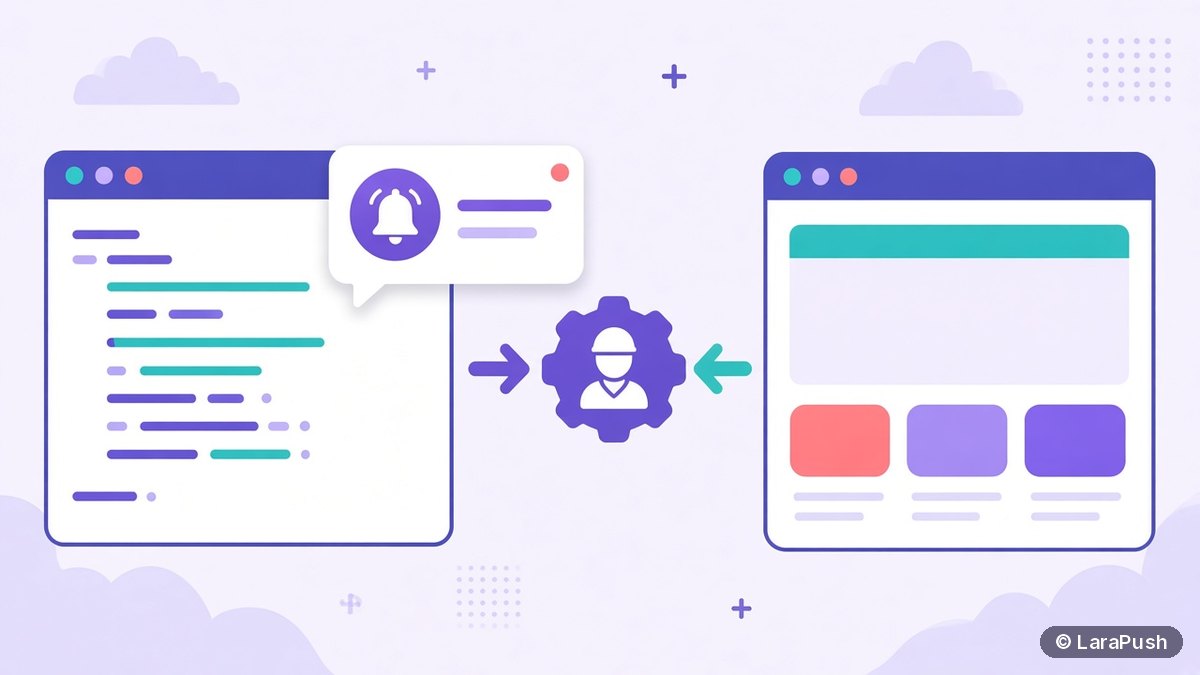

To send web push notifications from PHP or Laravel, generate VAPID keys, register a service worker, save each browser’s push subscription, then send encrypted messages with a library. In plain PHP, use minishlink/web-push (PHP 8.2+). In Laravel, use the laravel-notification-channels/webpush package, which adds a WebPush notification channel and an artisan command for keys.
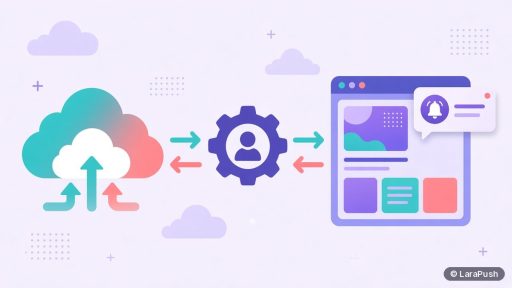
Web push from your own backend is very doable, because the protocol is an open standard. The browser vendor’s push service, such as Firebase Cloud Messaging (FCM) for Chrome, does the delivery. Your PHP code only needs to encrypt the payload and sign the request with VAPID. Below I cover both routes, plain PHP and Laravel, with the minimum code you need. This is about website (browser) push; for native Android apps, see how to send push notifications in Android from a Laravel backend.
What do you need to send web push notifications from PHP?
You need five things to send web push from PHP: HTTPS, a VAPID key pair, a service worker, a database table for subscriptions and a sending library. Here’s the full list with requirements.
| Requirement | Purpose | Notes |
|---|---|---|
| HTTPS site | Service workers only run in secure contexts | localhost works for testing |
| VAPID key pair | Identifies your server to push services | Generate once and keep the private key secret |
| Service worker (sw.js) | Receives pushes and shows notifications | Serve it from your site root |
| Subscriptions table | Stores each browser’s endpoint and keys | One row per browser subscription |
| PHP library | Encrypts and sends messages | minishlink/web-push needs PHP 8.2+ with curl, mbstring and openssl |
The library requirements come from the web-push-php README, which also lists older versions for older PHP releases. If VAPID is new to you, read what are VAPID keys and do you need them first.
How do you send web push notifications from plain PHP?
You send web push from plain PHP in four steps: install the library, create keys, collect subscriptions and send. The code below is the minimum version.
Step 1: Install the library and create VAPID keys
Install the library with Composer, then generate a key pair once and store it in your environment variables.
composer require minishlink/web-push

<?php
require __DIR__ . '/vendor/autoload.php';
use Minishlink\WebPush\VAPID;
print_r(VAPID::createVapidKeys()); // save publicKey and privateKey
Step 2: Add a service worker
The service worker listens for the push event and shows the notification. Save this as sw.js in your site root.
self.addEventListener('push', (event) => {
  const data = event.data ? event.data.json() : {};
  event.waitUntil(self.registration.showNotification(data.title || 'Update', {
    body: data.body, icon: data.icon, data: { url: data.url }
  }));
});
self.addEventListener('notificationclick', (event) => {
  event.notification.close();
  event.waitUntil(clients.openWindow(event.notification.data.url || '/'));
});
Step 3: Subscribe the browser and save the subscription
On your page, register the worker, ask for permission after a user action, and post the subscription to your server. The applicationServerKey is your VAPID public key converted to a Uint8Array.
const reg = await navigator.serviceWorker.register('/sw.js');
const sub = await reg.pushManager.subscribe({
  userVisibleOnly: true,
  applicationServerKey: urlBase64ToUint8Array(VAPID_PUBLIC_KEY)
});
await fetch('/save-subscription.php', {
  method: 'POST',
  headers: { 'Content-Type': 'application/json' },
  body: JSON.stringify(sub.toJSON())
});
On the server, save the JSON exactly as received. It contains the endpoint plus the p256dh and auth keys. MDN documents this flow in its Push API guide.
Step 4: Send the notification
Load the saved subscriptions, queue one message per subscription and flush. Then delete subscriptions the push service reports as expired.
<?php
require __DIR__ . '/vendor/autoload.php';
use Minishlink\WebPush\WebPush;
use Minishlink\WebPush\Subscription;

$webPush = new WebPush(['VAPID' => [
    'subject'    => 'mailto:[email protected]',
    'publicKey'  => getenv('VAPID_PUBLIC_KEY'),
    'privateKey' => getenv('VAPID_PRIVATE_KEY'),
]]);

$payload = json_encode([
    'title' => 'New post published',
    'body'  => 'How to send web push from PHP',
    'url'   => 'https://example.com/new-post/',
]);

foreach ($rows as $row) { // rows from your subscriptions table
    $webPush->queueNotification(Subscription::create(json_decode($row['json'], true)), $payload);
}

foreach ($webPush->flush() as $report) {
    if (!$report->isSuccess() && $report->isSubscriptionExpired()) {
        // delete the row whose endpoint is $report->getEndpoint()
    }
}
How do you send web push notifications from Laravel?
You send web push from Laravel with the laravel-notification-channels/webpush package, which wraps the same PHP library in Laravel’s notification system. According to its README, the current release supports Laravel 12 and Laravel 13.13 or later.
- Install the package with composer require laravel-notification-channels/webpush.
- Add the HasPushSubscriptions trait to your User model.
- Publish and run the package migration, which creates the push subscriptions table.
- Run php artisan webpush:vapid to write VAPID_PUBLIC_KEY and VAPID_PRIVATE_KEY to your .env file.
- Set VAPID_SUBJECT to a mailto: address or your https URL, because the README warns Apple rejects requests without a valid subject.
- Save each browser’s subscription with $user->updatePushSubscription($endpoint, $key, $token).
- Create a notification class that uses the WebPush channel, then call $user->notify().
Here is a minimal notification class:
use Illuminate\Notifications\Notification;
use NotificationChannels\WebPush\WebPushChannel;
use NotificationChannels\WebPush\WebPushMessage;

class PostPublished extends Notification
{
    public function via($notifiable)
    {
        return [WebPushChannel::class];
    }

    public function toWebPush($notifiable, $notification)
    {
        return (new WebPushMessage)
            ->title('New post published')
            ->body('How to send web push from Laravel')
            ->icon('/icon.png')
            ->data(['url' => 'https://example.com/new-post/'])
            ->options(['TTL' => 3600]);
    }
}
Because it’s a normal Laravel notification, you can queue it, so large sends don’t block a web request.
How do you send to many subscribers without problems?
You send to many subscribers safely by queuing the work, batching sends and cleaning dead subscriptions. A loop over 100,000 rows inside a web request will time out, so move sending into a queue worker or a scheduled command.
| Problem | Fix |
|---|---|
| Request times out | Send from a queue job or artisan command, not a controller |
| Same message sent twice | Mark each campaign as sent before you start, and don’t retry blindly |
| Growing list of dead endpoints | Delete subscriptions reported as expired after each send |
| Messages arrive late or never | Set a sensible TTL and urgency for time-sensitive alerts |
| Payload rejected | Keep the JSON small; RFC 8030 only guarantees 4,096 bytes |
Do PHP web push notifications work on iPhone?
PHP web push works on iPhone and iPad running iOS or iPadOS 16.4 or later, but only after the visitor adds your site to the Home Screen as a web app, according to WebKit. You also need a web app manifest and a valid VAPID subject. Your PHP code stays the same, because Apple’s push service accepts standard web push requests.
Should you build it yourself or use a push panel?
You should build it yourself if you need a few transactional alerts inside your own app, and use a push panel if you need opt-in prompts, segments, scheduling and reports. The sending code above is short. The work around it, such as analytics, segment building and subscriber cleanup at scale, is where the time goes. For the API side of that decision, see push notification software with an API: what developers should look for.
Where does LaraPush fit for PHP and Laravel developers?
LaraPush is a self-hosted push panel built with Laravel, PHP and MySQL, and it delivers through Firebase Cloud Messaging. You install it on your own VPS, and it gives you prompts, segmentation, scheduling, analytics and a REST API with no call limits, so your PHP or Laravel app can trigger sends with one HTTP request. The installation and integration steps are in the LaraPush guide.
The trade-offs: there’s no free plan, you run a VPS, and the licence covers one server. Prices start from $499 one-time; see LaraPush pricing. For other ready-made options, see the best push notification services and tools.
Frequently asked questions
Install minishlink/web-push with Composer, generate a VAPID key pair, register a service worker on your site and save each browser’s push subscription. Then create a WebPush object with your VAPID keys, queue a payload for each subscription and call flush() to send.
The laravel-notification-channels/webpush package adds a WebPush channel to Laravel notifications. It provides the HasPushSubscriptions trait, a migration for subscriptions and the php artisan webpush:vapid command. Its current release supports Laravel 12 and Laravel 13.13 or later.
No. With VAPID, your PHP code sends directly to each browser’s push service, which is FCM for Chrome but a different service for Firefox and Safari. You don’t need a Firebase project for browser push with a VAPID library, although some push panels use Firebase.
Common causes are a service worker not served from the site root, a missing or invalid VAPID subject, expired subscriptions, mismatched VAPID keys, or notification permission blocked in the browser. Check the report returned by flush() for each endpoint, because it includes the push service’s reason.
The current version needs PHP 8.2 or later with the curl, mbstring and openssl extensions. The bcmath or gmp extension is optional but improves performance. Older library versions support older PHP releases, as listed in the project’s README.