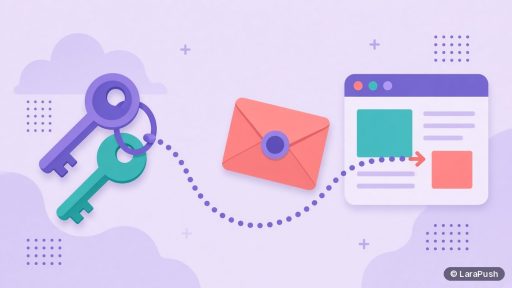
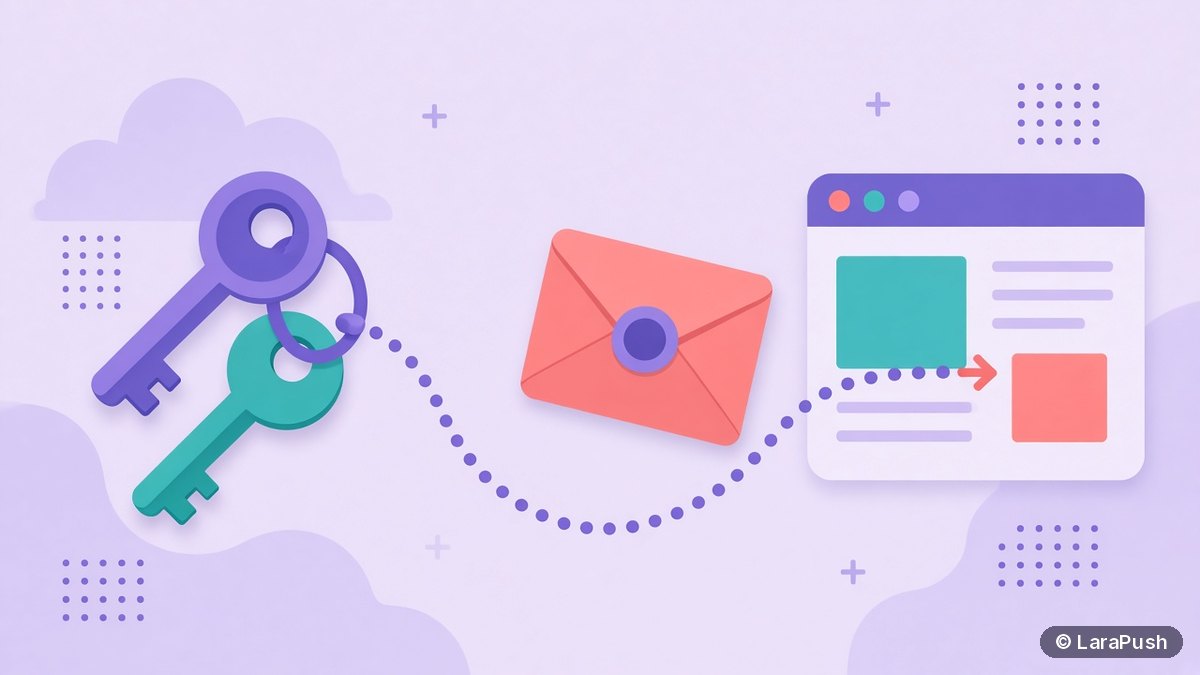

VAPID keys are a public and private key pair that identifies your server to browser push services. You pass the public key when a visitor subscribes, then sign every push message with the private key. Yes, you need them: Chrome and Edge require one for web push, and messages signed with the wrong key are rejected.
VAPID keys sound obscure, but they decide something important: who can send notifications to your subscribers. As a tech geek, I like this part of web push because it explains a lot of “why can’t I just move my subscribers?” questions. In this post I cover what VAPID keys are, how they work, how to create them, and why owning them matters. The technical details come from RFC 8292, the IETF standard that defines VAPID, and MDN’s PushManager docs.
What are VAPID keys in web push?
VAPID keys are an ECDSA key pair on the P-256 curve used by the Voluntary Application Server Identification (VAPID) standard. VAPID lets your application server prove its identity to a push service, such as Firebase Cloud Messaging (FCM) for Chrome or Mozilla’s push service for Firefox.
The pair has two halves with very different jobs:
| Key | Where it lives | What it does |
|---|---|---|
| Public key | In your website’s JavaScript, given to the browser at subscribe time | Ties each new push subscription to your server |
| Private key | Only on your sending server, kept secret | Signs a short-lived token on every push message |
In plain terms, the public key is like a lock you hand out, and the private key is the only key that opens it.
How do VAPID keys work?
VAPID keys work in two steps: binding a subscription to your public key, then proving you hold the matching private key on every send.
- Subscribe: your page calls the Push API’s PushManager.subscribe() with your public key as applicationServerKey. The browser creates a push subscription restricted to that key.
- Store: your server saves the subscription, which includes the push service endpoint URL and encryption keys.
- Sign: when you send, your server creates a JSON Web Token (JWT) signed with the private key, using the ES256 algorithm.
- Send: the request goes to the push service with an Authorization header using the “vapid” scheme, containing the token and your public key.
- Verify: the push service checks the signature against the public key used at subscribe time. If it matches, the message is delivered.
RFC 8292 sets a few rules for that token. Its “exp” (expiry) claim can’t be more than 24 hours in the future. Its “aud” (audience) claim must match the push service’s origin. And it may include a “sub” claim with a mailto: or https: contact, so the push service can reach you if something goes wrong.
Do you need VAPID keys for web push?
Yes, for any modern web push setup you need VAPID keys. MDN notes that applicationServerKey is required in some browsers, including Chrome and Edge. Without it, the subscribe call fails there.
Safari follows the same standards. In its Meet Web Push post, WebKit says sites coded to the standards can reach Safari users, and you don’t need to join the Apple Developer Program to send web push. On iPhone and iPad, web push also needs iOS 16.4 or later and the site added to the Home Screen.
However, if you use a push service such as OneSignal or a self-hosted panel, it usually generates and manages the keys for you. You still have VAPID keys; you just don’t see them.
Are VAPID keys the same as the encryption keys?
No. VAPID keys authenticate your server, while separate keys encrypt the message content. MDN states plainly that the applicationServerKey “IS NOT the same ECDH key that you use to encrypt the data.”
Each push subscription comes with its own encryption keys, called p256dh and auth, created by the browser. Your server uses those to encrypt the payload so the push service can’t read it. So a complete send uses both: the subscription’s keys for encryption, and your VAPID private key for the signature.
How do you generate VAPID keys?
You generate VAPID keys once, with a library or a console, and then keep them for the life of your subscriber list. Here are three common ways:
| Method | How | Best for |
|---|---|---|
| Node.js web-push library | Run the generate-vapid-keys command of web-push | Developers building their own sender |
| Firebase console | Settings > General, Cloud Messaging tab, Web Push certificates, Generate Key Pair | Sites sending through FCM |
| Push platform or panel | Created automatically when you add a site | Most site owners |
The Firebase web client guide also lets you import an existing key pair instead of generating a new one. That’s useful when you move a project and want to keep existing subscriptions working.
What happens if you change or lose your VAPID keys?
If you change or lose your VAPID private key, you can’t send to existing subscribers anymore. RFC 8292 says a push service must reject messages to a restricted subscription when the key used to sign doesn’t match the one used at subscribe time. Rejections typically come back as 401 or 403 errors.
The standard is explicit about rotation. A server that replaces its signing key needs the browser to create a new subscription restricted to the new key. In practice, that means each subscriber’s browser has to resubscribe, usually silently on their next visit if notification permission is still granted.
So treat the private key like a database password:
- Back it up: store it with your other server secrets.
- Don’t rotate casually: changing it effectively restarts subscriptions.
- Keep it private: anyone with it, plus your subscription list, can send as you.
Who owns your VAPID keys when you use a push service?
With a hosted push service, the provider usually creates and holds the private key, not you. That’s convenient, but it’s also why moving providers is hard. Your subscriptions are bound to a key you may not be able to export.
That’s why I always check key ownership before choosing a tool. If you control the keys, you control your list. I explain the practical side of this in what happens to your subscribers when a push provider shuts down. For background on the whole delivery chain, see how push notifications work.
Where does LaraPush fit?
LaraPush is a self-hosted web push panel, so it runs on your own VPS with your own Firebase configuration. Setup involves adding your site and its Firebase config in the panel, as described in the LaraPush guide. The panel stores subscribers on your server, and delivery goes through FCM.
The trade-off is responsibility. You keep the server, backups and credentials safe, and the licence covers one server. Pricing starts from $499 one-time; see LaraPush pricing. If you’d rather build everything yourself with open-source libraries, I compare that route in open-source vs paid self-hosted push.
Frequently asked questions
VAPID keys are a public and private ECDSA P-256 key pair defined by RFC 8292. The public key goes to the browser when a visitor subscribes, and the private key signs each push message on your server. Push services use them to check that messages come from the server the subscriber signed up with.
Yes. The public key is meant to be shared and sits in your site’s JavaScript. The private key is the one to protect. Keep it only on your sending server, because anyone with the private key and your subscription list could send notifications as you.
Not directly. RFC 8292 says subscriptions are restricted to the key used when they were created, and a server that replaces its key must request new subscriptions. Browsers that still grant permission can usually resubscribe silently on the next visit, but people who don’t return are lost.
Safari uses the standard Push API, so the usual VAPID-based flow applies. WebKit says you don’t need to join the Apple Developer Program to send web push to Safari. On iPhone and iPad, users need iOS 16.4 or later and must add the site to the Home Screen.
The signed token, a JWT, must have an expiry no more than 24 hours after the time of the request, according to RFC 8292. Push libraries create a fresh token for you when sending. The key pair itself doesn’t expire and should be kept for the life of your list.