
To self-host web push notifications, you need a Linux VPS with a public IP, a domain or subdomain with HTTPS, a web server with PHP or Node.js, a database, a background queue worker and a cron scheduler. A small server is enough. LaraPush’s setup guide, for example, says Ubuntu 24.04 with 1 GB RAM and 1 vCPU is enough.
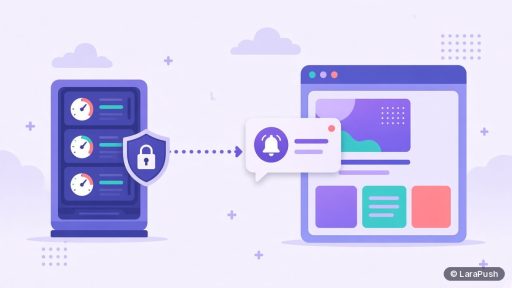
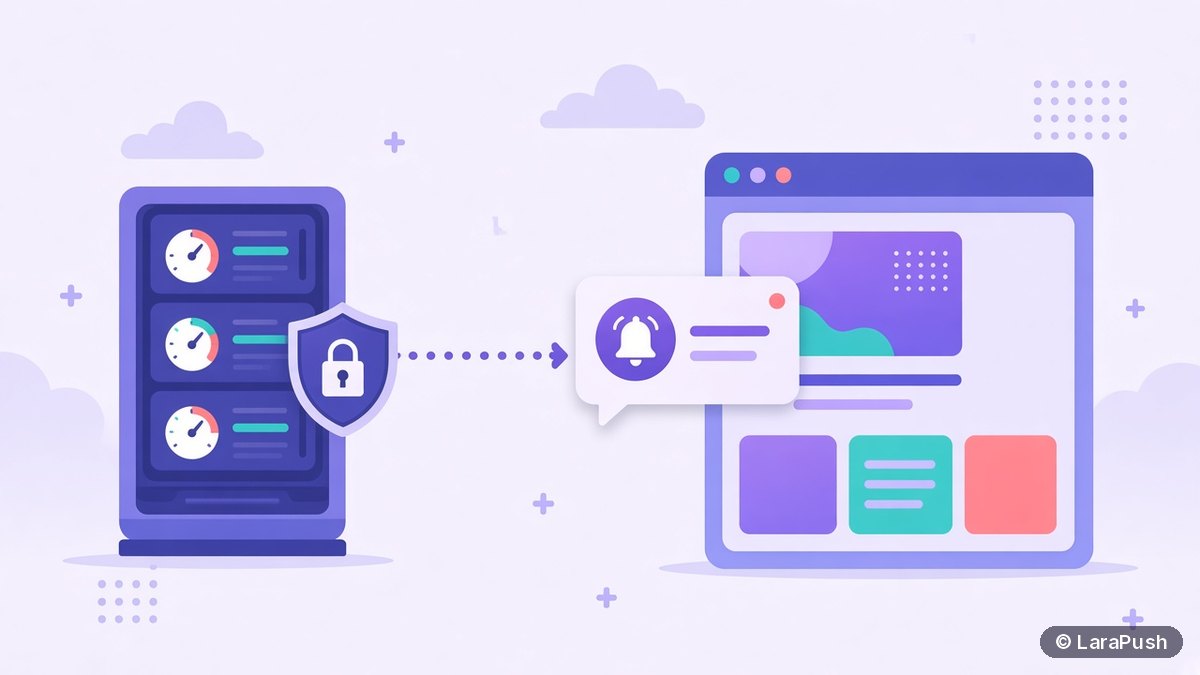
That short answer surprises people, because they picture push as heavy infrastructure. It isn’t. The browser vendors run the expensive part. Firebase Cloud Messaging (FCM), Mozilla’s push service and Apple’s push service hold the open connections to every device. Your server only stores subscriptions, builds each message and hands it to those push services over HTTPS. So when I size a self-hosted push server, I look at send bursts and database growth, not raw subscriber counts.
What does a self-hosted push server actually do?
A self-hosted push server does four jobs: it stores subscriptions, it queues and sends messages, it records clicks and it serves the panel you work in. Knowing these jobs tells you where the CPU, memory and disk go.
- Stores subscriptions. Each browser that allows notifications creates a push subscription: an endpoint URL plus encryption keys. Your database keeps one row per subscription, with details such as browser, country and subscribed URL for segmentation.
- Sends messages. For each campaign, a queue worker encrypts the payload and posts it to every endpoint, following the Web Push protocol in RFC 8030.
- Tracks results. Delivery responses and click events come back to your server, so it can show sent, delivered and clicked numbers.
- Serves the dashboard. You log in, write campaigns, build segments and read reports.
The push services, not your server, wake the device and display the alert. That’s why a modest VPS can handle a large list. For how the pieces connect end to end, see how push notifications work.
What are the minimum server requirements for self-hosted push?
The minimum requirements are a Linux VPS, a domain with HTTPS and the software stack your push panel is built on. Here’s the checklist I use.
| Requirement | Why you need it | Typical choice |
|---|---|---|
| Linux VPS with root access | Runs the panel, database and workers | Ubuntu LTS on DigitalOcean, Vultr, Linode, Hostinger or AWS Lightsail |
| Domain or subdomain | Gives the panel a stable address | An A record such as push.example.com |
| HTTPS certificate | Push and service workers require secure contexts | Let’s Encrypt, renewed automatically |
| Web server and runtime | Serves the panel and API | Nginx or Apache with PHP, or Node.js |
| Database | Stores subscriptions, campaigns and stats | MySQL or MariaDB, PostgreSQL, or MongoDB |
| Queue worker | Sends large campaigns in the background | A supervised worker process |
| Cron scheduler | Runs scheduled and automated campaigns | System cron calling the app scheduler |
| Outbound HTTPS | Reaches FCM, Mozilla and Apple push services | Port 443 open for outgoing traffic |
Shared hosting usually fails this list. The usual blocker is the long-running queue worker, because most shared hosts kill background processes. A VPS gives you that control for a few dollars a month.
How much CPU and RAM does a push notification server need?
For most sites, 1 vCPU and 1 to 2 GB of RAM is a sensible starting size for a push server. You scale up when campaigns take too long to send or the database outgrows memory, not on a fixed subscriber number.
Three things drive load:
- Send bursts. A campaign to every subscriber creates one HTTPS request per subscription. More CPU and more queue workers shorten the time it takes to send.
- Database size. Subscription rows, campaign logs and click events grow every day. More RAM lets the database keep hot data in memory, so segments and reports load faster.
- Click traffic. When a big campaign lands, many subscribers click within minutes. Your tracking endpoint takes that spike, so give the web server some headroom.
I’d rather start small and watch the numbers than buy a large server on day one. Most VPS providers let you resize in a few minutes. In short, the right size is the one where your biggest campaign finishes sending quickly enough for your content. A breaking-news site needs faster sends than a weekly blog.
What software stack runs a self-hosted push panel?
The stack depends on the panel you choose, but most use a standard web stack plus a queue. Here’s how the common options compare at a high level.
| Panel type | Usual stack | What you maintain |
|---|---|---|
| LaraPush (commercial, self-hosted) | Laravel, PHP, MySQL, delivery through FCM | Server and OS updates; install is done for you |
| Open-source panels | Varies by project: PHP, Node.js or Go with MySQL, PostgreSQL or MongoDB | Install, upgrades, security patches and fixes |
| Your own code | Any language with a Web Push library | Everything, including the dashboard and stats |
If you’re still choosing between these, my comparison of open-source vs paid self-hosted push covers the trade-offs, and the best self-hosted push notification software roundup lists specific tools.
Do you need Firebase or VAPID keys on your server?
Yes, you need credentials that let your server talk to push services. Standard web push uses a VAPID key pair, defined in RFC 8292, to identify your server. Some panels, including LaraPush, deliver through Firebase Cloud Messaging and use a Firebase project configuration instead.
Either way, the private key stays on your server and the public key goes into your site’s JavaScript. Keep them stable. If you change the keys, existing subscriptions created with the old keys stop working. For a plain-English explanation, read what VAPID keys are and whether you need them.
What else does a production push server need?
A production push server also needs backups, monitoring, security updates and a firewall. These are what separate a weekend test from a setup you can trust with your subscriber list.
- Backups. Back up the database daily and store a copy off the server. Your subscriber list is the asset you’re self-hosting to protect.
- Monitoring. Watch disk space, queue length and failed jobs. A full disk or a stopped worker will quietly halt sending.
- Updates. Apply OS and runtime security patches on a schedule.
- Firewall. Allow only SSH, HTTP and HTTPS inbound, and use SSH keys instead of passwords.
- Clean-up. Remove expired subscriptions when push services return 404 or 410 responses, so you don’t keep sending to dead endpoints.
How much does it cost to run a push notification server?
The running cost is mostly the VPS, which typically starts at a few dollars a month for a 1 GB plan. Add your domain, and the panel licence if you use a commercial one. For a full breakdown, see what a push notification server costs.
Where does LaraPush fit?
LaraPush is a self-hosted push panel built on Laravel, PHP and MySQL, and its docs say an Ubuntu 24.04 VPS with 1 GB RAM and 1 vCPU is enough. You point a subdomain at the server, and installation from the customer portal is free. The panel includes server stats and queue monitoring.
The trade-offs are real, though. You run and pay for the VPS yourself, a licence covers one server, and there’s no free plan. Plans and current prices are on the LaraPush pricing page, the full feature list is on the features page, and setup steps are in the LaraPush guide. For the wider market, see the best push notification services and tools.
Frequently asked questions
You need a Linux VPS with root access, a domain or subdomain with HTTPS, a web server with the panel’s runtime (such as PHP or Node.js), a database, a queue worker and a cron scheduler. A 1 vCPU, 1 GB RAM VPS is a common starting size for self-hosted push.
Usually not. Self-hosted push needs a long-running queue worker to send campaigns in the background, and most shared hosts stop background processes. Many also limit cron jobs and outbound requests. A small VPS is cheap and gives you the control a push panel needs.
Not directly. Push services such as Firebase Cloud Messaging hold the device connections, so your server only sends one request per subscription. Larger lists mainly make campaigns take longer to send and grow the database. Upgrade CPU or RAM when sends are too slow for your content.
Yes. Browsers only allow service workers and the Push API in secure contexts, so your website must run on HTTPS. Your push panel should also use HTTPS, and a free Let’s Encrypt certificate with automatic renewal is enough.
Existing subscriptions stay valid in the browsers, but you can’t send campaigns or record clicks until the server is back. That’s why daily off-server database backups and basic monitoring of disk space and queues matter for a self-hosted setup.