
To notify your audience automatically when you upload a YouTube video, connect your channel’s upload feed to a web push tool that sends a notification for each new video. YouTube publishes each channel’s uploads as a feed and PubSubHubbub alerts, so a push panel or script can detect uploads and push the link to your subscribers.
I like this setup because it reaches people who would never see YouTube’s own bell notifications. Your website visitors already said yes to your alerts, so a new video becomes one more reason for them to come back.
Quick facts:
- Every channel has a public uploads feed at `https://www.youtube.com/feeds/videos.xml?channel_id=YOUR_CHANNEL_ID`.
- YouTube can push upload alerts to a callback URL through PubSubHubbub (YouTube Data API docs).
- Web push reaches subscribers through their browser, even when your site is closed (MDN Push API).
- YouTube’s own bell only alerts YouTube users who chose “All” notifications for your channel.
How do I notify my audience when I upload a YouTube video?
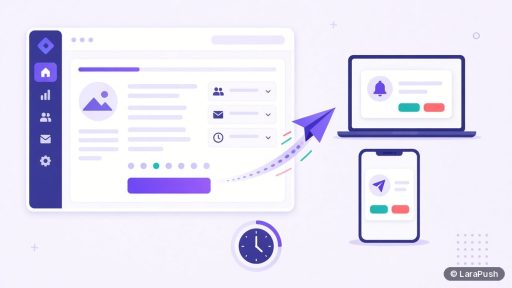
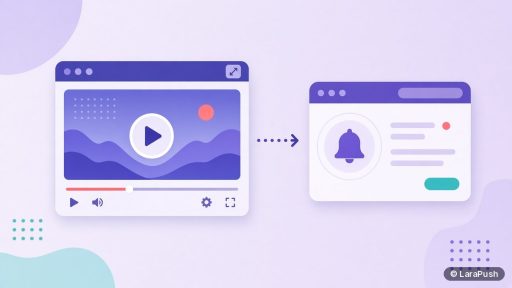
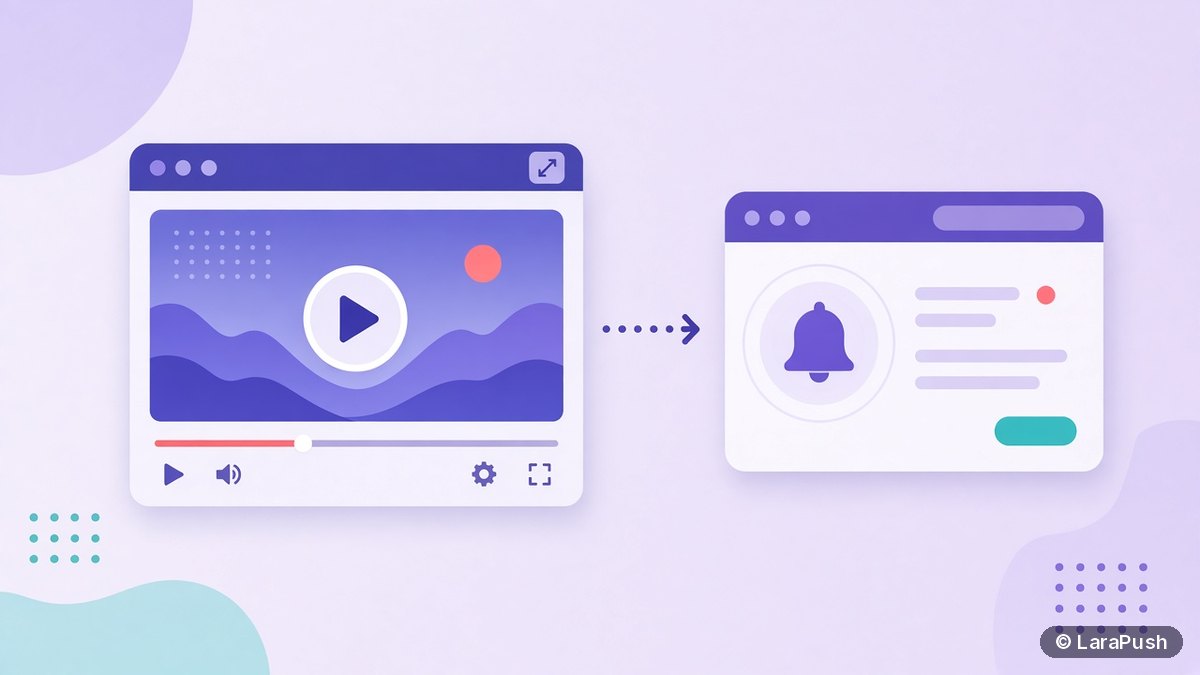
You notify them by linking a “new video” trigger to a “send notification” action. The trigger watches your channel, and the action sends a web push with the video title, thumbnail and link. You can build that with a push panel that has YouTube auto-push, a no-code automation tool, or a short script on your own server.
Whichever route you pick, the flow is the same. Detect the upload, fetch the video details, then send one push to the right segment.
Why not rely on YouTube’s bell notifications?
YouTube’s bell is useful, but you don’t control it. Viewers must subscribe, click the bell and pick “All” to get every upload alert, according to YouTube Help. Even then, YouTube decides how notifications are batched and shown.
Web push to your own website subscribers is different. You own the list, you choose the timing, and the click can go to your site (with the video embedded) or straight to YouTube. That makes it a good companion channel, not a replacement.
What are the ways to automate YouTube upload notifications?
There are three practical routes, and they differ mainly in effort and control:
| Route | How it detects uploads | Effort | Best for |
|---|---|---|---|
| Push panel with YouTube auto-push | Built-in channel watcher | Low | Creators who want it hands-off |
| No-code automation (feed or YouTube trigger) | Polls the channel feed | Low to medium | Sites already using an automation tool |
| Custom script | PubSubHubbub callback or feed polling | Medium to high | Developers who want full control |
| Manual campaign | You paste the video URL | Low per video | Occasional uploads |
For most creators, the first option is simplest. Developers often like the third because it’s free to run on an existing server.
How do I set it up step by step?
Here is the general process I’d follow, whichever tool you use:
- Collect web push subscribers on your website first, with a prompt that mentions new videos.
- Find your channel ID in YouTube Studio settings or your channel’s page source.
- Connect the channel to your push tool, or point your script at the uploads feed.
- Choose a notification template: video title as the headline, a short line as the body, the thumbnail as the image.
- Pick the audience, either all subscribers or a segment interested in video.
- Send a test to yourself, then upload a video and confirm the push arrives.
- Check clicks after a week and adjust timing or wording.
If you also publish a blog post for each video, avoid sending two pushes for one piece of content. Pick one trigger. See how to send push notifications when a WordPress post is published for the blog side.
How does the PubSubHubbub method work for developers?
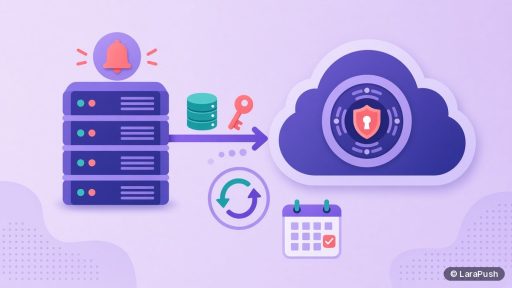
PubSubHubbub (now WebSub) lets YouTube call your server when a channel uploads, so you don’t have to poll. You subscribe a callback URL to the topic `https://www.youtube.com/xml/feeds/videos.xml?channel_id=CHANNEL_ID` at the hub `https://pubsubhubbub.appspot.com/`, as described in the YouTube Data API guide.
After that, YouTube posts an Atom entry to your callback for new videos and some updates. Your code should:
- Verify the subscription challenge the hub sends.
- Parse the video ID and title from the Atom entry.
- Ignore repeat notifications for the same video ID, because edits can trigger updates.
- Renew the subscription before its lease expires.
- Hand the details to your push sender.
If you send web push from your own code, the guide to sending web push from PHP and Laravel covers the sending part.
What should a YouTube upload notification say?
Keep it to the video’s promise in a few words. A strong pattern is the video title as the headline, a 6 to 12 word body that adds context, and the thumbnail as the large image. For example: “New video: Fixing slow WordPress sites” with “A 12-minute walkthrough of the five checks I run first.”
Tips that help:
- Lead with the topic, not “New upload!”.
- Use the real thumbnail so it matches what they’ll see.
- Don’t send more pushes than you upload videos.
- Respect quiet hours for your main audience’s time zone.
For more copy patterns, see web push notification examples.
Should the push link to YouTube or to my website?
Link to wherever you want the view to count. Linking to YouTube gives the video direct views and engagement on the platform. Linking to a post on your site, with the video embedded, keeps visitors on your domain, where they can read related posts or buy something.
Many creators split it: tutorial videos link to a blog post with notes, while short announcements link straight to YouTube. Whatever you choose, keep it consistent so subscribers know what a click will do.
Where does LaraPush fit?
LaraPush, a self-hosted web push panel, includes YouTube auto-push in its Premium Add-on, which requires the Pro plan. It watches your channel and sends a push to your subscribers when you upload. Without the add-on, you can still paste a video URL into Quick Push, which fetches the title and image for you. The trade-offs: you run the panel on your own VPS, a licence covers one server, and there is no free plan. See YouTube links, pricing and features, or compare tools in best push notification tools for bloggers and the best push notification services and tools.
Frequently asked questions
Connect your channel’s upload feed to a web push tool. When a new video appears, the tool sends a push with the title, thumbnail and link to your website subscribers. You can use a push panel with YouTube auto-push, a no-code automation tool or a custom script.
Web push needs a website, because subscribers opt in through their browser on your domain. If you only have a YouTube channel, rely on YouTube’s bell notifications, or create a simple site or landing page to collect web push subscribers.
Yes. YouTube’s PubSubHubbub alerts and the public uploads feed are free. A developer can connect them to a web push sender on an existing server, though you still need hosting and some code.
With PubSubHubbub, YouTube usually calls your server shortly after the upload. Feed polling depends on how often the tool checks, which can range from minutes to an hour. Scheduled premieres may trigger when the video is published or goes live.
It can if you don’t filter by video ID, because YouTube may send updates when a title or description changes. Good tools and scripts remember which video IDs they have already pushed.