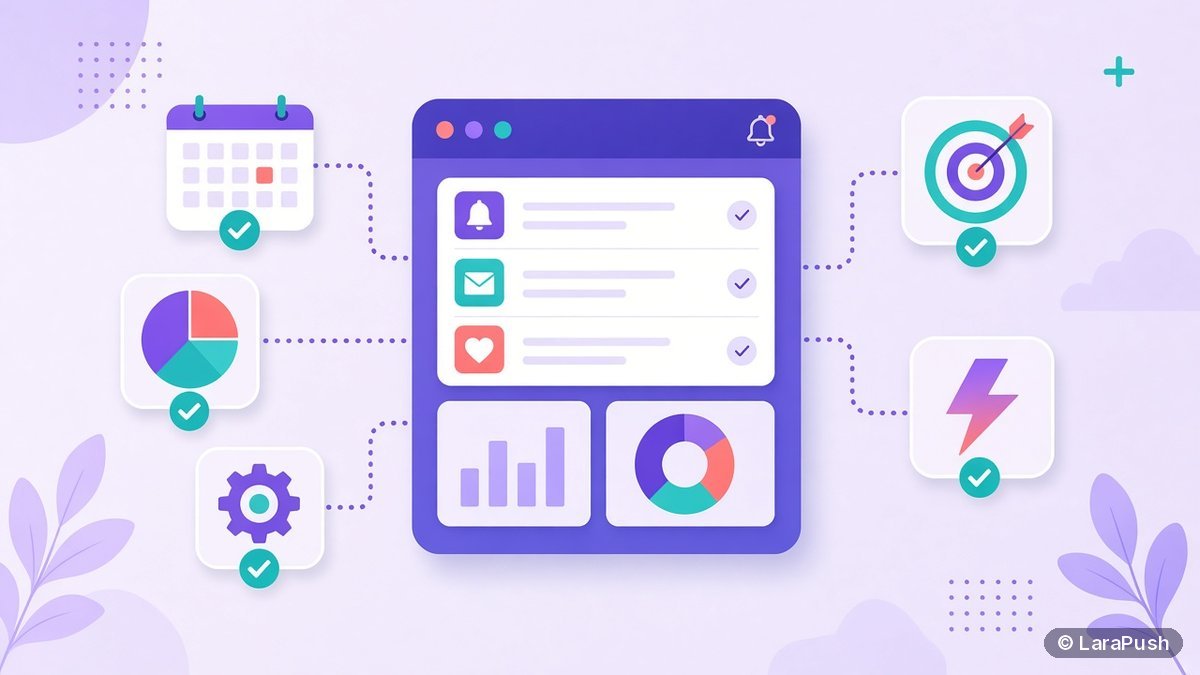

Push notification software features fall into five groups. Good software needs reach (all major browsers, including iOS 16.4+ web apps), flexible opt-in prompts, segmentation, automation and scheduling, and rich notification options such as images and buttons. It also needs reporting with UTM tracking, plus data control and subscriber export. Use the checklist below to compare any vendor.
Every vendor’s feature page claims “everything you need”, which makes comparison pages almost useless. So I built the checklist I actually use. It splits push notification software features into must-haves and nice-to-haves, explains why each one matters, and shows the plan tier where vendors often hide it. For vendor picks, see our guide to the best push notification services and tools.
What features should push notification software have?
Push notification software should have these must-have features, whatever your size:
- Cross-browser delivery: Chrome, Edge, Firefox, Opera and Safari, including Safari on iOS/iPadOS 16.4+ for Home Screen web apps (WebKit).
- Custom opt-in prompts: delayed, click- or scroll-triggered prompts and soft pre-prompts.
- Segmentation: by device, browser, location, page visited or custom attributes.
- Scheduling and time zones: send now, schedule, or send by the subscriber’s local time.
- Rich notifications: title, body, icon, large image and action buttons.
- Automation: welcome messages, RSS-to-push or post-publish push, and drip sequences.
- Reporting: sent, delivered where available, clicked, CTR, plus UTM parameters.
- Subscriber export and API access: so you own the list and can connect other systems.
Push notification software features checklist
Copy this table into a spreadsheet and tick each vendor. The “Often gated on” column shows where vendors commonly place a feature, based on the pricing pages I checked on Oct 27, 2026.
| Feature | Why it matters | Must-have? | Often gated on |
|---|---|---|---|
| iOS 16.4+ web push | Reaches iPhone and iPad users | Yes | Some free plans leave out Safari |
| Custom opt-in prompts | Higher opt-in, fewer blocks | Yes | Usually all plans |
| Segmentation | Relevant messages, fewer unsubscribes | Yes | Advanced filters on mid tiers |
| Scheduling and local time | Hits the right hour per region | Yes | Usually all plans |
| Rich media and action buttons | Higher clicks | Yes | Usually all plans |
| RSS or post-publish auto push | Saves editors time | For publishers | Varies |
| Drip and welcome sequences | Engages new subscribers | Nice-to-have | Mid or top tiers |
| Abandoned cart, price drop, back in stock | Recovers ecommerce revenue | For stores | Mid or top tiers |
| A/B testing | Improves copy over time | Nice-to-have | Mid tiers |
| Reporting and UTM tagging | Proves ROI in analytics | Yes | Deeper analytics on top tiers |
| Subscriber export | Avoids vendor lock-in | Yes | Sometimes paid only |
| REST API and webhooks | Connects your CMS or app | For developers | Sometimes top tier only |
| Multi-site management | Agencies and networks | For agencies | Site limits per plan |
| Data location and ownership | GDPR and client contracts | Yes | Vendor-dependent |
Which push notification features are must-haves?
The must-haves are the features you can’t add later without pain: cross-browser reach, a controllable opt-in, segmentation, reporting and subscriber export. The rest is nice to have, and you can upgrade into it.
Reach: browsers and iOS
Web push works through the W3C Push API and a service worker. Every serious tool covers Chrome and Firefox. Safari is the gap to check. For example, Gravitec’s free plan lists “No Safari browser” (pricing).
Opt-in prompt control
A prompt that fires the moment a page loads tends to be ignored or blocked. Google recommends asking in context, after the user shows intent (web.dev). So look for triggers by time, scroll depth or click.
Segmentation
Segments let you send a cricket score only to sports readers, or a sale only to past buyers. As a result, relevance goes up and unsubscribes go down. Our guide to push notification subscriber segmentation shows practical setups.
Reporting
You want per-campaign clicks and CTR inside the tool, plus UTM parameters so the visits show up in your analytics. Here’s how to track push notification visits in Google Analytics.
Subscriber export
Web push subscriptions are tied to the service worker and VAPID keys used at sign-up (RFC 8292). If you can’t export them, you can’t move them. PushAlert, for example, offers export on paid plans only (pricing).
Which push notification features matter for ecommerce?
Ecommerce sites need event-based automation: abandoned cart, price drop, back in stock and shipping updates. Check which plan includes them. PushAlert has abandoned cart on its $12 Basic plan and adds price-drop and back-in-stock alerts on Premium. PushEngage includes cart abandonment on its Growth plan (pricing).
Which push notification features matter for publishers?
Publishers need auto-push on publish or RSS, fast sends to large lists, topic segments and scheduling by time zone. Also keep notification copy short, since browsers truncate long text. See our notes on the character limits of push notifications. Multi-site management matters if you run a network.
Which features does LaraPush include?
LaraPush is a self-hosted web push panel. Based on its features page and pricing page:
- Startup ($499 one-time): segmentation, scheduling, CTA buttons and the REST API, with unlimited domains and subscribers on one server
- Pro ($799 one-time): everything in Startup, plus AutoMagic Push and automation such as drip campaigns
- Reach: iOS 16.4+ web push, plus a WordPress plugin with push-on-publish
- Data: self-hosted, so subscribers stay on your server and no ads are injected
What it doesn’t do: native iOS/Android app push, email or SMS. It also has no free plan. If you need those, a customer engagement platform is a better fit.
How do I use this checklist to compare vendors?
Use the checklist in three passes:
- Mark every row as must-have or skip for your site.
- For each shortlisted vendor, find the cheapest plan that ticks all your must-haves, and write down that plan’s price at your expected list size.
- Compare those prices, then put the vendors through our 12 questions to ask any vendor.
If you’re still deciding between a hosted service, a platform and an API, start with which kind of push tool you need.
Frequently asked questions
The must-have features are delivery to all major browsers including iOS 16.4+ web apps, custom opt-in prompts, segmentation, scheduling with time zones, rich notifications with images and buttons, campaign reports with UTM tracking, and subscriber export with API access.
No. Safari on iOS and iPadOS 16.4 or later supports web push only for sites added to the Home Screen, and some tools or free plans do not support Safari at all. Check each vendor’s browser list and iOS setup guide before you buy.
Ecommerce stores need event-based automation such as abandoned cart, price drop, back in stock and shipping updates, plus segments by purchase behaviour. These features are often on mid or top plans, so check which tier includes them.
Web push subscriptions are tied to the service worker and keys used when the visitor opted in. If the vendor does not let you export subscriber data, switching tools later means asking every subscriber to opt in again.
Yes. LaraPush Startup includes segmentation, scheduling, CTA buttons and a REST API. LaraPush Pro adds AutoMagic Push and drip campaigns. LaraPush is web push only and does not send native app push, email or SMS.