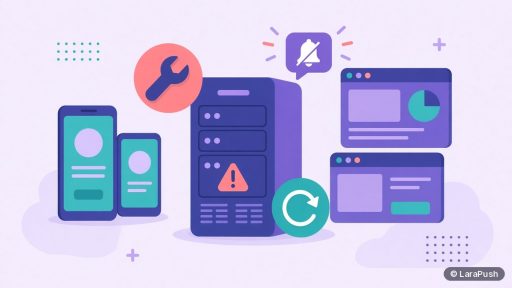

You usually can’t run self-hosted web push on shared hosting or cPanel, because a push panel needs a long-running queue worker, frequent scheduled tasks and full control over HTTPS and the web server. Most shared plans stop background processes and limit cron. A small Linux VPS is the practical minimum for self-hosted push notifications.
That is the short version. The longer version matters, because “can I just use my cPanel account?” is one of the first questions people ask me when they look at self-hosted push. Below I explain what breaks, what does work on shared hosting, and what to choose instead.
Why does self-hosted push need more than shared hosting?
Self-hosted push needs more than shared hosting because sending is a background job, not a page view. When you click send, the panel queues thousands of individual requests to browser push services, and a worker process works through that queue for minutes or hours.
A self-hosted push panel does four jobs at once:
- It serves the dashboard and the subscription script over HTTPS.
- It stores every subscription (endpoint and keys) in a database.
- It runs a queue worker that sends each message to the browser’s push service.
- It runs a scheduler for timed campaigns, automations and clean-up.
The first two fit on almost any host. The last two are where shared hosting struggles. Laravel’s own queue documentation describes `queue:work` as a long-lived process and recommends a process monitor such as Supervisor to keep it running. On a shared plan you normally can’t install Supervisor, and a process that runs for a long time is often killed.
What breaks on a typical cPanel plan?
On a typical cPanel plan, the queue worker and the scheduler break first. The dashboard may load fine, which is why people think it works, but campaigns stall or send only part of the list.
| Requirement | Why push needs it | Common shared-hosting limit |
|---|---|---|
| Long-running queue worker | Sends each notification in the background | Background processes are killed or not allowed |
| Cron every minute | Runs scheduled campaigns and automations | Minimum interval or number of jobs may be limited |
| Root or sudo access | Installs PHP extensions, Supervisor, Redis | Not available on shared plans |
| Control of HTTPS and web server | Service worker and push need a secure origin | Usually managed by the host, with limited config |
| Steady CPU and memory | Big sends are bursty | CPU and process limits per account |
cPanel does let you add cron jobs, but your host decides how often they may run and for how long. A cron that starts a worker every minute and lets the host kill it is not the same as a supervised worker. In short, you end up debugging the host instead of sending campaigns.
Is there any part of web push that works on shared hosting?
Yes. The website side of web push works on shared hosting. Your main site, whether it is WordPress, a static HTML site or Blogger, only has to load a small JavaScript snippet and serve a service worker file from its domain over HTTPS.
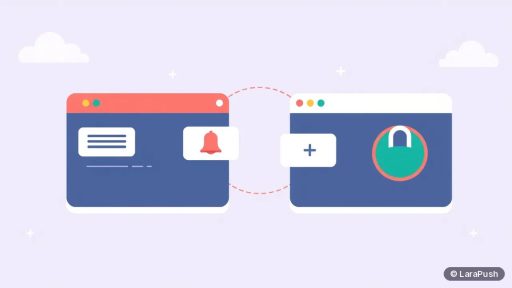
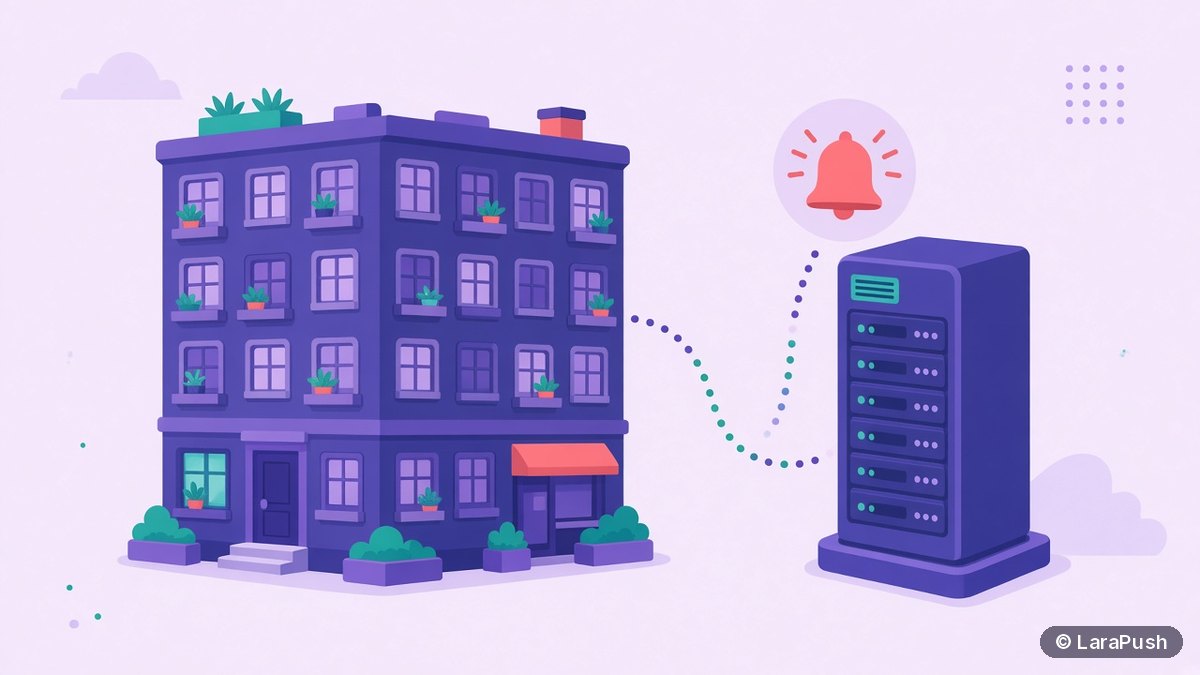
That is the key split. The website that collects subscribers can live anywhere. The panel that stores subscriptions and sends campaigns needs a server you control. So you can keep your blog on cPanel and run the push panel on a separate VPS, usually on a subdomain such as push.example.com.
For WordPress sites, the free Push Notifications by LaraPush plugin handles the site side. For other sites, I cover the snippet and service worker in how to add push notifications to a website.
What about managed WordPress or “cloud” hosting?
Managed WordPress hosting has the same problem as cPanel for the panel itself. It is tuned for PHP page requests and caching, not for a separate application with its own workers. So it’s fine for the website side, and a poor fit for the sending side.
“Cloud hosting” is a vague label. If the plan gives you a Linux server with root access, it is effectively a VPS and will work. If it is a shared environment with a nicer dashboard, the same limits apply. My test is simple: can you SSH in as root and install a process monitor? If not, don’t host the panel there.
What should you use instead of shared hosting?
Use a small Linux VPS for the panel. It gives you root access, a permanent worker and full cron, and it is still cheap. You don’t need a large machine for most sites.
LaraPush’s llms.txt says Ubuntu 24.04 with 1 GB RAM and 1 vCPU is enough, and lists DigitalOcean, Vultr, Linode, Hostinger and AWS Lightsail as working providers. I go through the full list in self-hosted push server requirements, and the next post in this series covers what to look for in a VPS.
A typical split setup
- Keep your main website on its current host, cPanel included.
- Create a small Ubuntu VPS for the push panel.
- Point a subdomain such as push.example.com at the VPS with an A record.
- Install the panel and add your website inside it.
- Add the subscription snippet or plugin to the main site.
That way, nothing about your existing hosting has to change. The panel and the website only talk over HTTPS.
Do you need a developer to move from cPanel to a VPS?
Not necessarily. If the panel offers an automated install, you mainly create the VPS, add a DNS record and paste a few settings. A manual stack needs someone comfortable with Linux, a web server, PHP and a database.
I wrote a separate answer on whether you need a developer for self-hosted web push. The honest summary: a VPS is less scary than it sounds, but someone should own it.
Where does LaraPush fit?
LaraPush is a self-hosted web push panel built on Laravel, PHP and MySQL, and it is designed for a VPS, not shared hosting. Installation from the customer portal is included, so you don’t have to configure the queue and scheduler yourself. Your website can stay on cPanel and use the WordPress plugin or JavaScript snippet.
The trade-offs are real: you pay for a VPS, the licence covers one server, and there is no free plan. Pricing starts from $499 one-time on the pricing page (check it for the current price). If you’re comparing tools first, my guide to the best push notification services is the place to start.
Frequently asked questions
It is not recommended. A push panel needs a supervised queue worker and frequent cron jobs, and most shared plans kill long-running processes and restrict cron. The dashboard may load, but campaigns can stall or send to only part of the list. A small VPS avoids those limits.
Yes. Your website only needs to load the subscription script and serve the service worker over HTTPS. The panel can run on a separate VPS on a subdomain such as push.example.com. This is the most common setup and needs no change to your current host.
Not reliably. A cron-started worker that the host stops after a short time can leave big campaigns half sent. Laravel recommends a process monitor such as Supervisor to keep queue:work running, and shared plans rarely let you install one. Use a VPS where you control the worker.
Small. LaraPush’s llms.txt says Ubuntu 24.04 with 1 GB RAM and 1 vCPU is enough, and it lists DigitalOcean, Vultr, Linode, Hostinger and AWS Lightsail as providers that work. Other self-hosted panels publish their own minimums, so check the docs for the tool you choose.
Yes. Service workers and the Push API only work in a secure context, so the site that collects subscribers must use HTTPS. Most shared hosts offer free certificates, so this part is rarely the blocker. The sending panel is what needs a VPS.