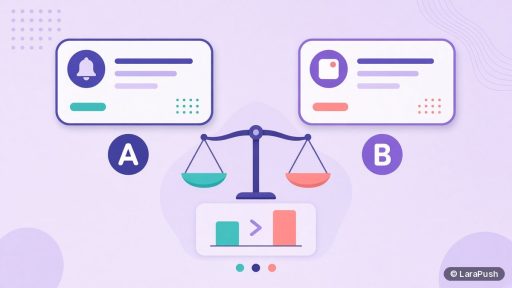
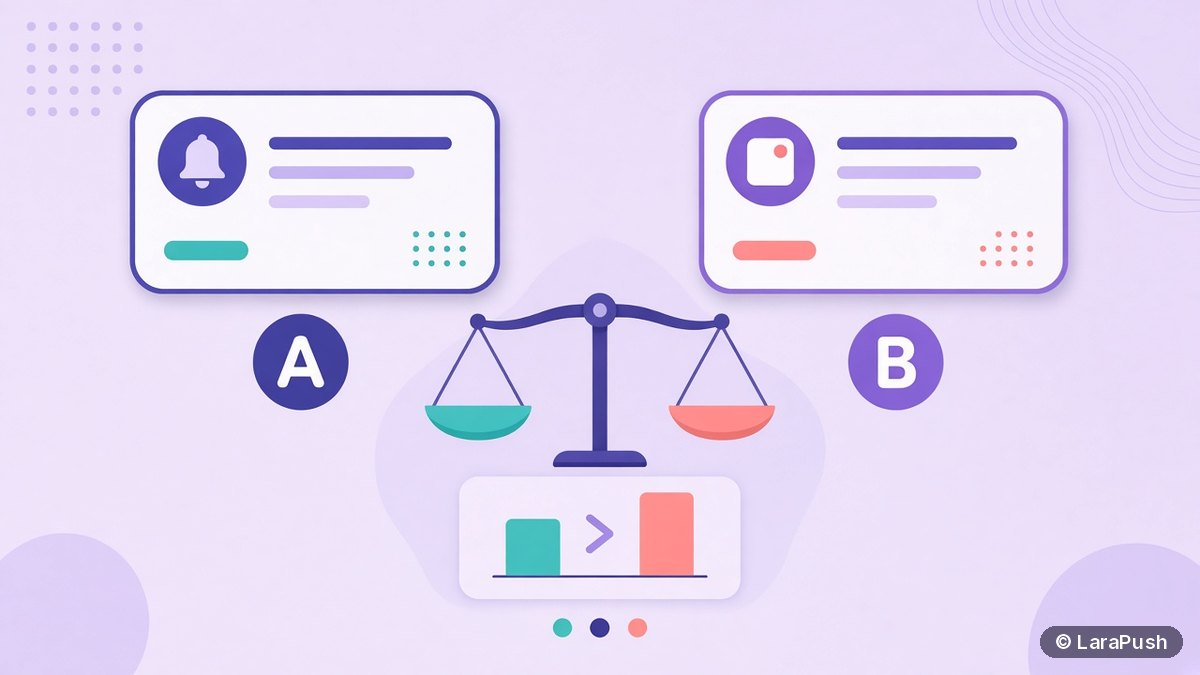

To A/B test push notification titles, send two title variants to comparable audience slices, keep every other field identical, measure CTR on delivered notifications, and keep the winner as your new control. Run one change at a time, give the test enough deliveries to matter, and watch unsubscribes so a louder title does not quietly burn the list.
Title tests are the highest-leverage experiment most push programs can run. Images, timing and segments matter too, but the title is what people see first on the lock screen or notification tray. Here’s the practical method I use.
Why should you A/B test push notification titles?
Because small wording changes move CTR more often than people expect, and guessing is expensive at scale. A clearer hook can lift clicks without increasing send volume — which also helps you stay on the right side of browser engagement expectations. Chrome can remove notification permission from sites that send a lot with very little interaction (Google Chromium announcement, 10 Oct 2025).
A/B testing also stops opinion wars. When two editors prefer different headlines, a controlled test decides with clicks and unsubscribes, not with who spoke last in Slack.
What should you test first in a push A/B test?
Start with the title. Then, if needed, test one other variable.
| Priority | Variable | Why start here |
|---|---|---|
| 1 | Title / headline | Highest visibility; easiest to isolate |
| 2 | Body / message text | Supports the title; test after title is stable |
| 3 | Image or icon | Helps on desktop and some mobile surfaces |
| 4 | Send time | Powerful, but needs day-of-week controls |
| 5 | CTA button label | Useful when you use action buttons |
| 6 | Audience segment | More of a targeting test than a creative test |
Do not change title, image and send time in the same experiment. You won’t know what worked.
How do you run an A/B test on push notification titles?
Follow a fixed checklist so results stay comparable.
- Pick one goal. Usually CTR on delivered. Add unsubscribe rate as a guardrail. Add conversions if every link is UTM-tagged.
- Write two titles only. Variant A is the control (your normal style). Variant B changes one idea: specificity, urgency, curiosity or proof.
- Split the audience fairly. Use random halves of the same segment, or sequential sends to similar-sized, similar-engagement cohorts. Avoid sending A to “active” and B to “everyone”.
- Keep everything else identical. Same body, image, URL, icon, buttons, TTL and send window.
- Send enough volume. Tiny lists produce noisy winners. If you have under a few thousand delivered per variant, treat results as directional and repeat the test.
- Measure on delivered. CTR = clicks ÷ delivered × 100 for each variant.
- Call a winner with a rule. Example: B wins if CTR is higher by a set relative margin and unsubscribe rate is not worse.
- Ship the winner as the new control. Log the learning so the next test builds on it.
For metric definitions, see push notification metrics. For tagging clicks into analytics, see how to track push visits in Google Analytics.
What does a good title variant look like?
Good variants change the promise, not just the adjectives.
- Specific vs vague: “India GDP data: 5 takeaways” vs “Big economy update”
- Outcome vs topic: “Cut cart abandonals with one alert” vs “Ecommerce push tips”
- News hook vs brand-first: Lead with the story, put the brand in the icon or body
- Question vs statement: Use sparingly; questions can lift curiosity or look clickbait
Avoid bait that the landing page cannot pay off. A high CTR with a bounce spike is a failed test even if the dashboard looks green.
MDN’s push best-practices guidance stresses that notifications should be useful and time-sensitive, with an easy way out (MDN Push API best practices). That applies to test copy as much as to production copy.
How long should a push title test run?
Long enough to cover your normal audience mix, short enough that the news cycle does not change the story. For evergreen promos, a day or two of matched volume is often enough. For breaking news, test on the next similar story instead of stretching one story across mismatched hours.
Practical rules:
- Prefer equal delivered counts over equal clock time when traffic is uneven.
- Avoid ending a test mid-spike unless both variants saw the spike.
- Re-test winners a month later; audiences fatigue.
How do you avoid common A/B testing mistakes?
- Peeking too early. Declaring a winner after 50 clicks invites noise.
- Testing on mismatched segments. Geo or device skew looks like a title effect.
- Ignoring unsubscribes. A spicy title can win CTR and lose list health.
- Shipping both forever. Always promote one control; don’t leave a permanent 50/50 split without a reason.
- No documentation. If nobody records what B changed, you will re-test the same idea next quarter.
Also remember web push has no reliable open rate like email. Clicks are the engagement signal that matters (related metrics discussion).
Where does LaraPush fit?
LaraPush lets you create campaigns with title, message, image, link and up to two CTA buttons, with live preview and test send before you go live. Analytics show CTR and per-CTA clicks, and Pro adds advanced analytics and cloning that help you repeat a winning setup. It is self-hosted on your VPS, with a one-time licence for one server (Startup from $499, Pro from $799) and no free plan. See features, templates and pricing. For tooling context, see the best push notification services and tools pillar and web push best practices for publishers.
Frequently asked questions
Split a comparable audience into two groups, change only the title (or only one other field), send both variants, compare CTR on delivered notifications, and keep the winner as your new control while watching unsubscribe rate as a guardrail.
Enough delivered notifications per variant that a few random clicks cannot flip the result. On small lists, repeat the same title test across several similar campaigns and look for a consistent direction instead of one noisy winner.
No. Change one variable per experiment. If you change both, you cannot tell which change caused the lift.
Treat that as a loss or a narrow win for a one-off alert, not a new default style. List health matters as much as clicks, especially under browser engagement rules.
The method is the same, but remember iPhone web push requires iOS 16.4+ and the site added to the Home Screen. Segment iPhone subscribers separately if they are a small share of the list.