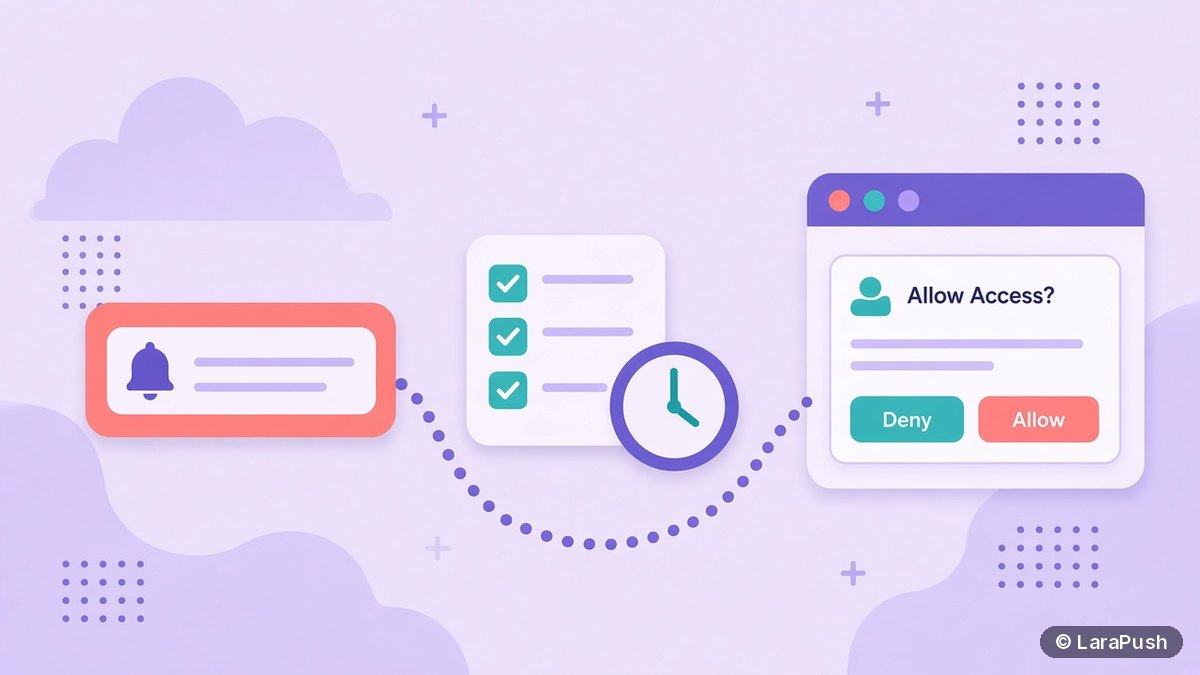

The core web push best practices for bloggers and publishers are: ask for permission only after a reader shows interest, segment by topic, send fewer and better notifications, write clear titles with a relevant image, tag every link for analytics, and give readers an easy way out. Noisy sites now lose permission automatically in Chrome.
Web push is a permission channel. A reader lets you onto their screen, and the browser watches how you use that access. So the rules have tightened: Chrome quiets prompts on sites with low acceptance rates and can now remove permission from sites that send a lot with little engagement. These web push best practices are the ones I’d apply to any blog or news site in 2026, each tied to a public source.
Key facts for publishers
- Chrome automatically shows quieter permission prompts on sites with very low acceptance rates (Chromium blog, Jan 2020).
- Since October 2025, Chrome can remove notification permission from sites that send a high volume of notifications with very low engagement (Google, Oct 10, 2025).
- Google says less than 1% of all notifications get any user interaction, per the same announcement.
- If a reader blocks the permission prompt, the site can’t ask again (web.dev).
- iPhone readers can subscribe only on iOS 16.4+ after adding the site to their Home Screen (WebKit).
When should you ask readers for push permission?
Ask for push permission when the value is obvious, never the moment a reader lands. Google’s web.dev guide calls the instant prompt on page load “the worst thing you can do”, because readers have no context and often block it.
Better patterns for content sites:
- Contextual ask. “This story is developing. Want an alert when it’s updated?” works because the benefit is clear.
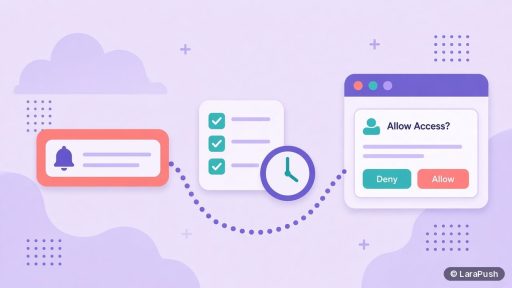
- Double permission. Show your own soft prompt first, then trigger the browser prompt only if the reader says yes. A “no” on your prompt doesn’t burn the browser permission.
- Passive bell or toggle. A consistent bell icon or footer toggle suits blogs with high bounce rates, because it reaches regular readers without bothering drive-by visitors.
- Delay or scroll triggers. Wait until a reader has scrolled or viewed a second page.
Most push tools, including LaraPush, let you choose the prompt type and delay. For example, LaraPush offers native, modal, full-screen, restrictive and bell prompts with delay and re-prompt control.
How often should publishers send push notifications?
Send only as often as readers still click. There’s no universal number, but the direction is clear: Google’s own test found that sites sending fewer notifications saw an increase in clicks, while noisy sites risk automatic permission removal.
A practical approach by site type:
| Site type | Suggested rhythm | Why |
|---|---|---|
| Breaking news site | Real breaking alerts only, plus a daily digest | Protects urgency |
| Daily blog | New posts, or one roundup a day | Matches publishing pace |
| Weekly blog | Each new post | Low volume already |
| Evergreen or niche site | A few scheduled resurfaced posts a week | Keeps the list warm without spam |
Watch your click-through rate (CTR) and unsubscribes per send. If both move the wrong way, cut volume first. My guides on push notification frequency and the best time to send push notifications go deeper.
How should you segment a publisher’s push list?
Segment by what readers chose to read. A reader who subscribed on a cricket article probably wants sports alerts, not tax news. Segmentation keeps each notification relevant, which keeps clicks up and opt-outs down.
Useful segments for content sites:
- Section or subscribed URL (sports, tech, local news).
- Country or region for local stories and time zones.
- Device and browser if a format works better on mobile.
- Subscription date, so new subscribers get a welcome flow and old ones get re-engagement.
- Last visit, to re-engage readers who stopped coming back.
For a walkthrough, see push notification subscriber segmentation.
How do you write a push notification that readers click?
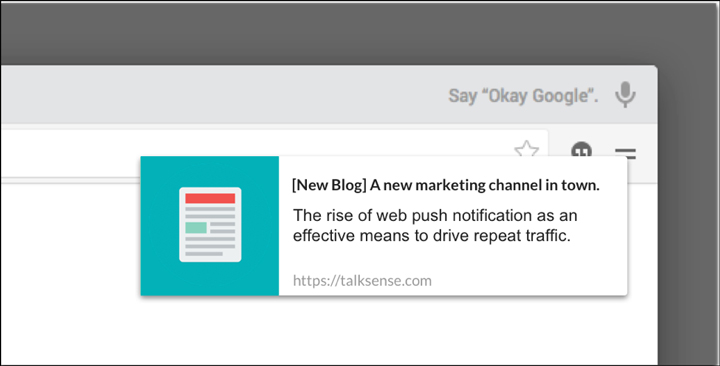
Write the notification like a headline, not like an ad. In short: lead with the news, keep it specific, and match the article. Clickbait hurts twice, because readers stop trusting the alerts and engagement drops.
- Put the key fact in the title. Many systems truncate titles, so front-load the important words.
- Use the body for context. One short line that adds a detail the title couldn’t fit.
- Add a relevant image. Some browsers, such as Chrome on Android, can show a large image, which makes the alert easier to recognise. Support varies, so the notification must work without it.
- Use action buttons sparingly. Two clear buttons, such as “Read” and “Live updates”, beat vague ones.
- Link to the exact story. Never send readers to the homepage from a story alert.
Check character limits per platform in my guide to push notification character limits, and see how to write appealing push notifications.
How should publishers measure push notifications?
Measure push with clicks in your push tool and sessions in your analytics, because delivered counts alone say little. Add UTM parameters to every notification link. Google’s Analytics help page on URL builders recommends always setting utm_source, utm_medium and utm_campaign, and using lowercase consistently.
A simple scheme: utm_source=push, utm_medium=web-push, utm_campaign=the article slug or campaign name. Then compare push sessions, engaged sessions and pages per session with other channels. For the setup steps, read how to track push notification visits in Google Analytics.
How do you keep subscribers’ trust over time?
Keep trust by making it easy to leave and by never surprising readers. web.dev warns that sites that hide opt-out options push readers to block notifications permanently.
- Explain how to unsubscribe on your notifications or settings page.
- Don’t send ads you didn’t plan. Some free push services fund themselves with ads sent to your subscribers, so read the terms. See do free push services send ads to your subscribers?.
- Keep your list portable. Know whether you can export subscribers and keep your VAPID keys if you switch tools.
- Respect privacy law. If you have EU readers, treat push subscription data under your GDPR policy.
Which tools make these best practices easier?
Most mainstream push tools support delayed prompts, segments, scheduling and UTM tagging. The difference is automation and cost. For tool picks, see my list of the best push notification services for websites.
Where does LaraPush fit?
LaraPush covers these practices in a self-hosted panel on your own VPS. It has customisable prompts with delay control, segments by subscribed URL, country, device, subscription date and last visit, scheduling, CTA buttons with separate click tracking, and per-campaign CTR reports. It costs from $499 one-time (see pricing), with no free plan, and you manage the server. See the full LaraPush feature list or the setup guide.
Frequently asked questions
Don’t show the browser permission prompt as soon as a reader lands. Ask after they’ve shown interest, or use a soft prompt first. A blocked prompt can’t be shown again, and Chrome quiets prompts on sites with very low acceptance rates.
Yes. Since October 2025, Chrome can automatically remove notification permission for sites that send a high volume of notifications with very low engagement. Installed web apps are excluded, and readers can re-grant permission through Safety Check or the site.
Usually not. High-volume sites do better with breaking alerts plus a digest, sent to topic segments. Google reported that sites sending fewer notifications saw more clicks, so send what readers value and track CTR per send.
Add UTM parameters to every notification link, at least utm_source, utm_medium and utm_campaign, in lowercase. Push sessions will then appear in the Traffic acquisition report, so you can compare engagement with search, social and email.
The writing rules are the same, but iPhone readers can subscribe only on iOS 16.4 or later after adding your site to the Home Screen. So mention that step on your subscribe page if many readers use iPhones.