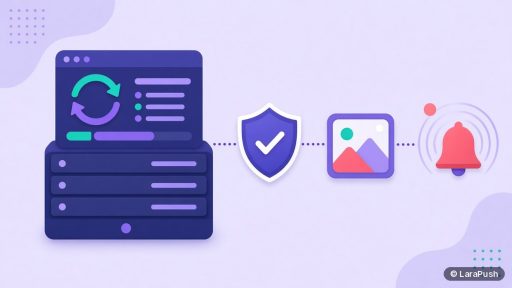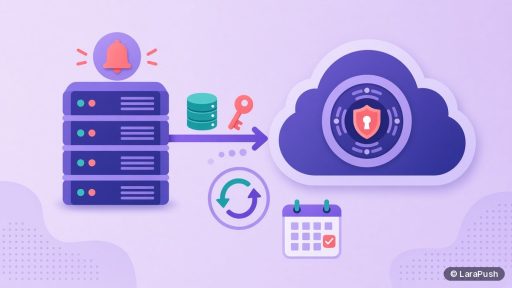
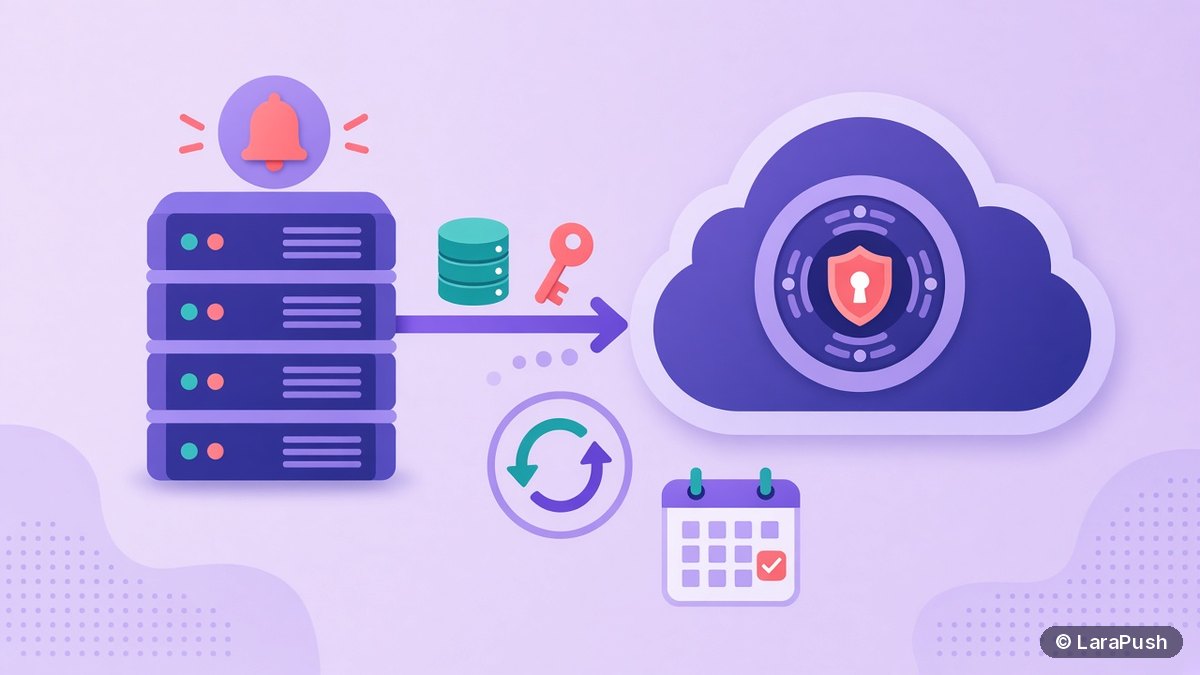

To back up a self-hosted push notification panel, save three things on a schedule: the database with every subscription, the configuration that holds your keys (VAPID and Firebase settings), and any uploaded files. Store copies off the server, keep several days of history, and test a restore before you need one.
Backups are the part of self-hosting people postpone. However, your subscriber list is the main reason to self-host at all, so a missing backup turns a disk failure into a lost audience. Here is how I approach backing up a self-hosted push notification panel.
What do you need to back up?
You need to back up the database, the keys and configuration, and uploaded media. The database alone is not enough, because subscriptions only work with the same keys that created them.
| Item | What it holds | Why it matters |
|---|---|---|
| Database | Subscriptions (endpoint and keys), sites, segments, campaigns, stats | This is your subscriber list |
| Keys and config | VAPID key pair, Firebase settings, app config file | Subscriptions are bound to the public key used at subscribe time |
| Uploaded files | Notification images, icons | Old campaigns and templates reference them |
| Server notes | OS version, domain, DNS records, install steps | Speeds up a rebuild on a new server |
The key point is the VAPID pair. When a browser subscribes, it passes your public key as the `applicationServerKey`, as described in MDN’s pushManager docs. Sends are then signed with the matching private key, following RFC 8292. Lose the private key and you can’t send to those subscriptions, even with a perfect database copy. I explain this in more detail in what VAPID keys are.
How often should you back up a push panel?
Back up the database at least daily, and more often if you add many subscribers each day. Back up keys and config whenever they change, and always before an update.
A simple rule: how many hours of new subscribers can you afford to lose? If the answer is “none”, run backups more often and keep the server’s own snapshots switched on as well. Keep at least a week of daily copies, so a problem you notice late can still be rolled back.
How do you back up a self-hosted push panel step by step?
The steps are the same for most panels: export the database, copy the config and media, move the copies off the server, and check them.
- Export the database. For MySQL or MariaDB, use the database’s dump tool or your panel’s built-in backup. Compress the file.
- Copy the config. Include the app config file that holds the VAPID keys and Firebase settings. Treat it as a secret.
- Copy uploaded media. Notification images and icons are usually in one storage folder.
- Move copies off the server. Use cloud storage, another server or your provider’s backup service. A backup on the same disk fails with the disk.
- Keep history. Retain several days or weeks, and delete older copies automatically.
- Test a restore. Restore to a spare server, log in and confirm the subscriber count matches.
Encrypt anything that leaves the server, because the config file contains private keys and the database contains subscription endpoints. That matters for privacy rules too; I covered the data side in web push and GDPR.
Are VPS snapshots enough on their own?
No. VPS snapshots are useful, but they shouldn’t be your only backup. A snapshot usually lives with the same provider and account, so it doesn’t help if the account is locked or the provider has a wider problem.
| Method | Good for | Weak spot |
|---|---|---|
| VPS snapshot | Fast rollback after a bad update | Same provider and account |
| Provider backups | Hands-off daily copies | Retention and restore options vary |
| Database export off-server | Recovering the subscriber list anywhere | You must schedule and check it |
| Panel’s built-in backup | Easy scheduling inside the dashboard | Check what it includes and where it stores files |
I use snapshots for “undo” and off-server exports for “disaster”. Together they cover both a broken update and a dead server.
How do you test a restore?
Test a restore by building the panel on a spare server from your backup, then checking that the dashboard loads, the subscriber count matches and a test notification arrives. Do it once after setup and again every few months.
Point a test subdomain at the spare server so you don’t touch live DNS. Then send to your own browser only. If something is missing, such as images or a key, fix the backup job now rather than during an outage. Also write the steps down in a short runbook so anyone on the team can repeat them.
What happens if you lose the database or keys?
If you lose the database, you lose the list of subscriptions, so you can’t reach those subscribers until they subscribe again. If you lose the private VAPID key, the stored subscriptions can’t be used for sending, because they were created for the old public key.
Browsers still hold their side of the subscription, but your panel needs both the endpoint and a valid key to send. That’s why I treat keys and the database as one backup set. For what happens when a provider disappears rather than a disk, see what happens to subscribers when a push provider shuts down.
How does LaraPush handle backups?
LaraPush has a backup feature with one-click manual backups, scheduled backups (daily, weekly or monthly), Google Drive sync through a service account, a backup history you can download from, and automatic clean-up after a retention period of 1 to 30 days. Automated Google Drive backups are part of the Premium Add-on, which requires Pro.
On any plan, you can still export data as CSV and use your VPS provider’s snapshots and backups. The panel and the VPS are yours, so the restore plan is too. Pricing starts from $499 one-time on the pricing page (check it for the current price). For a wider comparison of tools, see my guide to push notification services.
Frequently asked questions
The database and the VAPID keys, together. The database holds every subscription, and the private key is what lets you send to them. A database copy without the matching keys can’t be used for sending, so keep both in the same backup set and store it off the server.
At least once a day for the database, and before every update or configuration change. If you gain many subscribers per day, back up more often. Keep a week or more of history so you can roll back to a copy from before a problem started.
Yes, if you have the database, the config with the keys, and the uploaded files. Install the same panel version, restore the data, point your subdomain at the new server and test a send. Keeping the same panel domain avoids changes on your websites.
It can be, as long as access is restricted and the files are protected, because the config contains private keys. LaraPush’s Premium Add-on syncs backups to Google Drive using a service account. Whatever storage you use, keep it separate from the server itself.
No. Snapshots are great for undoing a bad update, but they usually sit with the same provider and account. Keep a separate database export off the server as well, so you can rebuild with another provider if you ever need to.