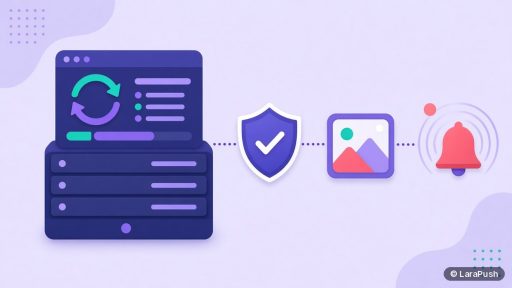
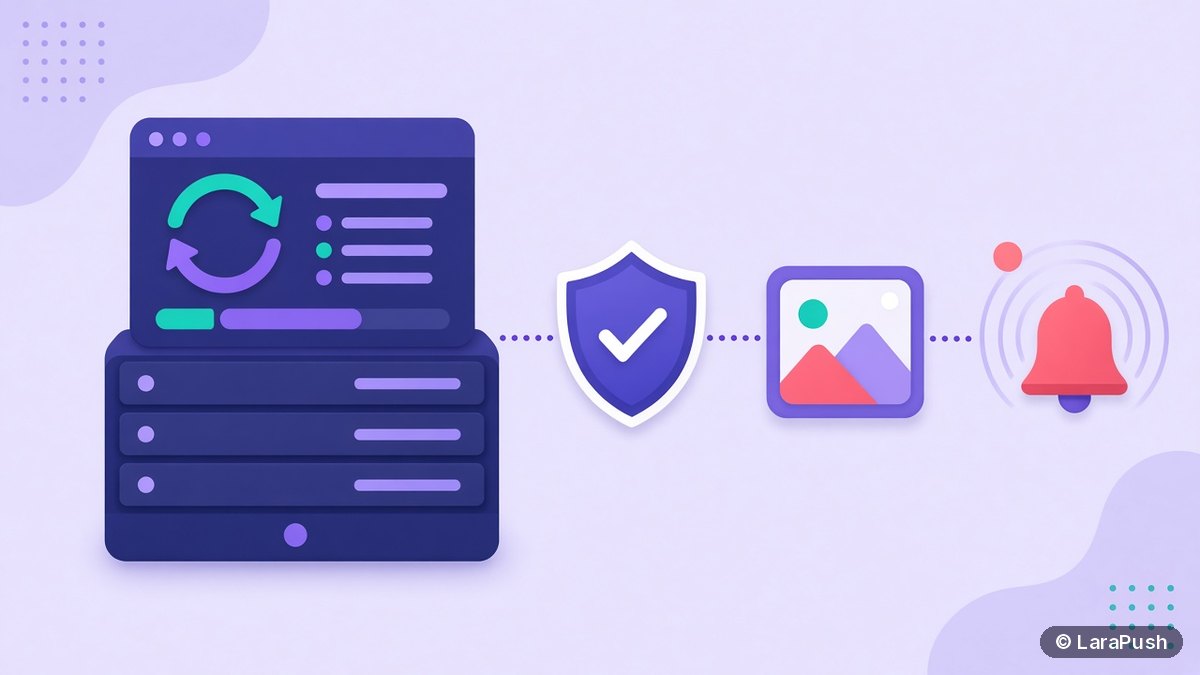

To update a self-hosted push notification panel safely, read the release notes, take a full backup and a server snapshot, pause scheduled campaigns, apply the update in a quiet window, then test the dashboard, the queue and a real notification. Keep the snapshot until you’re sure everything works, so you can roll back in minutes.
Updates are where self-hosting feels most hands-on. With a SaaS tool the vendor updates for you; with a self-hosted panel you choose when it happens. That control is useful, but only if you follow a routine. This is the one I use.
What needs updating on a self-hosted push server?
Three layers need updating: the operating system, the runtime software (web server, PHP, database) and the push panel itself. Each one has a different risk and a different schedule.
| Layer | Examples | How often | Risk |
|---|---|---|---|
| Operating system | Ubuntu security patches | Weekly or automatic | Low for security patches |
| Runtime | PHP, web server, MySQL or MariaDB | When the panel supports a new version | Medium: can break compatibility |
| Push panel | New panel release | When release notes justify it | Medium: database changes possible |
Ubuntu can install security updates automatically; the Ubuntu Server docs on automatic updates explain how. I leave that on for security patches, but I never upgrade PHP or the panel automatically. Those changes deserve a planned window.
What should you do before you update?
Before you update, read the release notes, take a backup and a snapshot, and check that the new version supports your server. Ten minutes of preparation is what makes an update safe.
- Read the release notes. Look for new requirements, such as a minimum PHP version, and any manual steps.
- Check versions. Compare the panel’s requirements with your OS and PHP version. The PHP project lists which branches still get security fixes on its supported versions page.
- Back up the database and config. Include the VAPID keys and Firebase settings. My guide on how to back up a self-hosted push panel covers what to include.
- Take a VPS snapshot. This is your fastest rollback.
- Pause scheduled campaigns that would fire during the window, and tell your team.
How do you apply the update with minimal disruption?
Apply the update in a low-traffic window, put the panel into maintenance mode if it supports one, and let running sends finish first. This avoids a half-sent campaign and confused subscribers.
Many PHP panels built on Laravel support maintenance mode with `php artisan down` and `php artisan up`, as described in Laravel’s configuration docs. However, follow your panel’s own update steps if they differ, because some vendors handle this inside their updater.
While the panel is down, browsers keep their subscriptions. However, new sign-ups may fail if your website saves them through the panel, so keep the window short. I explain the wider effects in what happens if your self-hosted push server goes down.
After the update finishes
- Restart the queue worker so it loads the new code.
- Clear caches if the release notes ask you to.
- Bring the panel out of maintenance mode.
How do you test the panel after an update?
Test the panel by checking that the dashboard loads, the subscriber count is unchanged, the queue worker is running and a test notification reaches your own browser. Then resume scheduled campaigns.
| Check | What good looks like |
|---|---|
| Dashboard | Loads without errors, same sites listed |
| Subscriber count | Matches the number before the update |
| Queue | Worker running, no growing backlog |
| Test send | Arrives on desktop and, if used, on iPhone or Android |
| Automations | Next scheduled job shows the right time |
If the subscriber count drops or test sends fail, don’t keep patching live. Roll back to the snapshot, then work out the problem on a copy.
When should you roll back?
Roll back when the panel won’t load, the subscriber count changes, or sending fails and the fix isn’t obvious within your window. A snapshot restore takes minutes, and it’s far cheaper than a long outage.
After a rollback, compare what changed: PHP version, a missed manual step, or a failed database migration. Then retry on a test server first. I’d rather delay an update by a week than lose a day of campaigns.
Should you update to every new major version?
Not automatically. Major versions can bring larger changes and new requirements, so update when the features or fixes matter to you. Minor and security releases are usually worth applying sooner.
Check the licence terms as well. With some self-hosted panels, including LaraPush, a major version upgrade (for example v2 to v3) is a separate, optional paid upgrade. Your current version keeps working under its perpetual licence. For the wider trade-offs, see the disadvantages of self-hosted push notifications.
Where does LaraPush fit?
LaraPush is a self-hosted panel with a perpetual licence for the version you buy, and major version upgrades are paid and optional. Support covers 6 months on Startup and 12 months on Pro, Monday to Friday, 09:00 to 18:00 IST, so plan larger updates inside those hours. Follow the steps in the LaraPush guide or ask support before a major change.
The Premium Add-on adds automated backups to Google Drive, which makes the “back up first” step easier. Plans start from $499 one-time on the pricing page (check it for the current price). If you’re comparing tools first, see my guide to the best push notification services.
Frequently asked questions
It shouldn’t. Subscriptions live in the database and are tied to your VAPID keys, and a normal update keeps both. The risk comes from failed database changes or lost config, which is why you back up first, take a snapshot and compare the subscriber count after the update.
Apply operating system security patches weekly or automatically. Update PHP and the database only when your panel supports the new version. Update the panel itself when the release notes include fixes or features you need, and always in a planned window with a backup.
I enable automatic security updates for the operating system only. Automatic upgrades of PHP or the panel can break compatibility without warning. Keep those as planned updates with a snapshot, so you can roll back if something changes unexpectedly.
Restore the snapshot you took before the update, confirm the panel works again, and resume campaigns. Then repeat the update on a test server to find the cause, such as a missing PHP extension or a skipped manual step. Contact your vendor’s support with the error message.
No. LaraPush’s licence is perpetual for the version you buy, and a major version upgrade, such as v2 to v3, is a separate optional purchase. You can keep using your current version. Check the pricing page or ask support for current upgrade terms.