
If you change the code inside your web push service worker file and keep the same URL and scope, subscribers stay subscribed. The browser installs the new version and activates it once old tabs close. Subscribers are lost only when you unregister the worker, change its scope, or change your VAPID keys.
This question usually comes up at an awkward moment: a developer wants to rename sw.js, merge two workers, or switch push tools. The safe answer depends on what exactly changes. Editing the file is routine. Renaming it, moving it or deleting it is where push subscriptions get hurt. Below I break down each case, what the browser does, and how I’d make the change safely.
What happens when you change your service worker file for web push?
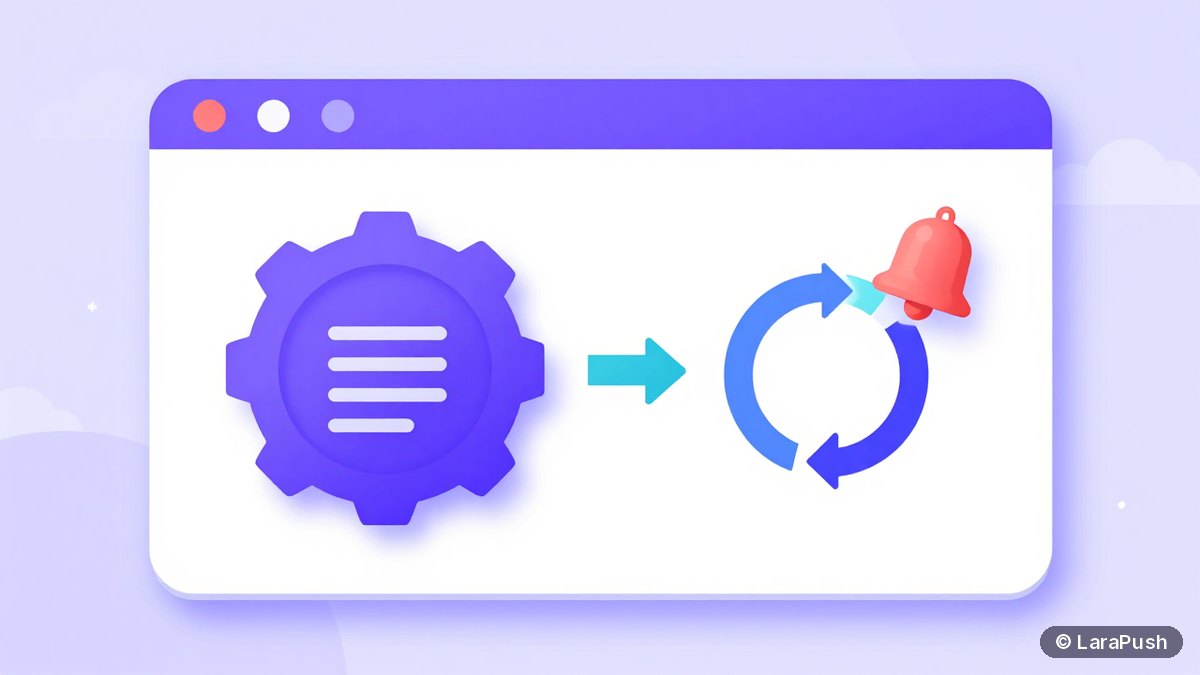
When you change a service worker file at the same URL, the browser treats it as an update, not a new worker. It downloads the file, compares it byte by byte with the installed copy, and installs the new version if anything differs.
The update check runs on its own schedule. According to web.dev’s guide to the service worker lifecycle, an update is triggered by a navigation to an in-scope page, or by functional events such as push, unless the browser already checked in the previous 24 hours. Most browsers, including Chrome 68 and later, ignore HTTP caching headers for that check by default.
So for a push-only worker, the key point is this. Your push subscription belongs to the service worker registration, not to one version of the file. As a result, editing the code inside sw.js doesn’t touch the subscription. The same endpoint keeps working after the new version takes over.
Does changing the service worker unsubscribe your push subscribers?
No, a normal code change doesn’t unsubscribe anyone. However, four specific changes can break subscriptions or stop notifications from showing.
| Change | What happens to push subscribers | Risk |
|---|---|---|
| Edit code in the same sw.js | Same registration, same subscription; new code runs after activation | Low |
| Rename the file (sw.js to sw-v2.js) at the same scope | Registration updates to the new script; existing pages may still register the old URL | Medium |
| Move the file to a different folder (new scope) | A new registration is created; subscribers on the old scope don’t move across | High |
| Unregister the worker or delete the file | Push API spec says the subscription must be deactivated | High |
| Change VAPID keys | Existing subscriptions were made with the old public key, so sends with the new key fail | High |
The unregister row comes straight from the W3C Push API specification, which says a push subscription is deactivated when its service worker registration is unregistered. That’s why “just clean up the old worker” can quietly wipe out a list.
What does “waiting to activate” mean after an update?
It means the new version installed but the old one still controls open tabs. By default, a new service worker waits until every tab using the old version is closed. Only then does it activate.
For push, that wait is usually harmless. The old version keeps handling push events, so notifications still appear. However, if your fix is urgent, such as a broken notificationclick handler, you can call skipWaiting() during install. That makes the new worker activate straight away.
There’s one caution. If your worker also caches pages, skipWaiting() means the new version may control pages loaded by the old one. A push-only worker doesn’t have that problem, because it doesn’t serve page requests.
Should you rename your service worker file?
No, avoid renaming it unless you must. The web.dev lifecycle guide says plainly: avoid changing the URL of your service worker script, and update the script at its existing location instead.
The reason is caching. Your pages call navigator.serviceWorker.register() with a specific URL. If a cached page still references sw.js while new pages reference sw-v2.js, the two can fight over the same scope. In practice, that leads to flaky updates and “it works on my machine” bugs.
If you really need a new file name, keep the old URL alive for a while. For example, keep sw.js as a tiny file that imports the new code with importScripts(). That way, every page and every old registration still points to a working worker.
What if you move the service worker to a different folder?
Moving the file changes its default scope, and a different scope means a different registration. Subscribers who signed up under the old registration don’t transfer to the new one automatically.
That’s the main reason I recommend serving a push worker from the site root. My guide to setting up a service worker for web push explains scope and the Service-Worker-Allowed header. If you’ve already moved it, keep the old file in place until you’ve confirmed the new registration works. Don’t unregister the old one while it still holds subscribers you care about.
What happens if you change VAPID keys or push providers?
Changing VAPID keys breaks existing subscriptions. Each subscription was created with your old public key, so push services reject messages signed with a new private key. My explainer on what VAPID keys are covers why the pair must stay stable.
Switching push providers is similar. The new tool usually ships its own service worker and its own keys. So the old subscriptions don’t carry over by themselves, even if the file name is the same. Before switching, read what happens when a push provider shuts down or you leave, and plan to re-prompt visitors where needed.
How do you change a push service worker safely?
Treat it as a small release. These steps keep subscribers and notifications working.
- Keep the same file name and path, and edit the code in place.
- Back up the current file before you change anything.
- Test the new version on a staging site or in a separate browser profile.
- Check Application > Service workers in Chrome DevTools to confirm the new version installs.
- Send a test push to your own subscription, then click it.
- Deploy, and confirm the server returns the new file without a long cache lifetime.
- Watch delivery and click counts for a day before you remove any old code paths.
If something goes wrong, my guide to debug web push in Chrome DevTools walks through each panel. Also, never run two push workers on the same scope. One will replace the other.
How do you check which service worker version is live?
Open Chrome DevTools, go to Application > Service workers, and look at the source file and status. The status line shows which version is active and whether another is waiting.
You can also add a version constant at the top of sw.js and log it on activate. That makes it easy to confirm in the Console which build is running. Finally, check chrome://serviceworker-internals if you suspect an old registration is still hanging around.
Where LaraPush fits
LaraPush is a self-hosted web push panel that you install on your own VPS. It provides the service worker and JavaScript for your site, or you can use the free WordPress plugin. Since the panel runs on a server you control, you can check the sending side yourself when a worker change seems to break delivery.
The trade-offs: you run and maintain the server, a licence covers one server, and there’s no free plan. Prices start from $499 one-time; check the pricing page for the current price. Setup steps are in the LaraPush guide, and the features page lists what’s included. For context on the wider market, see my comparison of push notification services.
Frequently asked questions
No. If you keep the same URL and scope, the browser treats the change as an update. The push subscription belongs to the registration, so it keeps working. The new code takes over once old tabs close, or immediately if you call skipWaiting().
It checks when someone navigates to an in-scope page, and on events such as push, unless it already checked in the previous 24 hours. Most browsers, including Chrome 68 and later, ignore caching headers for this check by default.
It’s possible but risky. Cached pages may still register the old URL while new pages register the new one. If you must rename, keep the old URL serving a small file that imports the new code, so every registration still finds a working worker.
Yes. The W3C Push API specification says a push subscription is deactivated when its service worker registration is unregistered. Only unregister a push worker when you’re sure you no longer need the subscribers attached to it.
Usually, yes. A new provider normally brings its own service worker and VAPID keys. Old subscriptions were made with the previous keys, so they don’t carry over automatically. Plan the switch, remove the old worker cleanly and re-prompt visitors.