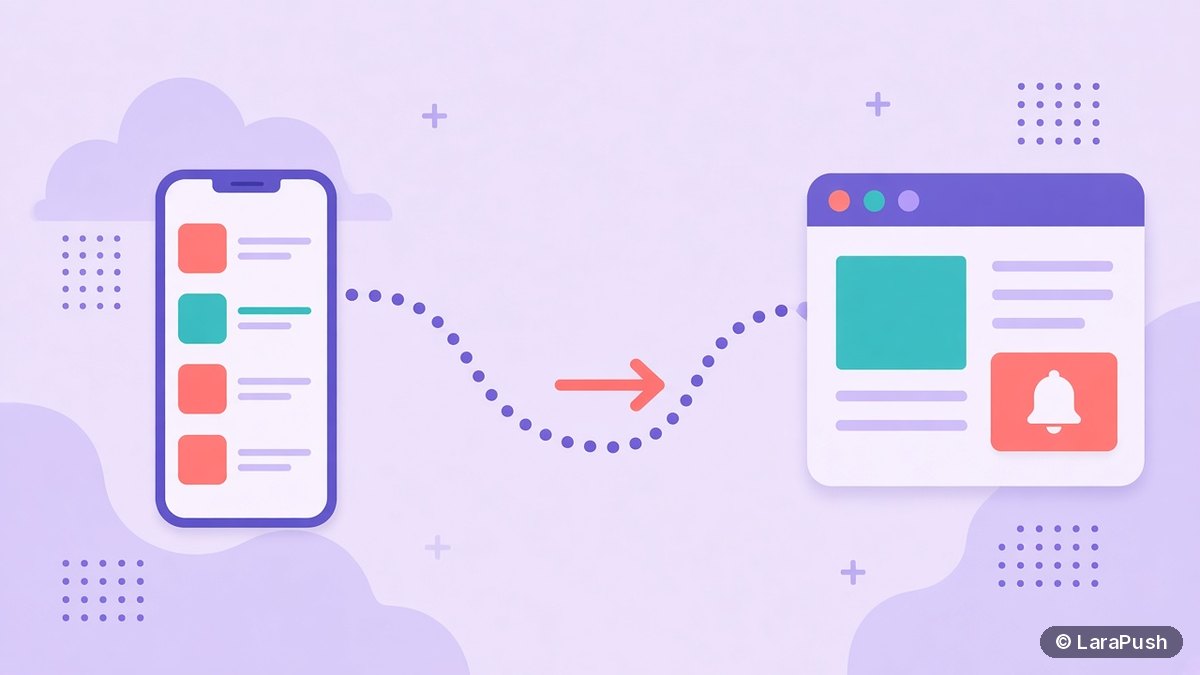

Google Discover and web push work together as two halves of publisher traffic, but push notifications don’t directly raise your Discover traffic. Google doesn’t list push as a Discover signal. Discover brings new readers based on their interests, while web push brings back readers who chose to follow you, so push turns unpredictable Discover spikes into an audience you own.
I get this question from publishers a lot: “If I send more push notifications, will Google show my stories in Discover?” The honest answer is no, not directly. That said, Google Discover and web push fit together very well when you use each for what it’s good at. Here’s how I’d connect them, based on what Google’s Discover documentation actually says.
Can push notifications increase Google Discover traffic?
No. Google’s documentation doesn’t name push notifications as a factor for Discover. Content is eligible if it’s indexed by Google and meets Discover’s content policies, with no special tags or structured data required. Being eligible is also no guarantee of appearing.
What Google does say is that Discover uses many of the same signals and systems that Search uses to judge helpful, people-first content. So the things that help are content quality, clear titles, strong images and a good page experience. Sending a push notification doesn’t change any of those. Anyone who promises that push will “boost Discover” is guessing.
How are Google Discover and web push different?
Discover is a feed Google controls, and web push is a channel you control. This table shows the practical differences for a publisher.
| Google Discover | Web push notifications | |
|---|---|---|
| Who chooses the reader | Google, based on Web and App Activity | The reader, by opting in on your site |
| Audience | Mostly new or occasional readers | Returning readers who subscribed |
| Predictability | Google calls it less predictable than search traffic | You decide when and what to send |
| Cost | Free | Free tiers, monthly plans or a one-time self-hosted licence |
| Reporting | Search Console Discover performance report | Your push tool’s sent, clicked and CTR stats, plus UTM data in analytics |
| Risk | Traffic can drop with interest changes or Search updates | Readers can unsubscribe; noisy sites can lose permission in Chrome |
How do Google Discover and web push work together?
Google Discover and web push work together as a funnel: Discover introduces readers, and push keeps them. Google itself advises treating Discover traffic as supplemental to keyword-driven search, because it fluctuates with changing interests, content types and Search updates.
So the smart move is to convert some of those Discover visitors into subscribers while they’re on your page. Then, when Discover traffic dips, you still have a direct line to readers who liked your work. In short, Discover is rented reach and push is owned reach.
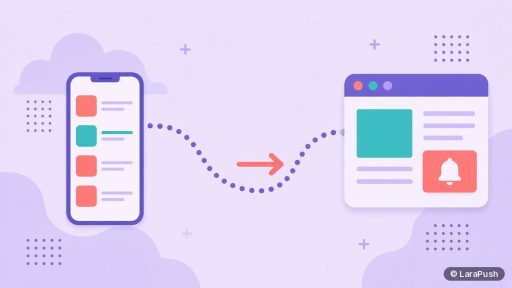
Here’s the funnel in four steps:
- A story appears in Discover and brings a new reader to your article.
- The reader finishes the article and sees a contextual subscribe prompt (“Get alerts for new stories on this topic”).
- The reader subscribes to web push, tagged with the URL or section they came from.
- You send relevant follow-ups to that segment, bringing the reader back directly without depending on the feed.
How should you prompt Discover visitors to subscribe?
Prompt Discover visitors after they’ve read, not when they land. Many Discover readers arrive from a feed on their phone, and some have never visited your site before. So an instant permission prompt is likely to be dismissed or blocked. Google’s web.dev guide on permission UX explains that a blocked prompt can’t be shown again.
What works better:
- Show a soft prompt near the end of the article, or after a scroll threshold.
- Make the offer specific, such as updates on a developing story or a topic.
- Tag the subscription with the article URL or section so you can segment later.
- Remember iPhone limits. On iOS 16.4+, readers can subscribe only after adding your site to the Home Screen (WebKit).
For timing, see the best time to send push notifications and how often to send push notifications.
What do Discover and push best practices have in common?
They share the same editorial rules: honest headlines and strong images. Google asks publishers to avoid clickbait, misleading previews and sensationalism in Discover. The same habits protect a push list, because misleading alerts lead to unsubscribes and low engagement.
| Best practice | Why it helps Discover | Why it helps web push |
|---|---|---|
| Headline that captures the essence of the story | Google recommends it directly | Readers trust alerts that match the article |
| No clickbait or outrage bait | Google lists it as a tactic to avoid | Misleading alerts lose subscribers |
| Large, relevant image | Google suggests images at least 1200 px wide, 16:9 | Some browsers show a large notification image |
| Timely or unique stories | Google recommends timely, insightful content | Readers click alerts that feel worth an interruption |
One technical point for Discover: Google says large images need the `max-image-preview:large` setting or AMP, and recommends schema.org markup or the `og:image` tag for the image you want. Avoid using a logo or a text-heavy image there.
How do you measure Discover and push together?
Measure each channel in its own report, then compare readers, not just clicks. Google’s Search Console has a Performance report for Discover that shows impressions, clicks and CTR for content that appeared in Discover over the last 16 months, once you pass a minimum impression threshold.
For push, use your push tool’s clicked and CTR stats, and add UTM parameters to every notification link so push sessions show up as their own channel in Google Analytics. A useful monthly check: how many new push subscribers came from articles that got Discover traffic? See how to track push notification visits in Google Analytics.
Where does LaraPush fit?
LaraPush is a self-hosted web push panel that helps you capture and keep Discover readers. It offers customisable prompts with delay control, segments by subscribed URL and referrer, scheduling, and per-campaign click reports, with unlimited subscribers on one licensed server. It costs from $499 one-time (see LaraPush pricing), with no free plan, and you run your own VPS. Explore the LaraPush features, or compare options in our list of the best push notification services and tools.
Frequently asked questions
Not directly. Google’s Discover documentation doesn’t list push notifications as a factor. Push helps indirectly by turning Discover visitors into subscribers you can reach again, which reduces your dependence on a feed that Google says is less predictable than search traffic.
No. Discover reaches new readers based on their interests, which push can’t do. Web push reaches only people who already subscribed on your site. They work best together: Discover for discovery, push for bringing those readers back.
Yes, but not on arrival. Discover visitors are often new readers on a phone, so show a soft, specific prompt after they’ve read most of the article. Tag the subscription with the article or section so later notifications stay relevant.
No. Google says content is eligible if it’s indexed and meets Discover’s content policies, with no special tags or structured data required. Large images do need the max-image-preview:large setting or AMP to display at full size.
In Google Search Console’s Performance report for Discover. It shows impressions, clicks and CTR for content that appeared in Discover in the last 16 months, once your site passes a minimum impressions threshold.