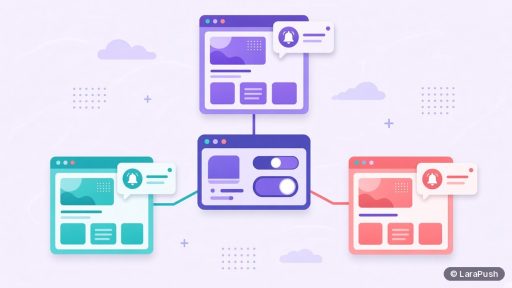
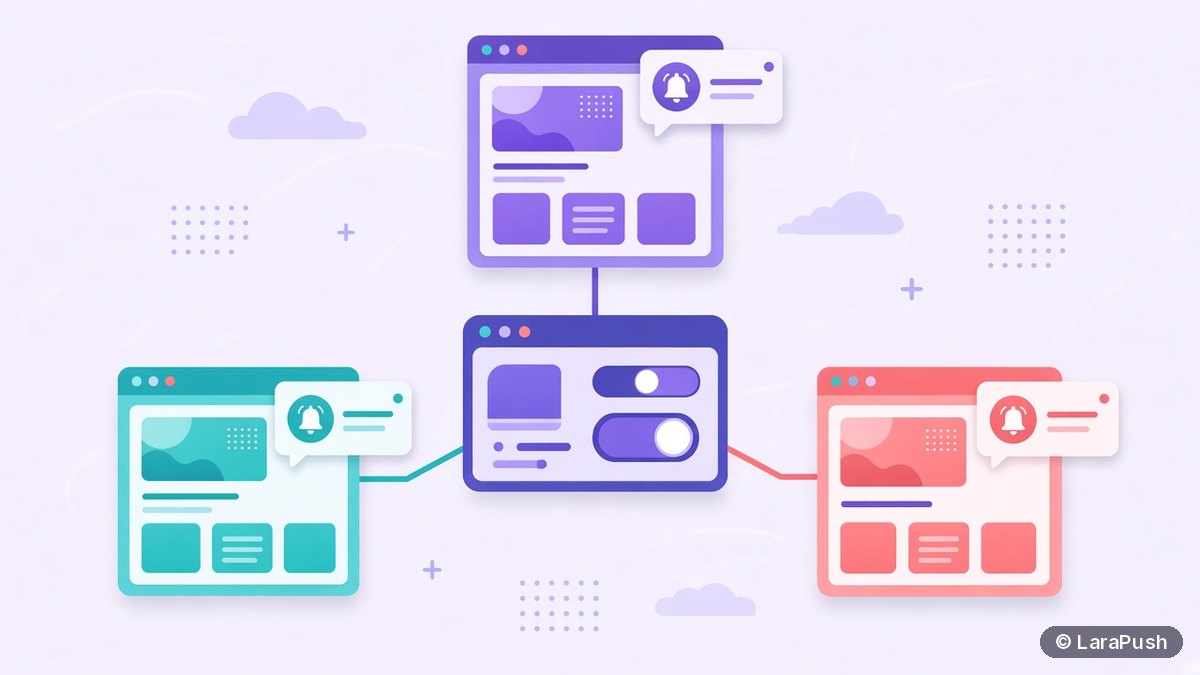

Yes, you can run push notifications for multiple websites from one dashboard. You add each website as its own project, install the script and service worker on every domain, and then send, schedule and report from one login. Each site keeps a separate subscriber list, because browsers tie notification permission and push subscriptions to a single origin.
Running push for several websites is common for publishers with a network of niche sites, businesses with regional domains and developers who look after a few side projects. The dashboard part is easy. The part people get wrong is assuming one opt-in covers every site. It doesn’t, and that one fact shapes how you set up projects, segments and campaigns. Below I walk through how push notifications for multiple websites actually work and the setup I’d use.
Can one push dashboard manage push notifications for multiple websites?
One push dashboard can manage many websites, as long as your plan allows the number of sites you need. Most push services organise this as one account with a separate project, app or website entry per domain. You switch between projects in the same login, and some tools can send one campaign to several projects at once.
Plan limits are the catch. For example, PushAlert’s pricing lists 1 website on Basic, 3 on Premium and 5 on Platinum as of November 2026. A self-hosted panel such as LaraPush has no domain limit on its licensed server. If you manage sites for clients, my guide to push notification software for agencies covers pricing and ownership in more detail.
Why does each website need its own subscriber list?
Each website needs its own list because browsers grant notification permission per origin. An origin is the scheme, host and port, so https://example.com and https://blog.example.com are different origins. MDN’s Notifications API docs explain that permission is requested and stored for the origin that asks.
Push subscriptions follow the same rule. A subscription belongs to a service worker registration on one origin, according to the Push API specification. So a reader who subscribed on site A can’t receive pushes “from” site B. In short, you can manage many lists in one place, but you can’t merge them into one list that every site shares.
| Setup | Separate subscriber lists? | Notes |
|---|---|---|
| example.com and another-site.com | Yes | Different domains are different origins |
| example.com and blog.example.com | Yes | Subdomains are separate origins too |
| example.com/news/ and example.com/shop/ | No, if one service worker covers the root | Same origin; use segments by URL instead |
| http and https versions of one site | Yes | Web push needs HTTPS, so use https only |
How do you set up push notifications for multiple websites?
You set up push for multiple websites by repeating one short integration per domain, then organising everything in the dashboard. Here are the steps:
- Add the first website as a new project in your push dashboard.
- Configure that project’s keys, such as its Firebase configuration or VAPID keys.
- Install the integration: paste the script into the site’s head and upload the service worker file to the root, or use the WordPress plugin.
- Set the opt-in prompt, its delay and the welcome notification.
- Send a test notification to your own browser and confirm it arrives.
- Repeat steps 1 to 5 for each website, reusing the same prompt and template settings.
- Name projects consistently (for example, brand, site, language) so reports stay readable.
If you’re starting from scratch on any platform, my guide on how to add push notifications to a website explains the integration step in detail. For WordPress, the plugin route is quicker.
How do you send one campaign to several websites?
You send one campaign to several websites with a cross-project or retargeting feature, if your tool has one. Otherwise, you duplicate the campaign into each project. Either way, each site’s subscribers receive the notification from that site’s own origin.
A few rules make multi-site campaigns work better:
- Keep the link relevant. Send a story to a sister site’s readers only when it fits their interests.
- Mind the frequency. A reader subscribed to three of your sites can get three copies of the same news.
- Localise. Regional sites need local time zones and languages, so schedule per project.
- Track separately. Compare clicks per site, because the same message often performs differently.
How should you organise reporting across many sites?
You should organise reporting by project first, then compare campaigns across projects. Each project shows its own sent, delivered and clicked figures, so the useful view is a simple weekly table that you fill from each site.
| Metric | Why it matters across sites | What to do with it |
|---|---|---|
| New subscribers per day | Shows which prompts work | Copy the best prompt settings to weaker sites |
| Click-through rate | Shows message fit per audience | Adjust topics and timing per site |
| Unsubscribes after a send | Flags over-sending | Reduce frequency on that project |
| Subscribers by browser and device | Shows where readers are | Prioritise testing on those browsers |
What are the common mistakes with multi-site push?
The most common mistakes are sharing one service worker across domains, mixing subdomains and assuming lists can be merged later. Here’s what to avoid:
- Loading one site’s script and service worker on another domain. The worker must be served from the same origin it controls.
- Moving a site between www and non-www or to a new subdomain without a plan. The origin changes, so existing subscribers stay attached to the old one.
- Running two push tools on one site. Two service workers competing for the same scope cause missed or duplicate notifications.
- Ignoring the exit plan. Subscriptions are tied to keys and the service worker, which I explain in what happens to subscribers when a push provider shuts down.
Where does LaraPush fit for multiple websites?
LaraPush runs unlimited domains on one licensed server, so you can manage every site’s push from a single panel without per-site fees. Each website is added as a project with its own Firebase configuration. Retargeting lets you send one campaign across multiple projects, and Pro adds project cloning to copy a working setup onto a new domain. Segmentation by device, browser, country, subscribed URL and more works per project. See the full list on LaraPush features.
The trade-offs: you run your own VPS, there’s no free plan, and the licence covers one server. Prices start from $499 one-time; check LaraPush pricing for the current figure. For other options, see the best push notification services and tools.
Frequently asked questions
Yes. Most push services let you add each website as a separate project or app inside one account, then send, schedule and report from one login. Check your plan’s website limit first, because many SaaS plans cap the number of sites, while a self-hosted panel like LaraPush doesn’t.
No. Browsers grant notification permission and create push subscriptions per origin, so a subscriber on one domain isn’t subscribed to your other domains. Each site builds its own list. You can invite readers to subscribe on a sister site, but they must opt in there.
Yes. blog.example.com and example.com are different origins, so each needs its own service worker and has its own subscriber list. Sections on the same domain, such as /news/ and /shop/, can share one list and be split with URL-based segments.
Some tools can. LaraPush has retargeting, which sends one campaign across multiple projects. Other tools may need you to duplicate the campaign into each project. Each site’s subscribers still receive the notification from that site’s own origin.
It depends on the plan. As of November 2026, PushAlert allows 1 website on Basic, 3 on Premium and 5 on Platinum. LaraPush allows unlimited domains on one licensed server. Check the current pricing page of any tool before you commit.