
The best push notification software for agencies is the one whose pricing doesn’t multiply with every client site. As of November 2026, PushAlert covers 5 websites on its $69/month Platinum plan, PushEngage covers 3 on Growth, and OneSignal bills per web push subscriber. A self-hosted panel such as LaraPush runs unlimited client domains on one server for a one-time fee.
Agencies have a different buying problem from a single site owner. You don’t need the best tool for one website; you need a tool you can repeat across 10, 30 or 100 client websites without the bill, the setup time or the reporting getting out of hand. When I evaluate push notification software for agencies, I look at four things first: how many sites a plan covers, how cost grows with subscribers, how fast a new client can be onboarded, and who owns the subscriber list when a contract ends.
What should agencies look for in push notification software?
Agencies should look for multi-site pricing, separate projects per client, reusable setups and clean data ownership. Features such as rich notifications and scheduling are standard now, so they rarely decide the choice. The table below lists what matters most when you manage many client sites.
| Requirement | Why it matters for agencies | What to check |
|---|---|---|
| Sites per plan | Your cost grows with every new client | The plan’s website or app limit |
| Subscriber-based pricing | Large client lists raise the bill every month | Per-subscriber or tiered subscriber caps |
| Separate projects | Each client needs its own list, prompts and reports | One project or app per domain |
| Reusable setup | Onboarding should take minutes, not days | Templates, cloning, a WordPress plugin |
| Per-client reporting | Clients expect their own numbers | Campaign and segment reports per site |
| Data export | Clients may leave or take the work in-house | Subscriber export terms in writing |
For a broader checklist that applies to any buyer, see what features push notification software should have.
Which push notification software works best for agencies in 2026?
The right pick depends on how many client sites you run and how big their subscriber lists are. Here is how four common options handle multiple sites, based on each vendor’s public pricing page in November 2026.
| Tool | How it handles multiple sites | Starting price for multi-site use | Pricing model |
|---|---|---|---|
| PushAlert | Premium covers 3 websites, Platinum covers 5; Enterprise offers unlimited websites | $39/month (Premium, monthly billing) | Monthly, subscriber-capped plans |
| PushEngage | Premium covers 2 sites or apps, Growth covers 3; Enterprise offers unlimited sub-accounts | $15/month first year (Premium, billed yearly) | Monthly, subscriber-capped plans |
| OneSignal | Separate apps per website inside an organisation | $19/month Growth fee plus $0.004 per web push subscriber | Usage-based |
| LaraPush | Unlimited domains on one licensed server | $499 one-time (Startup) | One-time licence, self-hosted |
PushAlert
PushAlert’s pricing page lists 1 website on its Free and Basic plans, 3 websites on Premium ($39/month billed monthly) and 5 websites on Platinum ($69/month). Premium also adds up to 3 multi-user logins and Platinum up to 5. In short, it suits small agencies with a handful of clients, but a sixth client pushes you into an Enterprise quote.
PushEngage
PushEngage’s pricing page lists 1 site on Business, 2 on Premium and 3 on Growth, with 2 and 4 sub-accounts on the upper plans. Each plan also caps subscribers (up to 50k, 100k and 250k). That said, PushEngage is strong on ecommerce automation, so it fits agencies that mostly run WooCommerce stores.
OneSignal
OneSignal’s pricing page charges web push by subscriber: the Growth plan has a $19/month platform fee plus $0.004 per web push subscriber. Every client website gets its own app, so setup is simple. However, cost follows total subscribers, so a portfolio of large publisher sites gets expensive. I break this down in OneSignal cost per subscriber.
LaraPush
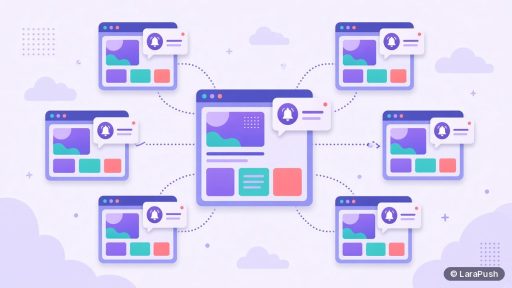
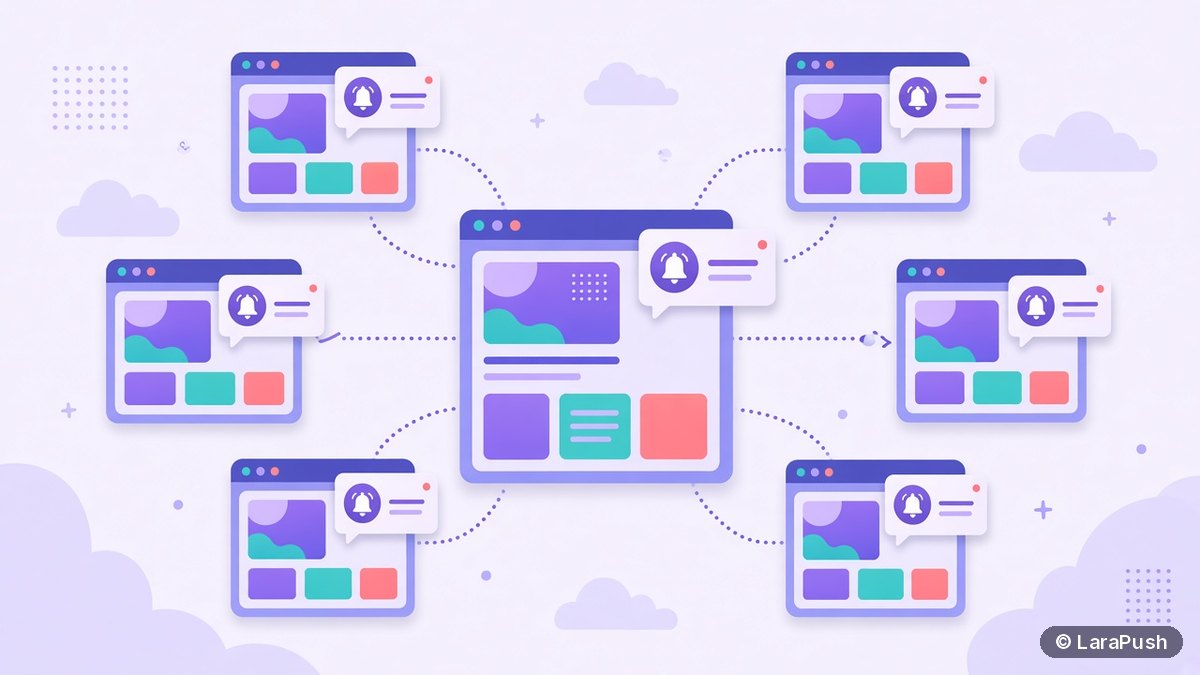
LaraPush is a self-hosted panel that you install on your own VPS. Its licence covers one server, and that server can run unlimited domains, subscribers and campaigns. So adding a twentieth client doesn’t change what you pay. Plans start at $499 one-time; check LaraPush pricing for current prices.
How does pricing change as an agency adds client sites?
Pricing changes in steps on per-site plans, rises gradually on per-subscriber plans and stays flat on a one-time licence. That’s the single biggest difference between these tools for an agency.
| Model | What happens at 3 clients | What happens at 30 clients |
|---|---|---|
| Per-site plans (PushAlert, PushEngage) | Fits a mid-tier plan | Needs an Enterprise quote |
| Per-subscriber (OneSignal web push) | Small bill if lists are small | Bill tracks the combined subscriber count |
| One-time licence (LaraPush) | One-time fee plus a VPS | Same licence, possibly a bigger VPS |
If you want to run the numbers for your own client mix, the push notification cost calculator explains the inputs. For the general trade-offs, see push notification pricing models.
Who should own the subscribers: the agency or the client?
The client should own the subscriber list, and your contract should say so. Web push subscriptions are tied to the domain, the service worker and the keys used at sign-up, as the Push API specification and RFC 8292 (VAPID) describe. So moving a list later is never as simple as exporting a CSV of emails.
In practice, I’d agree three things with every client before launch:
- Whose account or server holds the subscribers.
- What the client receives if the contract ends (an export, admin access or a handover).
- Who pays for the push tool, and in whose name.
This matters even more with self-hosting. If one agency server holds every client’s list, a departing client can’t simply take their project to another server on your licence, because a LaraPush licence is non-transferable and covers one server. The client would need their own setup. For background on what happens when a provider disappears, read what happens to subscribers when a push provider shuts down.
How do agencies onboard a new client site quickly?
Agencies onboard clients fastest with a repeatable checklist and a tool that can copy a working setup. Here’s the process I’d standardise:
- Create a new project or app for the client’s domain.
- Add the site’s Firebase configuration or the provider’s keys.
- Copy your standard opt-in prompt, welcome notification and templates.
- Install the WordPress plugin, or paste the script and upload the service worker file.
- Send a test notification to your own browser on desktop and Android.
- Set up the first segments and a reporting schedule for the client.
LaraPush Pro includes campaign and project cloning, which copies a working setup onto a new domain. Its free WordPress plugin also handles integration and push on publish for WordPress clients.
Where does LaraPush fit for agencies?
LaraPush fits agencies that manage many content or ecommerce sites and want a fixed cost instead of per-site or per-subscriber bills. One licensed server runs unlimited client domains, and Pro adds project cloning and retargeting, which sends one campaign across multiple projects. See the full LaraPush features list.
The trade-offs are real, though. You run and maintain a VPS. There’s no free plan. The licence covers one server and isn’t transferable, so client handover needs planning. And support hours are Monday to Friday, 09:00 to 18:00 IST. For more options beyond agencies, see the best push notification services and tools.
Frequently asked questions
It depends on how many client sites you manage. As of November 2026, PushAlert Platinum covers 5 websites for $69/month, PushEngage Growth covers 3, and OneSignal bills per web push subscriber. A self-hosted panel such as LaraPush runs unlimited client domains on one server for a one-time fee.
Yes. Most tools let you create a separate project or app per website inside one account, but plans limit how many. PushAlert allows 3 or 5 websites on its upper plans, and PushEngage allows 2 or 3. LaraPush has no domain limit on its licensed server.
Both models exist. PushAlert and PushEngage sell plans with a website limit and a subscriber cap. OneSignal charges web push per subscriber on its Growth plan. LaraPush is a one-time licence with no per-site or per-subscriber fee, but you pay for your own server.
Ownership depends on whose account or server holds the subscriptions and on your contract. Agree in writing that the client owns the list and how it’s handed over if the contract ends, because web push subscriptions are tied to the domain, service worker and keys used at sign-up.
Not always. Many clients only need their own prompt, branding and reports. If you want to resell push under your own brand, ask each vendor directly whether white-labelling and sub-accounts are included on the plan you’re considering, because these are often Enterprise features.