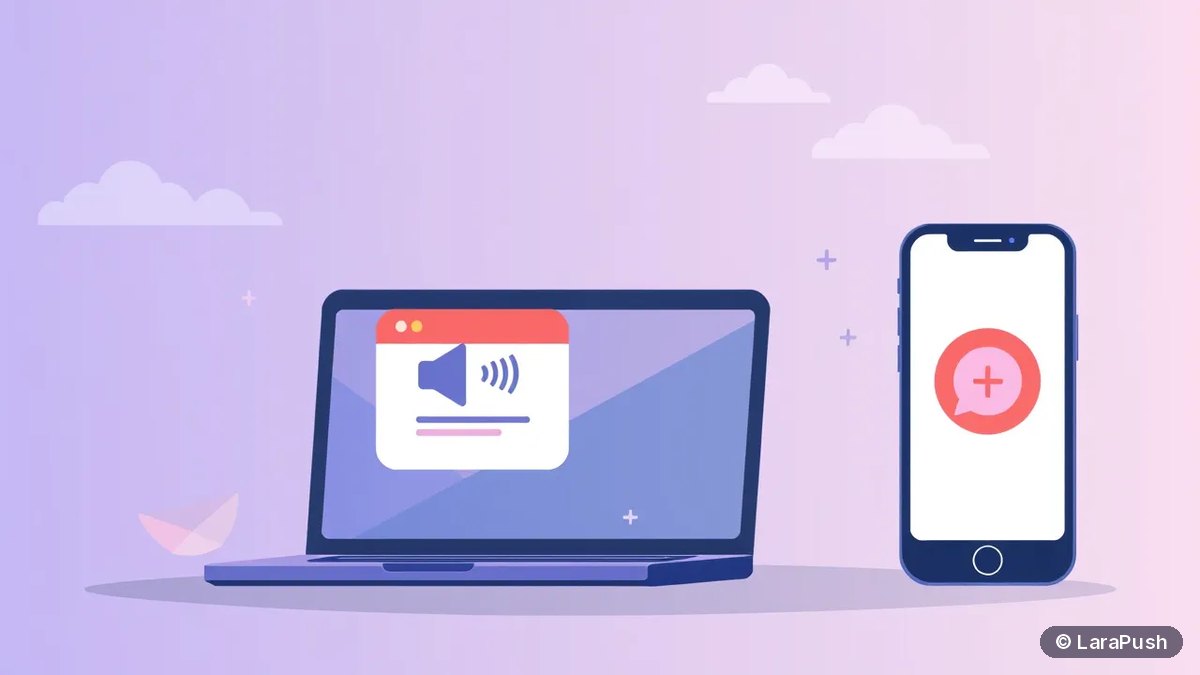

No, web push notifications can’t play a custom sound. The current Notifications standard has no sound option, so the browser and operating system play their default alert, or none, based on the user’s settings. A site can only ask for silence by setting silent: true, and custom audio is possible only while your page is open.
I get this question from site owners who want their brand jingle on every alert, or a louder chime for urgent messages. It’s a fair ask, since native apps can do it. Web push works differently, though, and knowing the limits saves you hours of debugging. Here’s what you can control, what you can’t, and the workarounds that actually exist.
Can a web push notification play a custom sound?
No, a web push notification can’t play a custom sound in any major browser today. The WHATWG Notifications standard defines a “silent preference” but no option for an audio file. When silent is null, it says producing sounds or vibrations “should be left to platform conventions”.
In practice, that means the operating system decides. Windows, macOS, Android and iOS each play their standard notification sound for the browser, or stay quiet, depending on how the user has set up notifications. Your service worker has no say in which sound plays.
Key facts at a glance:
- Custom sound file: not supported by the standard or by current browsers.
- silent: true: supported in Chrome 43+, Edge, Firefox 132+ and Safari 16.6+ on macOS, per MDN data checked on November 25, 2026.
- Safari on iPhone: doesn’t support the silent option.
- vibrate: deprecated and dropped from the standard’s options, and ignored by Chrome on Android 8 (Oreo) and later.
- Custom audio: possible only inside an open page, not from the service worker.
Why don’t browsers allow custom notification sounds?
Browsers leave sound to the operating system because notifications are a system feature. Notification sounds are part of the system’s notification settings, alongside banners, focus modes and lock screen rules. Letting every website pick its own sound would undercut those controls and make web push far more intrusive.
There’s also a practical reason. A push message is handled by a service worker, which runs in the background without a page. Service workers have no DOM, so they can’t create an audio element and play a file. The only thing they can do is ask the system to show a notification.
How do you make a web push notification silent?
You make a web push notification silent by passing silent: true in the options of showNotification(). The notification still appears, but the browser asks the system not to play a sound or vibrate.
self.registration.showNotification('Your daily digest is ready', {
  body: 'Five stories picked for you this morning.',
  icon: '/icons/icon-192.png',
  silent: true
});
Silent notifications suit low-priority messages such as digests, reminders and recommendations. On the other hand, they’re easy to miss, so don’t use them for anything time-sensitive.
Which browsers support the silent option?
Most desktop browsers support silent, but Safari on iPhone doesn’t. This table summarises MDN’s compatibility data for Notification.silent, checked on November 25, 2026:
| Browser | silent: true supported? | Custom sound file? |
|---|---|---|
| Chrome and Edge (desktop and Android) | Yes | No |
| Firefox (desktop) | Yes, since version 132 | No |
| Safari (macOS) | Yes, since version 16.6 | No |
| Safari on iPhone and iPad | No | No |
| Opera | Yes (Chromium) | No |
Even where silent is supported, the user’s system settings still win. If someone has muted all notifications from their browser, every push is silent anyway.
Can you play a sound when a push arrives while the site is open?
Yes, but only on a page the user has open, and only within autoplay rules. When your site is open in a tab, the service worker can send a message to that page with clients.matchAll() and postMessage(). The page can then play a short audio file with the Web Audio API or an audio element.
There are limits, though. Chrome’s autoplay policy blocks sound until the user has interacted with the page, for example by clicking. So this pattern suits web apps people keep open and use actively, such as chat tools, dashboards and support queues. It doesn’t help a blog that wants a jingle when a reader is elsewhere.
Can a notification vibrate instead?
Rarely, and you shouldn’t rely on it. The vibrate option no longer appears in the WHATWG standard’s list of notification options, MDN marks it deprecated, and MDN notes that Chrome on Android ignores it on Android 8 (Oreo) and later, because Android now controls vibration per notification channel. Safari and Firefox don’t support it.
So the honest summary is this: on the web, you choose between the system default and silence. Everything else depends on the subscriber’s own settings.
How do you make important notifications stand out without sound?
You make important notifications stand out with clear copy, the right timing and the display options browsers do support. Sound is only one way to get attention, and on the web it’s not yours to control.
What I’d use instead:
- Write a specific title. Put the key fact first, such as “Live in 5 minutes” or “Price dropped to $49”.
- Add a large image where supported, which makes the notification bigger on Chrome and Edge. My guide on how to add images to web push notifications covers sizes.
- Use requireInteraction for urgent alerts on desktop Chromium. I cover this in how to make a push notification stay on screen.
- Send at the right time. My post on the best time to send push notifications covers timing.
- Keep urgent alerts rare, so subscribers don’t learn to ignore them.
Where LaraPush fits
LaraPush is a self-hosted web push panel you run on your own VPS, sold as a one-time licence from $499 (check LaraPush pricing). It sends through Firebase Cloud Messaging, so sound behaviour is the same browser and system default described in this post. What it adds is the campaign side: titles, images, up to two CTA buttons, templates, scheduling and segmentation, shown on the features page. The trade-offs are that there’s no free plan and you manage the server. For a wider comparison of tools, see the best push notification services and tools.
Frequently asked questions
Not from your website. The Notifications standard has no sound option, so browsers play the system default. Subscribers can change or mute the sound in their own operating system or browser settings, but a site can only request silence with silent: true.
Usually because of the user’s settings. Focus or Do Not Disturb modes, muted browser notifications or a quiet system sound all stop the alert. It can also happen if your code sets silent: true. Check the notification settings for the browser in the operating system first.
Web push on iPhone follows normal iOS notification settings for the Home Screen web app, including sounds. It needs iOS 16.4 or later and the site added to the Home Screen. Safari on iOS doesn’t support the silent option, according to MDN data checked on November 25, 2026.
Yes. Native iOS and Android apps can bundle sound files and assign them to notifications or notification channels. That’s one real difference between app push and web push. If custom sounds matter a lot to your product, a native app may suit you better than web push.
No. The current WHATWG Notifications standard lists options such as body, icon, image, badge, tag, renotify, silent, requireInteraction, actions and data, but no sound. Some old guides mention a sound option, but browsers don’t support it today.