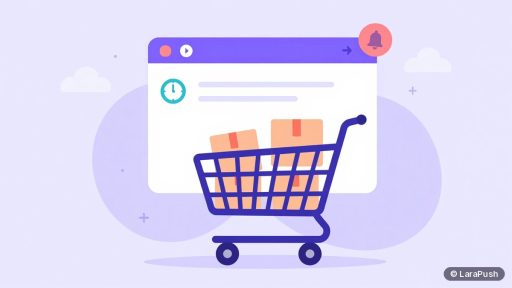
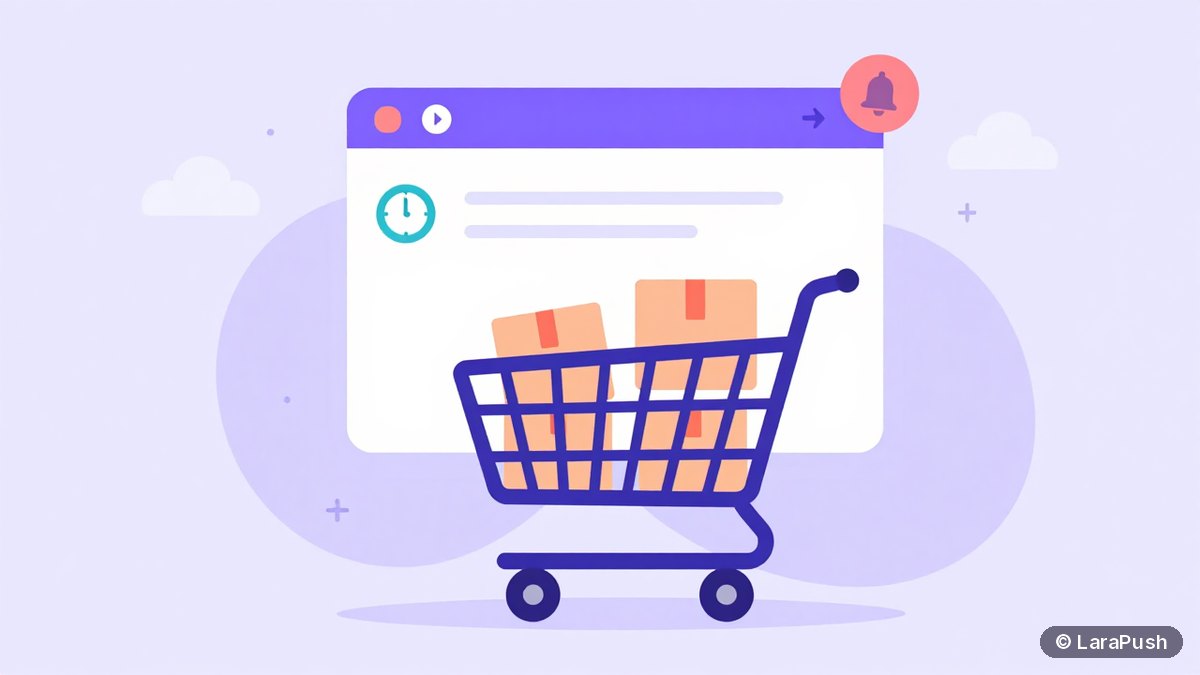

Yes, you can send abandoned cart reminders with web push notifications, but only if the shopper has subscribed and your push tool can connect that subscription to the cart. A store plugin or custom code watches cart events, waits a set time, then sends a short reminder linking back to the cart.
Cart abandonment reminders are one of the most requested store automations. Email handles them well when you have an address. However, many shoppers leave before giving one. Web push can fill that gap, because a subscribed browser can be reached without an email address. Below is how abandoned cart web push works, what you need, and where its limits are.
How do abandoned cart web push notifications work?
An abandoned cart push is a triggered notification sent to one subscriber after they add items to a cart and don’t check out. The flow has four parts.
- The shopper allows notifications, so the browser creates a push subscription.
- Your store or push tool records which subscription belongs to which cart.
- After a delay with no checkout, the tool sends a push through the browser’s push service.
- The shopper clicks the notification and lands on the cart or checkout page.
The delivery part is standard web push, using the Push API and a service worker, as the web.dev push overview describes. The hard part is step 2. A push subscription is just a browser endpoint, so something must tie it to a cart session.
What do you need to send abandoned cart reminders by push?
You need four things in place before the first reminder can go out.
| Requirement | Why it matters |
|---|---|
| HTTPS store with a root service worker | Browsers only allow push on secure origins with a registered service worker |
| Opted-in subscribers | You can only push to shoppers who clicked Allow |
| Cart-to-subscriber link | The tool must know which subscription owns the abandoned cart |
| A trigger with a delay and a stop rule | Sends after a wait, and cancels if the shopper checks out |
On WooCommerce and Shopify, a push plugin or app usually handles the link and the trigger. For example, the PushEngage plugin listing describes cart abandonment workflows, and the Webpushr plugin page lists abandoned cart alerts (both checked November 2026). On a custom store, your developer stores the subscription ID next to the cart and calls a push API when the timer fires.
How should you time and write a cart reminder?
Keep it to one or two reminders, sent while the shopper still remembers the cart. A common pattern is a first reminder within a few hours and an optional second one the next day. Test your own timing rather than copying someone else’s, because buying cycles differ by product and price.
Write the reminder like this:
- Title: name the product or the cart, for example “Your running shoes are still in your cart”.
- Message: one line with a reason to return, such as limited stock or free delivery, but only if it’s true.
- Image: the product image, if your tool supports large images.
- Link: straight to the cart or checkout, with UTM tags so you can measure it.
- Buttons: one “Complete checkout” button is enough.
Avoid fake urgency. Saying stock is low when it isn’t damages trust fast. My post on UTM parameters on web push links shows how to tag the link.
What are the limits of abandoned cart web push?
Abandoned cart push only reaches shoppers who subscribed, which is usually a minority of visitors. So it complements cart recovery email rather than replacing it.
There are other limits worth knowing:
- No subscription, no reminder. If the shopper never allowed notifications, push can’t reach them.
- Device mismatch. A cart started on a phone and a subscription made on a laptop may not connect.
- iPhone needs a Home Screen web app. Web push on iOS and iPadOS 16.4+ only works after the shopper adds your site to the Home Screen, as the WebKit blog explains.
- Privacy rules apply. A push subscription tied to a cart is personal data in most privacy laws, so cover it in your privacy policy.
Web push vs email for abandoned carts: which is better?
Neither is better in every case. They reach different shoppers, so the best setup uses both where you can.
| Factor | Web push | |
|---|---|---|
| Needs an email address | No | Yes |
| Needs notification permission | Yes | No (needs marketing consent where required) |
| Message length | Very short | Long, with product details |
| Shows on lock screen or desktop | Yes, if allowed | Only via the mail app |
| Best for | Quick nudge soon after leaving | Detailed reminder and offers |
If a shopper gave both an email and push permission, send one reminder on each channel at different times, not two at once. My comparison of web push vs email vs SMS goes deeper.
Where LaraPush fits
LaraPush is a self-hosted web push panel, not a store app, and it doesn’t list a built-in cart abandonment workflow. What it does offer is a REST API with no call limits, segmentation, scheduling, templates and up to 2 CTA buttons with separate click tracking. So a developer can build a cart reminder on a custom store by storing the subscriber ID with the cart and calling the API when the timer fires.
If you want a ready-made cart flow with no code, a store-specific plugin is the simpler choice. See LaraPush features, automation and pricing, plus my roundup of the best push notification software for ecommerce and my guide to WooCommerce push notifications.
Frequently asked questions
No. Web push needs notification permission, not an email address. That is the main reason stores add push: it can reach subscribed shoppers who left before entering an email. It still needs a way to link the push subscription to the cart.
One or two is usually enough. Send the first while the visit is fresh and an optional second later, then stop. Always cancel the sequence as soon as the shopper completes checkout, so nobody gets a reminder for an order they already placed.
Yes, through a Shopify push notification app that supports cart events. Check the app listing for cart abandonment before installing, because not every push app offers it. Shopify apps handle the service worker and the cart link for you.
Only for shoppers who added your store to the Home Screen and allowed notifications there, on iOS or iPadOS 16.4 or later. Shoppers browsing in regular Safari tabs can’t receive web push, so email remains important for iPhone users.
Generally yes, because the shopper opted in to notifications. However, linking a push subscription to a cart is processing personal data, so explain it in your privacy policy and follow the privacy laws that apply to your store, such as GDPR in the EU.