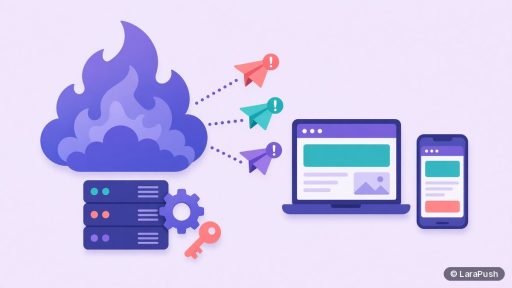
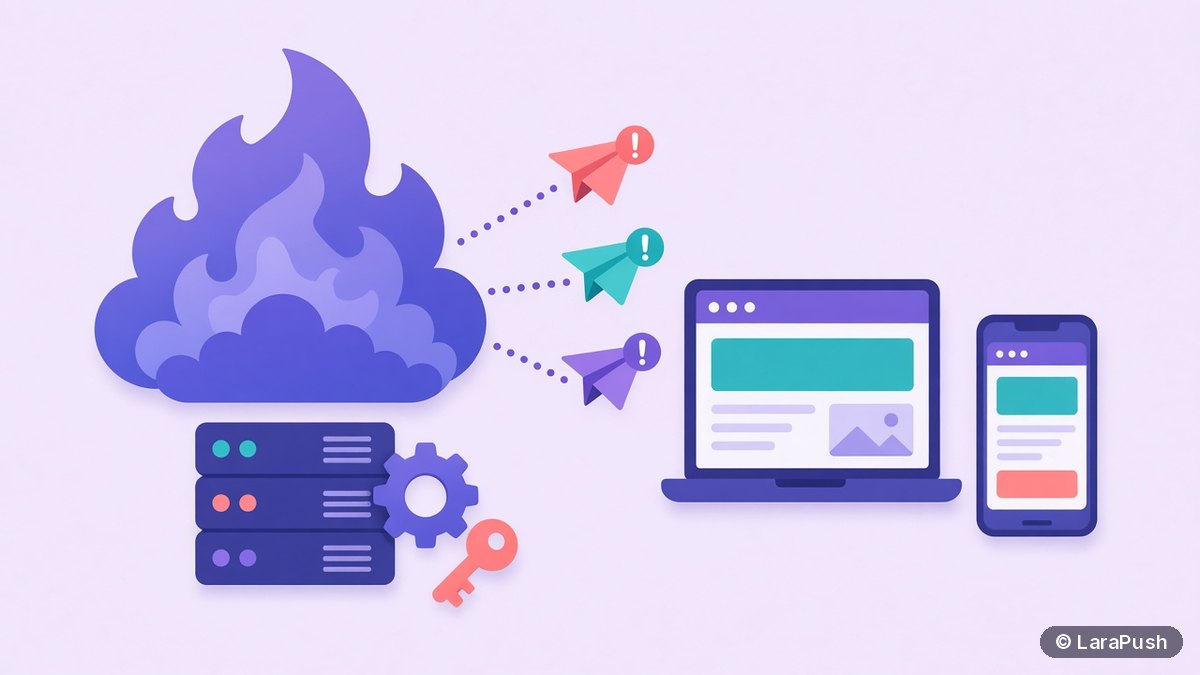

Yes, you can send Firebase web push notifications for free. Firebase Cloud Messaging (FCM) is listed as no-cost on Firebase’s pricing page, with no per-message fee. However, FCM is only the delivery layer. You still build and host the opt-in prompt, subscriber storage, sending server and any dashboard yourself, which costs time and hosting.
I like FCM because it’s the same delivery layer many push tools are built on. For example, LaraPush itself delivers through it. But “free” here means free in money, not free in effort. In this post I cover what Firebase web push includes at no cost, what you have to build, the limits that apply, and when a ready-made tool makes more sense. Firebase details come from its official docs, checked on Oct 31, 2026.
Is Firebase Cloud Messaging free for web push?
Yes. Firebase Cloud Messaging is free for web push. The Firebase pricing page lists Cloud Messaging (FCM) as no-cost on both the no-cost Spark plan and the pay-as-you-go Blaze plan. There’s no charge per message or per subscriber.
What isn’t free is everything around it. If you host a backend on Google Cloud or elsewhere, that hosting is billed normally. And the build time is yours.
What does Firebase web push include for free?
Firebase web push gives you the delivery pipeline and the client SDK at no cost. Here’s what’s included and what isn’t:
| Included free with FCM | Not included, so you build or buy it |
|---|---|
| FCM JavaScript SDK for the browser | Opt-in prompt design and timing |
| A unique ID for each subscribed browser | A database to store those IDs and attributes |
| HTTP v1 API to send messages | A sending server or scheduled jobs |
| Topic messaging for groups of subscribers | A campaign dashboard and editor |
| Delivery to browsers that support the Push API | Segmentation by device, country or page |
| No per-message or per-subscriber fee | Click analytics per campaign |
In other words, FCM moves the message. For a real website, you’ll also want segments, scheduling and campaign reporting, and you build those yourself.
What do you need to send Firebase web push notifications?
You need five pieces before your first Firebase web push notification arrives. According to the FCM web client guide, they are:
- A Firebase project with your web app registered.
- A site served over HTTPS, because the FCM SDK relies on service workers, which only run on HTTPS.
- A VAPID key pair (Voluntary Application Server Identification), generated or imported in the Firebase console.
- A service worker file on your domain that receives messages in the background.
- A server that sends messages through the FCM HTTP v1 API.
The browser side asks for permission and registers with FCM. You save the resulting ID on your server. Later, your server sends a message to it.
How do you send a message with the FCM HTTP v1 API?
You send a message with an authenticated POST request to the FCM HTTP v1 endpoint. The migration guide explains that v1 replaced the legacy server-key APIs. Those legacy APIs were deprecated on June 20, 2023, with shutdown starting July 22, 2024.
The v1 flow works like this:
- Create a service account in your Firebase project settings.
- Use it to mint a short-lived OAuth 2.0 access token, or let the Firebase Admin SDK do it for you.
- POST the message to the project’s messages:send endpoint with the token in the Authorization header.
- Target a single subscriber, a topic or a condition.
In short, sending is easy once your server is set up. The ongoing work is keeping subscriber IDs fresh and removing invalid ones.
What are the limits of free Firebase web push?
FCM’s limits are about rate, not price. The throttling and quotas page says the HTTP v1 API has a default quota of 600,000 messages per minute per project. Firebase says that covers over 99% of FCM developers, and you can request more.
The practical limits are elsewhere:
- Browser support: web push works only where the Push API is supported. On iPhone, that means iOS 16.4 or later with the site added to the Home Screen (WebKit).
- Subscriber hygiene: subscriptions expire or go invalid, so you need clean-up logic.
- No marketing layer: segments, A/B tests and reports are yours to build.
- Credentials: the service account key must be stored securely on your server.
How much does free Firebase web push really cost?
Free Firebase web push costs $0 in FCM fees, but you pay for hosting and development time. I’d count three lines:
| Cost line | What it covers | Typical cost |
|---|---|---|
| FCM delivery | Sending messages | $0 (no-cost) |
| Hosting | Database and sending server | Your host’s price |
| Build and upkeep | Prompt, storage, dashboard, token clean-up | Developer time |
For a developer with an existing backend, that’s often a fine trade. For a marketer or blogger, the build is the real cost. Our push notification cost calculator helps you compare it with paid options over 3 years.
When should you use a ready-made tool instead of raw FCM?
Use a ready-made tool when you need campaigns, segments and reports without writing them yourself. Use raw FCM when push is part of your own product and you have developers.
There are three middle paths:
- A free SaaS tier, such as Webpushr or OneSignal, if your list is small. See the best free push notification services.
- A self-hosted panel that runs on FCM, if you want ownership without building a dashboard.
- An open-source server, if you want full control and can maintain it. Our post on open source vs paid self-hosted push covers that choice.
Where does LaraPush fit?
LaraPush is a self-hosted web push panel that delivers through Firebase Cloud Messaging, so it’s the “FCM plus a ready dashboard” option. You install it on your own VPS, add your site and Firebase config, then embed the JavaScript and service worker or use the WordPress plugin. You get campaigns, scheduling, segmentation, prompts and analytics on top of FCM. It’s not free, though: it’s a one-time licence from $499 with no free plan (see LaraPush pricing). Setup steps are in the LaraPush guide, and the features page lists what each plan includes.
Frequently asked questions
Yes. Firebase’s pricing page lists Cloud Messaging (FCM) as no-cost, with no per-message or per-subscriber fee. You still pay for any server or database you use to store tokens and send messages, plus your development time.
FCM’s HTTP v1 API has a default quota of 600,000 messages per minute per project, according to Firebase’s throttling and quotas page. Firebase says that covers over 99% of developers, and you can request an increase.
Yes, in practice. The FCM HTTP v1 API requires an OAuth 2.0 access token minted from a service account, and that credential should stay on a server, not in the browser. The Firebase Admin SDK can handle the token for you.
Web push works on iPhone and iPad with iOS 16.4 or later, but only after the user adds your site to the Home Screen. FCM delivers to browsers that support the Push API, so the iOS rules come from Apple, not Firebase.
Yes. LaraPush delivers web push notifications through Firebase Cloud Messaging. It adds a self-hosted dashboard with campaigns, segmentation, prompts and analytics, sold as a one-time licence from $499 with no free plan.