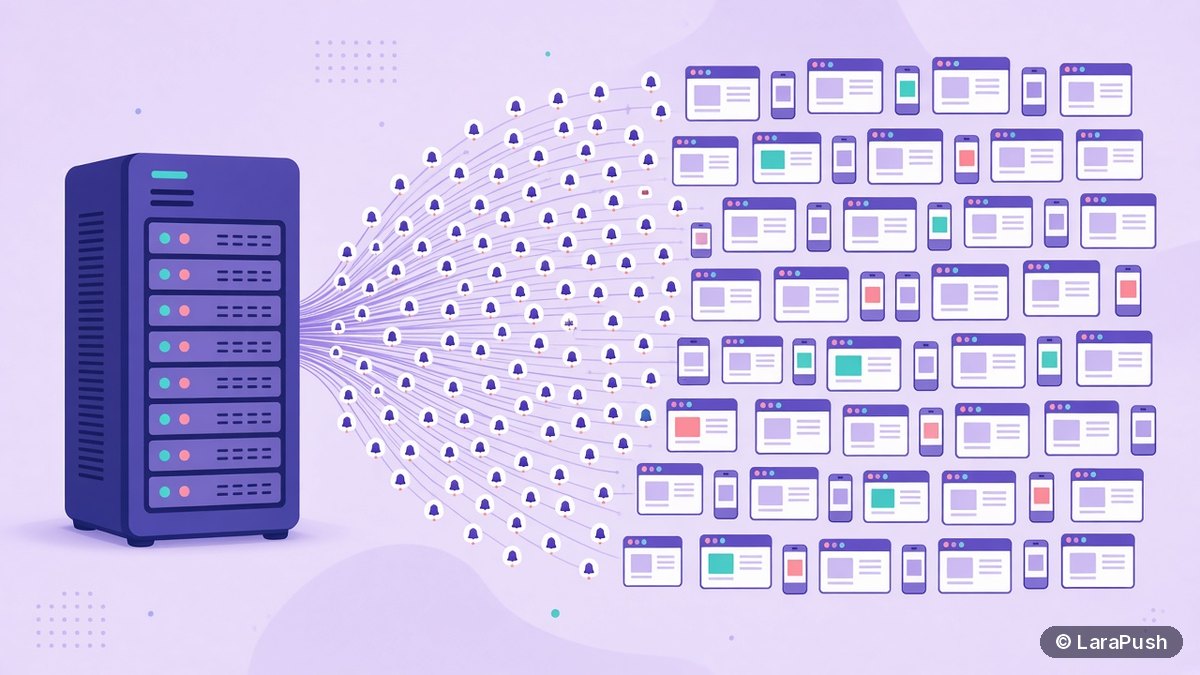

Yes, one self-hosted push notification server can handle a million or more subscribers, because the server doesn’t deliver notifications itself. It queues one small encrypted request per subscriber to a push service such as Firebase Cloud Messaging (FCM), which does the delivery. Speed then depends on your queue workers, network and the push service’s rate limits.
This question comes up a lot when people compare self-hosted push with SaaS. The worry is that a small VPS will melt the moment you hit “send” to a big list. As a tech geek, I find the answer satisfying, because once you see how web push actually flows, the bottleneck is rarely where people expect.
Quick facts:
- With the Web Push protocol, every subscriber is a separate HTTP request to a push service (RFC 8030).
- FCM’s default quota is 600,000 messages per minute per project, according to the Firebase throttling and quotas page (checked November 2026).
- At that quota, a 1,000,000-subscriber send needs just under 2 minutes of FCM capacity.
- LaraPush’s llms.txt says a 1 GB RAM, 1 vCPU Ubuntu 24.04 VPS is enough even for very large subscriber counts.
Can a self-hosted push server handle 1 million subscribers?
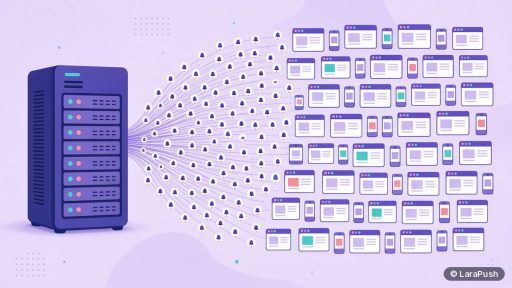
A self-hosted push server can handle 1 million subscribers because its job is lightweight: store subscription records, build a payload, and hand each message to the browser’s push service. The heavy lifting of keeping connections open to millions of browsers is done by Google, Mozilla and Apple, not by your VPS.
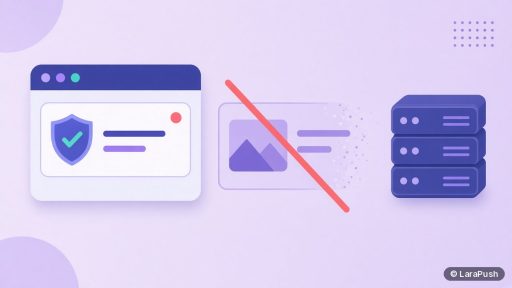
Your server never holds a live connection to each subscriber. It only makes outbound HTTPS requests when you send a campaign. Between campaigns, a million subscribers are just a million rows in a database table.
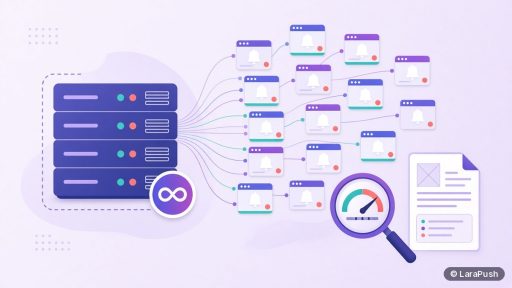
How does a push server send to millions of subscribers?
A push server sends to millions of subscribers by splitting the list into batches and processing them through background queue workers. Each worker takes a batch, signs and encrypts the payload for each subscription, and posts it to the push endpoint.
Here is the typical flow, step by step:
- You create a campaign in the panel and pick a segment.
- The app reads matching subscriber IDs from the database in chunks.
- Each chunk becomes a queued job (for a Laravel app, that’s Laravel queues).
- Workers send each message to the push service, such as FCM, with VAPID authentication (RFC 8292).
- The push service delivers to the browser, and the service worker shows the notification.
- The server records results and removes subscriptions the push service reports as expired.
What actually limits sending speed?
Sending speed is limited by four things: the push service’s quota, how many queue workers you run, network round-trip time, and database speed. CPU is rarely the first wall, because each message is a small payload.
| Factor | Why it matters | What you can do |
|---|---|---|
| Push service quota | FCM caps messages per minute per project | Stay under 600k/min by default; request more from Firebase if needed |
| Queue workers | More workers means more parallel requests | Add workers before adding RAM |
| Network latency | Each request waits for a response | Host near the push service; reuse HTTP connections |
| Database reads | Large segments need fast queries | Index segment fields; read in chunks |
| Expired subscriptions | Dead tokens waste requests | Remove subscriptions returning 404 or 410 |
Firebase also limits how many messages one device can receive. For Android, the same Firebase page says up to 240 messages per minute and 5,000 per hour to a single device, which matters only if you spam one subscriber, not for a broadcast.
How long does it take to send to a million subscribers?
At FCM’s default 600,000 messages per minute, the push service side of a 1,000,000-subscriber send takes about 1 minute 40 seconds. Real campaigns take longer, because your workers, network and database also need time.
I’d rather not quote a single magic number for “your” server, because it depends on the setup. What I’d do is time a send to a mid-sized segment, divide by the count, and scale up. If the rate is too slow, add queue workers first, then check database indexes, then think about a bigger VPS.
How much server do you need for a large push list?
You need less server than most people assume. LaraPush’s own documentation says Ubuntu 24.04 with 1 GB RAM and 1 vCPU is enough, even for very large subscriber counts. That works because sending is mostly waiting on network responses, not crunching numbers.
That said, I’d give myself headroom. A bit more RAM helps the database cache subscriber tables, and an extra vCPU lets more workers run in parallel. Storage grows with subscriber records and campaign logs, so keep an eye on disk. My self-hosted push server requirements guide walks through sizing in more detail.
Does a big list need sharding or multiple servers?
A big web push list usually doesn’t need sharding or multiple servers. One well-configured server with enough queue workers can push to millions of subscribers, because the push services absorb the fan-out to devices.
Multiple servers start to make sense for other reasons: separate clients that need isolated data, very large campaign histories, or high-availability requirements. If you run many sites, it’s often simpler to put them all on one panel. With LaraPush, one licence covers unlimited domains on one server, which I explain in push notifications for multiple websites.
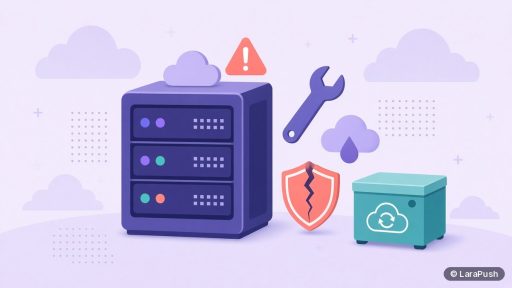
What goes wrong at scale, and how do you avoid it?
The common problems at scale are expired subscriptions piling up, a queue that stalls, and sending to everyone at once when a segment would do. All three are fixable with routine housekeeping.
- Clean dead subscriptions. Push services answer with 404 or 410 for subscriptions that no longer exist. Delete them so they don’t waste future sends.
- Monitor the queue. If workers crash, campaigns stall silently. Use a process manager such as Supervisor and watch queue length.
- Segment instead of blasting. Smaller, relevant sends are faster and lead to fewer unsubscribes.
- Back up the database. At a million subscribers, the subscriber table is your most valuable asset.
Where LaraPush fits
LaraPush is a self-hosted web push panel built with Laravel, PHP and MySQL that sends through FCM, with built-in server, uptime and queue monitoring. You pay from $499 one-time (see LaraPush pricing for current prices) with unlimited subscribers on your licensed server, so a growing list doesn’t raise the licence cost. The trade-off is that you run the VPS, and the licence covers one server. Segment-based sending and scheduling are covered on the features page.
Frequently asked questions
There’s no fixed ceiling set by the server alone. Subscribers are database rows, and sending is outbound requests to a push service. Practical limits come from FCM’s quota, your number of queue workers, database speed and disk space, so a single server can handle millions.
Yes. Firebase’s documentation lists a default quota of 600,000 messages per minute per project, which covers most senders. You can request a higher quota through the Google Cloud console, as that page explains. There is also a per-device rate limit that only matters if you message one device very often.
Not if the push panel runs on a separate server or subdomain. Sending happens in background queue workers on the push server, so your main website keeps serving pages normally. Keeping the panel apart from the site is a sensible default.
Not straight away. Sending is mostly network-bound, so adding queue workers usually helps more than adding CPU. Upgrade RAM and disk when the database grows or campaign history piles up, and keep regular backups.
Most failures are expired or revoked subscriptions, where the push service returns 404 or 410 because the user cleared data or blocked notifications. A healthy push server removes those records automatically so future campaigns stay fast.