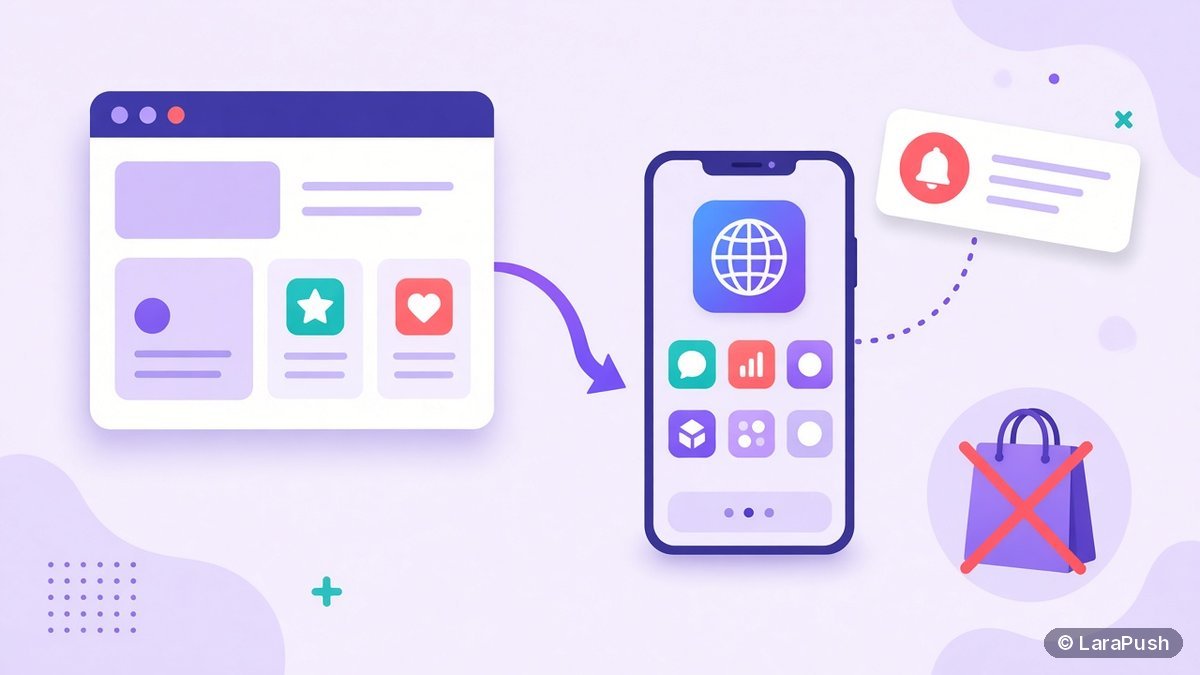

Yes. A progressive web app (PWA) can send push notifications without the App Store or Google Play. PWA push notifications use the standard Push API, Notifications API and a service worker. They work in major browsers on Android and desktop, in Safari on Mac, and on iPhone from iOS 16.4 once the PWA is added to the Home Screen.
I’m a fan of PWAs for one simple reason: they skip the store queue. However, people often assume a PWA needs a store listing before it can notify users. It doesn’t. Here’s how PWA push notifications work on each platform, what you need, and when a store listing still makes sense.
Can a progressive web app send push notifications?
Yes, a progressive web app can send push notifications, because PWA push notifications are simply web push. The PWA registers a service worker, asks the user for permission, and subscribes through the Push API. Your server then sends messages to the browser’s push service, which wakes the service worker to show the notification (MDN Push API).
In other words, there’s no separate “PWA push” technology. A PWA is a website with a web app manifest and a service worker, so it can be installed like an app (MDN: Progressive web apps). Push uses the same pieces as any website.
Do PWA push notifications need the App Store or Google Play?
No. PWA push notifications don’t need the App Store, Google Play or any store account. The browser and the operating system handle delivery. On iPhone, for example, WebKit says you don’t need to be a member of the Apple Developer Program to send web push to Home Screen web apps (WebKit).
A store listing is optional. If you want your PWA in Google Play for discovery, Google’s Trusted Web Activity lets you package it as an Android app. That’s a distribution choice, not a requirement for push.
Which platforms support PWA push notifications?
PWA push notifications work on Android, desktop and iPhone, but the install rule differs by platform. Here’s the summary as of October 2026:
| Platform | PWA push works? | Must the PWA be installed? |
|---|---|---|
| Android (Chrome, Edge, Firefox, Samsung Internet) | Yes | No, a browser tab works |
| Windows, macOS, Linux (Chrome, Edge, Firefox) | Yes | No |
| Safari on Mac (Safari 16.1+, macOS Ventura+) | Yes | No |
| iPhone and iPad (iOS/iPadOS 16.4+) | Yes | Yes, added to the Home Screen |
| iPhone and iPad below iOS 16.4 | No | Not available |
So iPhone is the only platform where installing the PWA is mandatory for push. Our post on iPhone push notifications without an app covers that flow step by step, and Android push notifications without an app covers Android.
What does a PWA need to send push notifications?
A PWA needs HTTPS, a web app manifest, a service worker, VAPID keys and a server or service that sends the messages. Here’s what each part does:
| Part | What it does | Reference |
|---|---|---|
| HTTPS | Required for service workers and the Push API | MDN Push API |
| Web app manifest | Makes the PWA installable; on iOS, `display: standalone` makes it a Home Screen web app | MDN installable PWAs |
| Service worker | Receives push events and shows notifications | web.dev |
| VAPID keys | Identify your server to the push service | IETF RFC 8292 |
| Sender | Encrypts and sends each message | A push service, self-hosted panel or library |
If you’d rather not build the sender and subscriber storage yourself, a push tool does it for you. Our guide to adding push notifications to a website shows the five no-code steps, and they apply to a PWA too.
How do you ask PWA users for notification permission?
Ask for permission after a clear user action, not as soon as the PWA opens. On iPhone, this is mandatory: iOS only shows the prompt in response to a direct interaction, such as tapping a Subscribe button. On other platforms, it’s simply good practice, because web.dev recommends asking in context (permission UX).
A good pattern is a small in-app message explaining what you’ll send, followed by a button that triggers the native prompt. As a result, users who tap it actually want the notifications.
What changed with Declarative Web Push?
Declarative Web Push lets a web app show notifications without running service worker code, and Apple shipped it for Home Screen web apps in iOS and iPadOS 18.4 (WebKit, Mar 2025). The push message itself describes the notification in a standard JSON format, so the system can display it directly.
For PWA owners, it’s an improvement rather than a new requirement. WebKit says it’s backwards compatible with existing Web Push, so your current setup keeps working while tools add support.
Should you build a PWA or a native app for push notifications?
Build a PWA if push notifications are the main app-like feature you need, because it reaches Android, desktop and iPhone without store fees or reviews. Build a native app if you need deep device features or your users already expect an app. For a fuller comparison, read web push vs app push.
| Question | PWA with web push | Native app with app push |
|---|---|---|
| Store account needed? | No | Yes |
| Ships updates without review? | Yes | No, store review applies |
| iPhone push | iOS 16.4+, Home Screen install | Yes |
| Works in a browser tab on Android and desktop? | Yes | No |
Where does LaraPush fit?
LaraPush is a self-hosted web push panel, so it can send notifications to a PWA the same way it sends to any website. It supports Chrome, Firefox, Edge, Opera, Android browsers and iPhone via iOS Safari web push (iOS 16.4+, Home Screen). Setup means embedding its JavaScript and service worker; see the LaraPush guide and iOS push pages. If your PWA already registers its own service worker, ask the LaraPush team how to combine the two before you install.
The trade-offs: you run a VPS, a licence covers one server, and there’s no free plan. Pricing is from $499 one-time; check pricing for the current price. To compare it with hosted options, see our best push notification services and tools.
Frequently asked questions
Yes. A PWA sends push notifications through standard web push: a service worker, the Push API and the Notifications API. It works on Android, desktop browsers and Safari on Mac, and on iPhone and iPad from iOS 16.4 once the PWA is added to the Home Screen.
Yes, from iOS and iPadOS 16.4. The user must add the PWA to the Home Screen, open it from the icon, and tap a button that triggers the permission prompt. The PWA needs a manifest with display set to standalone or fullscreen.
No. PWA push notifications are delivered by the browser and operating system, so no store listing or developer account is needed. A Google Play listing through Trusted Web Activity is optional and only matters if you want store discovery.
Only on iPhone and iPad. On Android and desktop, users can allow notifications from a normal browser tab without installing the PWA. On iOS and iPadOS 16.4 or later, the PWA must be added to the Home Screen first.
There is no technical difference. Both use the same web push standards, so a PWA is a website with a manifest and service worker that can be installed. The only practical difference is on iPhone, where installation to the Home Screen is required.