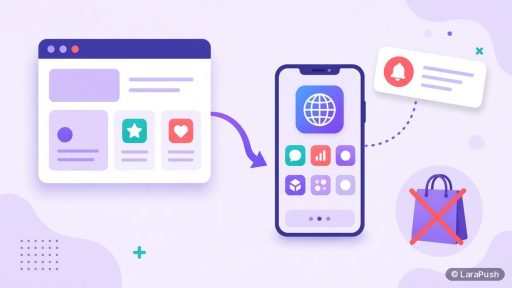
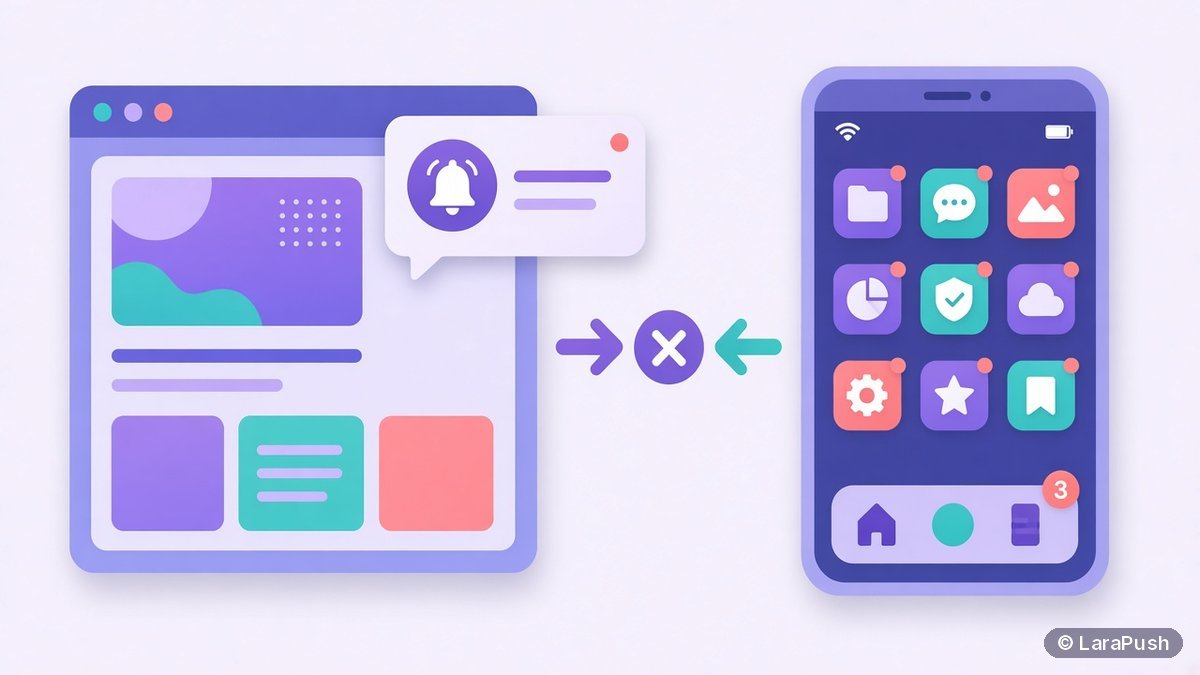

No, you don’t need a mobile app to send push notifications to customers. Web push reaches people through their browser on desktop, Android and iPhone (iOS 16.4+, after adding your site to the Home Screen). App push needs a native app installed from an app store. Start with web push; add app push if you build an app.
When a business asks me about web push vs app push, the real question is usually “do I need to build an app first?” Most of the time, the answer is no. Here’s how the two compare on reach, cost, setup and features, and how to decide.
What is the difference between web push and app push?
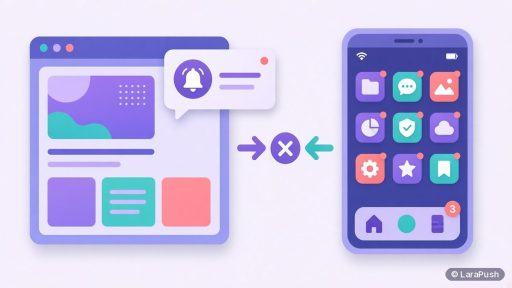
Web push is sent by a website to a browser that the visitor has allowed; app push is sent by a native app to the device it’s installed on. Both show up as system notifications, but they’re delivered through different routes.
- Web push uses open web standards: the Push API, the Notifications API and a service worker (MDN Push API). Your server signs messages with VAPID keys and sends them to the browser’s push service.
- App push uses the platform’s own service. iOS apps use the Apple Push Notification service (APNs), and Android apps usually use Firebase Cloud Messaging (FCM) (Firebase docs).
For a refresher on how the pieces connect, see how push notifications work.
How do web push and app push compare?
Web push wins on cost and speed to launch, while app push wins on depth inside the app. Here’s the side-by-side I use:
| Factor | Web push | App push |
|---|---|---|
| Needs an installed app? | No | Yes |
| Where users opt in | Browser prompt on your site | OS prompt inside the app |
| Desktop reach | Chrome, Edge, Firefox, Safari on Mac | Only if you ship a desktop app |
| Android reach | Major browsers, no install | App users only |
| iPhone reach | iOS 16.4+, site added to Home Screen | App users only |
| Store fees to start | None | Apple 99 USD/year; Google Play US$25 one-time |
| Build effort | Script or plugin | Native or cross-platform app |
| Best for | Content sites, stores, SaaS without an app | Products people use daily in an app |
Store fees were checked on Oct 28, 2026, on Apple’s enrollment page and Google Play Console help.
Do I need a mobile app to send push notifications?
No. A website can send push notifications without an app on desktop and Android today, and on iPhone since iOS 16.4. The only condition on iPhone is that the visitor adds your site to the Home Screen first. Our guides on iPhone push notifications without an app and Android push notifications without an app walk through each platform.
In other words, the app question is a product decision, not a notification decision. Build an app if your customers need what an app does. Don’t build one just to send notifications.
Which is cheaper, web push or app push?
Web push is almost always cheaper to start. You add a script or a WordPress plugin, and you pay only for the push tool. Many hosted services have free tiers, and self-hosted panels charge a one-time licence plus server costs. Our breakdown of push notification pricing models shows how each type charges.
App push costs more up front. You need to design, build, test and maintain an app on two platforms, plus pay store fees. The push delivery itself is cheap, since APNs and FCM don’t charge per message. However, the app around it is the expensive part. For Apple’s side, see how much Apple charges for push in iPhone apps.
Which reaches more customers, web push or app push?
Web push can reach anyone who visits your website, while app push only reaches people who installed your app. For most small and mid-size businesses, far more people visit the website than ever download the app. So web push usually has the bigger potential audience.
That said, reach depends on opt-ins, not just visitors. On desktop and Android, visitors can opt in from a normal tab. On iPhone, they must add your site to the Home Screen first, which is an extra step. App users, by contrast, have already made the effort to install, so they’re often more engaged. I won’t quote opt-in benchmarks here, because public numbers vary widely by site and method.
What can app push do that web push can’t?
App push can do more inside the app experience. For example, it can open a specific screen, sync with app data in the background, and use platform features that browsers don’t expose. Native apps also control the timing of the permission prompt within an onboarding flow.
On the other hand, web push covers the basics most businesses need: title, body, icon, image, click URL and action buttons. It also works without a login, so anonymous visitors can subscribe. If you also show messages while users are inside your app or site, see push notifications vs in-app notifications.
Which does your business need?
Use this quick guide to decide between web push and app push:
- You have no app: start with web push. It’s the fastest way to reach customers with notifications.
- You have an app with daily active users: use app push for those users, and consider web push for website visitors who never install.
- You run a content site, blog or news site: web push fits best, because readers rarely install publisher apps.
- You run an online store: web push covers browsers; app push makes sense only if you already have a shopping app.
- You’re planning an app anyway: a progressive web app with web push may cover your needs first. See PWA push notifications.
Where does LaraPush fit?
LaraPush is a self-hosted web push panel, not an app push platform. It sends web push to Chrome, Firefox, Edge, Opera, Android browsers and iPhone (iOS 16.4+ via the Home Screen) from your own server. If you need native app push, choose a platform that supports app SDKs. Our types of push notification services explains which kind does what.
The trade-offs: you run a VPS, a licence covers one server, and there’s no free plan. In return, pricing is one-time, from $499 (check LaraPush pricing for the current price), with unlimited subscribers on that server. See the full features, or browse our best push notification services pillar for app push options too.
Frequently asked questions
No. Websites can send web push notifications to customers on desktop browsers and Android without an app. On iPhone, web push works from iOS 16.4 once the visitor adds your site to the Home Screen. You only need an app if you want native app push for app users.
Web push is sent from a website to a browser the user has allowed, using the Push API and a service worker. App push is sent from a native app to the device it’s installed on, through Apple Push Notification service or Firebase Cloud Messaging. Both appear as system notifications.
Usually, yes. Web push needs only a script or plugin and a push tool, while app push needs a native app, ongoing maintenance and store fees. As of October 2026, Apple charges 99 USD a year for its developer program and Google Play charges a US$25 one-time registration fee.
Yes. Many businesses use app push for people who installed their app and web push for website visitors who didn’t. Keep the two lists separate, and avoid sending the same message twice to someone who is subscribed on both channels.
On most devices they look very similar. Web push notifications show the site or browser name with a title, body, icon and optional image. On iPhone, Home Screen web app notifications appear on the Lock Screen and in Notification Center like any other app.