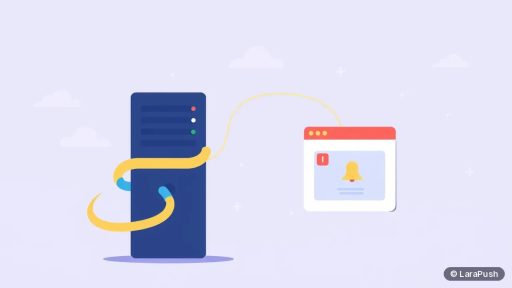
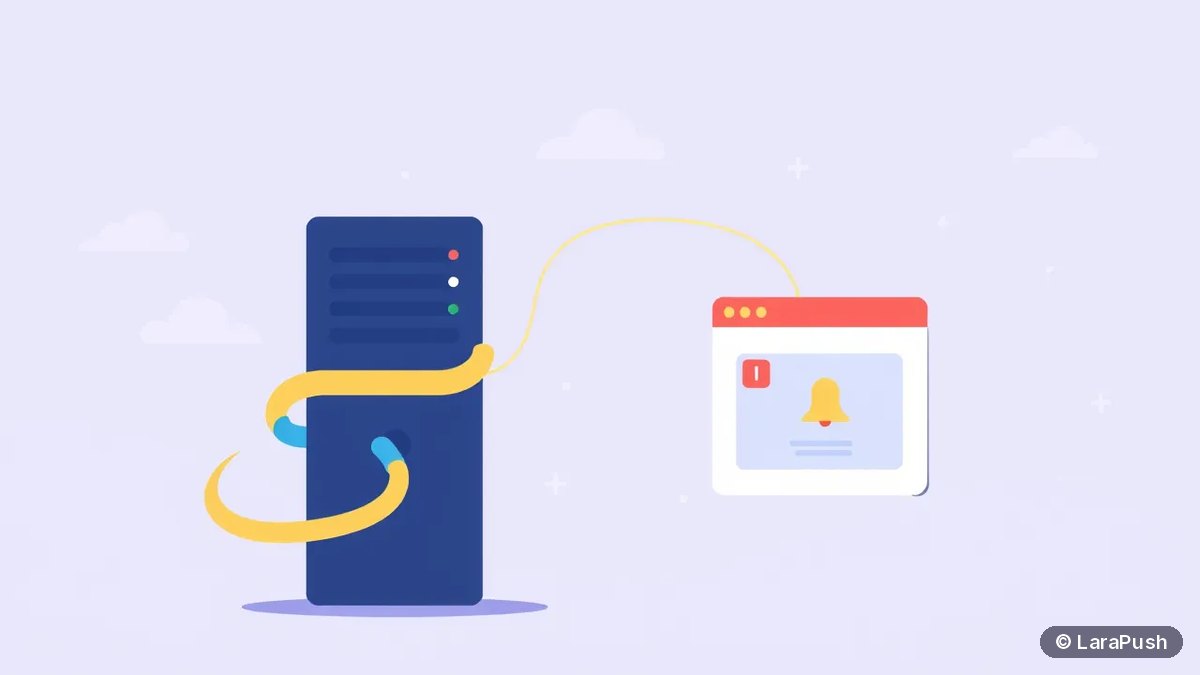

To send web push notifications from Python, install pywebpush, generate a VAPID key pair, and store each browser’s push subscription in your database. Then call webpush() with the subscription, a JSON payload, your private key and a vapid_claims dict with a mailto: subject. pywebpush encrypts the message and posts it to the browser’s push service.
Python web push notifications work with any framework: Flask, Django, FastAPI or a plain script run by cron. The protocol is an open standard, so you don’t need Firebase or a paid service on the sending side. The code below is checked against pywebpush 2.5.0 and py-vapid 1.9.6, the current releases in November 2026.
What do you need to send Python web push notifications?
You need HTTPS, a VAPID key pair, a service worker, a table of subscriptions and the pywebpush package. pywebpush 2.5 requires Python 3.10 or newer, according to its PyPI page.
| Piece | Purpose | Notes |
|---|---|---|
| HTTPS site | Service workers only run in secure contexts | localhost works for testing |
| VAPID key pair | Identifies your server to push services | Created with the vapid tool from py-vapid |
| Service worker | Shows the notification when a push arrives | Same JavaScript whatever your backend |
| Subscriptions table | Stores endpoint, p256dh and auth per browser | One row per browser |
| pywebpush | Encrypts and sends each message | Installs py-vapid as a dependency |
The browser half doesn’t change between languages. If you also work in PHP, my PHP and Laravel web push guide uses the same service worker.
How do you install pywebpush and generate VAPID keys?
Install pywebpush with pip, then run the vapid command from py-vapid once. It writes two PEM files and can print the public key in the format browsers expect.
pip install pywebpush
vapid --gen                    # writes private_key.pem and public_key.pem
vapid --applicationServerKey   # prints the public key for the browser
Keep private_key.pem on the server, outside your web root, and back it up. The printed “Application Server Key” is the public key your page passes to pushManager.subscribe. Generate keys once, because every subscription is tied to the public key it was created with. My post on VAPID keys for web push explains why.
How do you collect subscriptions from the browser?
Register a service worker, ask for permission on a click, subscribe with your public key, and post the subscription JSON to your Python backend. The service worker below shows a notification from a JSON payload.
// sw.js, served from your site root
self.addEventListener('push', (event) => {
  const data = event.data ? event.data.json() : {};
  event.waitUntil(
    self.registration.showNotification(data.title || 'New update', {
      body: data.body,
      data: { url: data.url || '/' }
    })
  );
});
self.addEventListener('notificationclick', (event) => {
  event.notification.close();
  event.waitUntil(clients.openWindow(event.notification.data.url));
});
On the page, call navigator.serviceWorker.register(‘/sw.js’), then registration.pushManager.subscribe with userVisibleOnly set to true and applicationServerKey set to your public key. Send JSON.stringify(subscription) to an endpoint such as /api/subscribe. MDN’s PushManager.subscribe() reference lists the options.
How do you send a notification with pywebpush?
Call webpush() with four arguments: the subscription dict, the data string, the private key and the claims. The example below is a minimal Flask app that stores subscriptions and sends to all of them.
import json, os
from flask import Flask, request
from pywebpush import webpush, WebPushException

app = Flask(__name__)
subscriptions = {}  # use a real database in production
VAPID_PRIVATE_KEY = os.environ.get("VAPID_PRIVATE_KEY", "private_key.pem")

@app.post("/api/subscribe")
def subscribe():
    sub = request.get_json()
    subscriptions[sub["endpoint"]] = sub
    return "", 201

@app.post("/api/send")
def send():
    payload = json.dumps({
        "title": "New post: Python web push",
        "body": "Read the step-by-step guide",
        "url": "/blog/python-web-push/",
    })
    for endpoint, sub in list(subscriptions.items()):
        try:
            webpush(
                subscription_info=sub,
                data=payload,
                vapid_private_key=VAPID_PRIVATE_KEY,
                vapid_claims={"sub": "mailto:[email protected]"},
                ttl=3600,
            )
        except WebPushException as ex:
            status = ex.response.status_code if ex.response is not None else None
            if status in (404, 410):
                del subscriptions[endpoint]  # expired or unsubscribed
            else:
                app.logger.error("push failed: %s", ex)
    return "", 202
The vapid_private_key argument takes a path to a PEM file or the key as a base64 string. Pass a fresh claims dict on every call: the README warns that pywebpush mutates it, adding aud and exp for you.
Which pywebpush options should you set?
Set ttl on every send. pywebpush defaults to a TTL of 0, which tells the push service it may drop the message if the device is offline right now. That surprises many people the first time.
| Option | What it does | Default |
|---|---|---|
| ttl | Seconds the push service keeps the message for an offline device | 0 |
| headers | Extra headers, such as {“Urgency”: “high”} or {“Topic”: “price”} | None |
| content_encoding | aes128gcm (standard) or the older aesgcm | aes128gcm |
| timeout | Request timeout in seconds | None |
| requests_session | Reuse one HTTP session for many sends | None |
Urgency and Topic are standard headers from RFC 8030, so you pass them through headers. Keep the payload small, because RFC 8030 only requires push services to accept 4,096 bytes.
How do you handle errors and expired subscriptions?
Remove the subscription when the push service returns 404 or 410, because those codes mean it no longer exists. pywebpush raises WebPushException and attaches the HTTP response, so check ex.response.status_code as in the example.
Other status codes point to different fixes:
- 400 or 403: usually a VAPID mismatch. The public key used in the browser must pair with the private key on the server.
- 413: the payload is too large.
- 429: you’re sending too fast. Back off and retry later.
For big lists, don’t send one by one inside a web request. Move sending to a background worker such as Celery or RQ, or use webpush_async with aiohttp for concurrent sends. Either way, keep a single requests or aiohttp session per batch.
Does Python web push work on iPhone?
Yes, on iOS 16.4 and later, once the visitor adds your site to the Home Screen. pywebpush sends to Apple’s push endpoint like any other, as long as your site has a web app manifest and the subscribe call happens after a tap. The steps are in my guide on getting web push working on iPhone.
Should you build it in Python or use a push panel?
Build it in Python when you need alerts triggered by your own app’s events, such as price drops or account activity, and you have developers to look after it. Choose a panel when non-developers will send campaigns, because pywebpush gives you delivery only.
| Need | DIY with pywebpush | Push panel |
|---|---|---|
| Event alerts from your code | Good fit | Works through an API |
| Campaign editor, templates, scheduling | You build it | Included |
| Segments and reports | You build it | Included |
| Expired subscription cleanup | You build it | Handled for you |
If you’re also using Node.js elsewhere, my Node.js web push guide covers the same flow with the web-push package.
Where does LaraPush fit?
LaraPush is a self-hosted web push panel that runs on your own VPS. It gives non-developers a campaign editor, scheduling, segmentation and click reports, and its REST API has no call limits, so a Python app can trigger sends without handling encryption itself. See the features overview and the setup guide.
The trade-offs are that you run the server, the licence covers one server, and there’s no free plan. Plans start from $499 one-time; check the pricing page for current prices. To compare it with SaaS options, see my guide to push notification services.
Frequently asked questions
pywebpush is the standard choice. It’s open source, handles aes128gcm payload encryption and VAPID signing, and works with Flask, Django, FastAPI or plain scripts. It installs py-vapid, which provides the vapid command for creating keys.
Check the TTL first. pywebpush defaults to a TTL of 0, so the push service may drop messages for devices that are offline. Also confirm the browser’s public key matches your private key, and that the service worker calls showNotification.
Yes. pywebpush doesn’t depend on any web framework. Save subscriptions with your ORM, then call webpush() from a view, a background task or a management command. For async frameworks, webpush_async sends with aiohttp.
No. pywebpush sends directly to each browser’s push service using VAPID. The README notes that sending to Firebase Cloud Messaging with an old server key is no longer supported, but standard web push to Chrome isn’t affected.
On the server, outside the web root, in a secrets manager or an environment variable, with a backup. If you lose it, you can’t send to existing subscribers, and anyone who gets it can sign messages as your server.