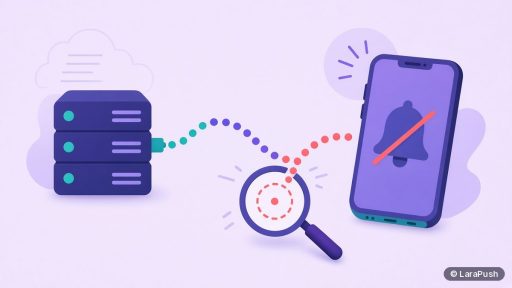
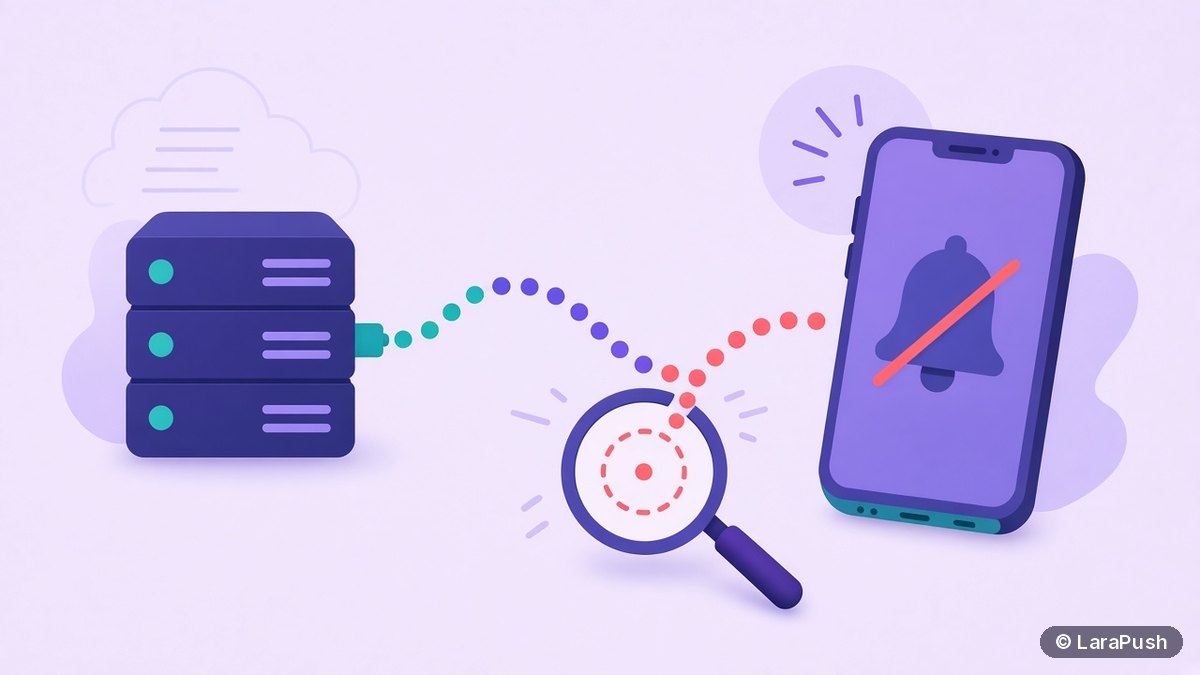

iPhone users usually don’t receive web push notifications for one of five reasons. They are on iOS older than 16.4, they never added your site to the Home Screen, they turned notifications off or a Focus mode is holding them back, they deleted the Home Screen icon, or your server can’t reach Apple’s push service. Check them in that order.
When iPhone web push isn’t being received, the cause is rarely a bug in Apple’s system. It’s almost always a gap in the install-and-subscribe flow or a setting on the phone. Below is how I diagnose it, from the most common cause to the least.
Why are iPhone users not getting web push notifications?
Because iPhone web push only works for installed Home Screen web apps on iOS 16.4 or later, and each of those conditions can fail silently. Unlike Android, where any Chrome tab can subscribe, iPhone adds extra steps, and each one is a place to lose people.
| Cause | How common | How to confirm | Fix |
|---|---|---|---|
| Site never added to the Home Screen | Very common | No iOS subscribers in your panel | Show an install banner to iPhone visitors |
| iOS below 16.4 | Less common now | Device OS version in your data | Ask the user to update iOS |
| Notifications off or Focus on | Common | Settings > Notifications on the phone | User turns them back on or allows your app in Focus |
| Home Screen icon deleted | Common | Subscriber disappears or sends fail | User reinstalls and subscribes again |
| Server blocked from Apple’s push service | Rare | Sends to iOS fail, others succeed | Allow *.push.apple.com outbound |
The requirements come from WebKit’s web push announcement for iOS and iPadOS 16.4. If you’re unsure your setup is right, start with my iPhone web push setup guide.
Did the user actually subscribe?
Check this first. Many site owners assume iPhone visitors are subscribed because they saw the site’s prompt. However, on iPhone, a Safari tab can’t subscribe at all, so those visitors were never on your list.
Look at your subscriber data split by OS and browser. If you have plenty of iPhone traffic but almost no iOS subscribers, the problem is the install step, not delivery. The fix is a short banner shown only to iPhone visitors in Safari: “Tap Share, then Add to Home Screen, then open the app and tap Subscribe.” My post on push permission prompt best practices covers how to word it.
Are notifications turned off on the iPhone?
They might be. Once installed, your web app has its own entry in Settings > Notifications, just like a native app. The user can turn alerts off, hide them from the Lock Screen, or move them to a scheduled summary.
Focus modes matter too. WebKit notes that notifications from Home Screen web apps integrate with Focus. So, if the user has a Focus mode on and your web app isn’t on its allowed list, notifications can be held back until Focus ends. Apple explains the controls in its guides to changing notification settings and setting up a Focus.
You can’t change these settings for users. That said, you can include a short help note on your site explaining where to check.
Did the user delete the Home Screen icon?
If they did, the subscription went with it. On iPhone, the push subscription belongs to that installed web app, so removing the icon ends it.
On your side, this shows up as sends failing for that subscriber. The Web Push protocol (RFC 8030) says a push service must return a 404 (Not Found) status when a server sends to an expired subscription, and in practice push services also use 410 (Gone). A good push panel removes those dead subscriptions automatically, so your counts stay honest. The user can reinstall and subscribe again, but it’s a fresh subscription.
Can your server reach Apple’s push service?
It should, but check it if every iOS send fails while Android and desktop sends work. Web push on iPhone is delivered through the Apple Push Notification service, and WebKit advises allowing URLs from *.push.apple.com if you control your server’s outbound rules.
This mostly affects self-hosted setups with strict egress firewalls. Look at your send logs for connection errors to push.apple.com hosts. If you see them, allow that pattern on outbound HTTPS. For a wider server checklist, see how to secure a self-hosted push notification server, which also covers firewall rules.
Could the service worker or payload be the problem?
Yes, especially if the notification arrives on Android but not on iPhone. A JavaScript error in the push event handler can stop the notification from showing in WebKit even if Chrome tolerates it.
Two checks help here. First, make sure every push shows a visible notification, since silent pushes aren’t allowed. Second, keep the payload to standard fields: title, body, icon and URL. Then inspect the installed web app from a Mac with Safari’s Web Inspector, as described in my guide to testing web push on iPhone. For non-iOS issues, see web push notifications not showing.
How do you check this quickly?
Use this order, which goes from the cheapest check to the most technical:
- Compare iPhone traffic with iOS subscriber counts.
- Install and subscribe on your own iPhone, then send yourself a test.
- Check Settings > Notifications and Focus for your web app on that phone.
- Read your send logs for errors on iOS endpoints.
- Inspect the service worker with Safari’s Web Inspector.
In my experience, steps 1 and 2 explain most cases. If your own test works but subscriber numbers stay low, the issue is the install step, not delivery.
Where does LaraPush fit?
LaraPush is a self-hosted web push panel that supports iPhone and iPad through iOS Safari web push on iOS 16.4+, for sites added to the Home Screen. Its analytics break down sent, delivered and clicked by device, OS and browser, which helps you see whether iOS subscribers are actually receiving campaigns. See the iOS push page and the setup guide.
The trade-offs: you run the VPS, the licence covers one server, and there’s no free plan. Plans start from $499 one-time; check the pricing page for current prices. For other options, see my guide to push notification services.
Frequently asked questions
Android lets visitors subscribe from a normal browser tab, but iPhone requires iOS 16.4 or later and the site added to the Home Screen first. Most iPhone visitors never complete that install step, so they were never subscribed in the first place.
Yes. Notifications from Home Screen web apps work with Focus like native apps. If a Focus mode is on and your web app isn’t allowed, notifications can be held back until it ends. Users manage this in the Focus settings.
Their push subscription ends with it. Sends to that subscription will fail, and your push panel should remove it. If the user adds the site to the Home Screen again and subscribes, they get a brand new subscription.
No. Web push on iOS uses standard VAPID keys, and WebKit says Apple Developer Program membership isn’t needed. Your server only needs to reach Apple’s push service, so allow *.push.apple.com if you restrict outbound traffic.
Check your subscriber data broken down by operating system and browser. If iPhone traffic is high but iOS subscribers are close to zero, visitors aren’t completing the Home Screen install, so improve your install instructions.