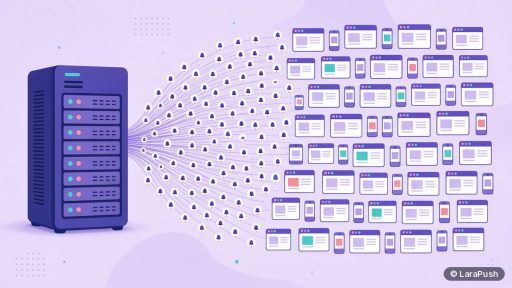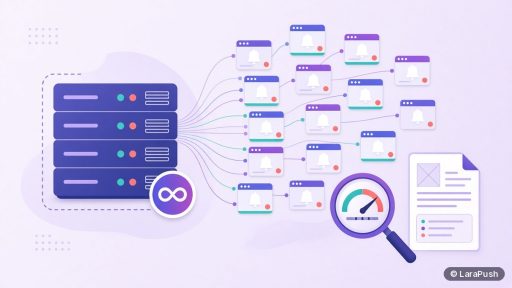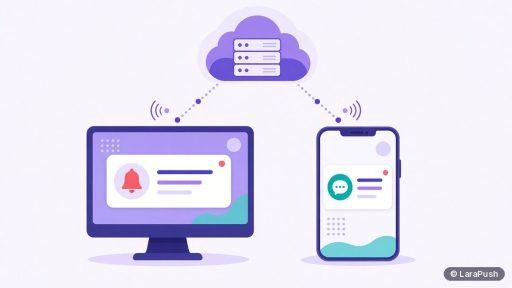
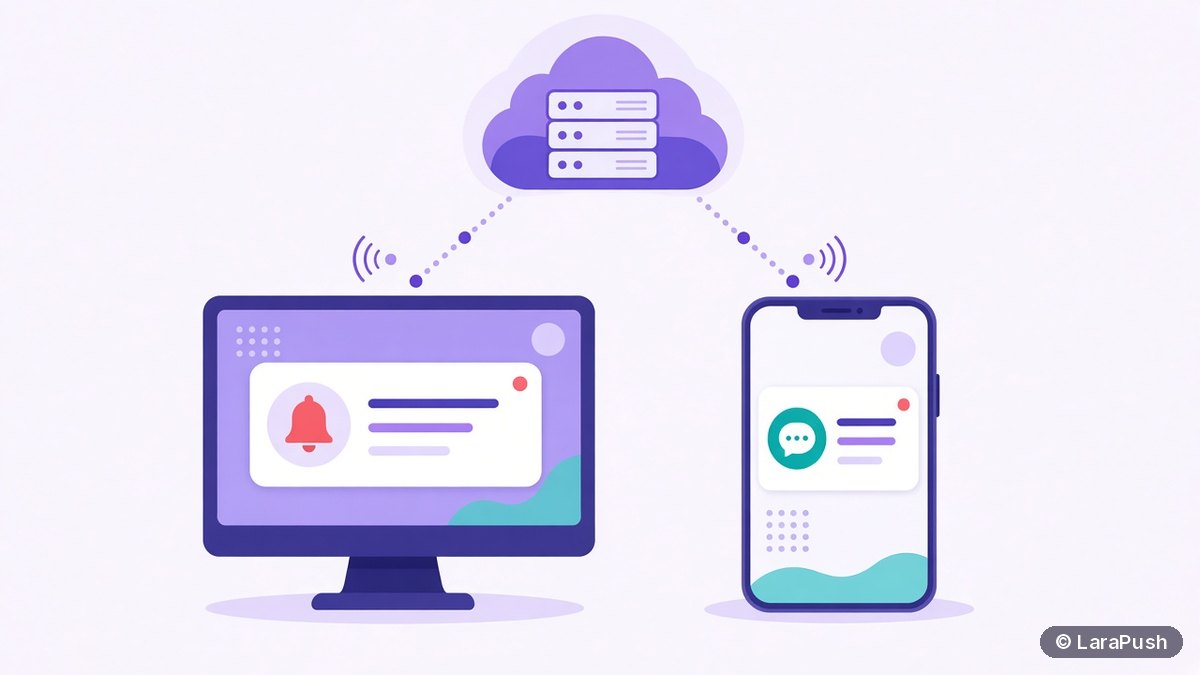

Web push notifications, browser notifications and desktop notifications overlap but aren’t the same thing. A browser notification is any alert a website shows through the browser. Web push is the subset delivered from a server through the Push API, so it arrives even when your site is closed. “Desktop notification” only describes where it appears: on a computer.
People use these three terms interchangeably, and so do a lot of vendor pages. That causes real confusion when you’re choosing a tool, because some “browser notification” features only work while the visitor has your tab open. So let me separate them properly.
Quick facts:
- Browser notifications are drawn by the Notifications API (MDN).
- Web push adds the Push API and a service worker, so a server can wake the browser (MDN Push API).
- Both use the same browser permission: one Allow covers showing notifications.
- Desktop and mobile are display surfaces, not separate technologies.
What is the difference between browser notifications and web push?
The difference is where the message comes from and whether your page needs to be open. A plain browser notification is created by JavaScript running on your open page, for example a chat tab that pops up “New message”. Web push is sent by your server to a push service, which wakes the visitor’s browser and lets your service worker show the notification, even if no tab of your site is open.
In other words, every web push ends as a browser notification, but not every browser notification is a web push.
What exactly is a browser notification?
A browser notification is a system-level alert a website triggers through the Notifications API. The page calls `new Notification()` or the service worker calls `showNotification()`, and the operating system displays it in its notification area. It needs permission, which the browser asks for with its native prompt.
On its own, the Notifications API has a hard limit. It only works while your code is running, which in practice means while the tab is open. Close the tab and you can’t reach that person any more.
What exactly is a web push notification?
A web push notification is a message your server sends to a subscriber’s browser through a push service, defined by the W3C Push API and the IETF Web Push protocol (RFC 8030). It has three moving parts:
- A service worker, a background script the browser keeps registered for your site.
- A push subscription, an endpoint URL and keys created when the visitor clicks Allow.
- A push service run by the browser vendor, such as Firebase Cloud Messaging (FCM) for Chrome, that delivers the encrypted message.
Your server authenticates to the push service with VAPID keys (RFC 8292). For a deeper look, see what VAPID keys are and why web push needs a service worker.
So what is a desktop notification?
“Desktop notification” is a description of the screen, not a protocol. When a web push or browser notification shows up on Windows, macOS or Linux, people call it a desktop notification. The same message on Android shows in the phone’s notification shade, and marketers then call it a mobile web push.
Some apps also send desktop notifications from installed software (Slack, Teams, an email client). Those come from native desktop apps, not from a website, so they’re a different thing again.
How do the three compare side by side?
This table sums up how the terms relate:
| Term | What it is | Needs site open? | Server can send? |
|---|---|---|---|
| Browser notification | Alert via the Notifications API | Yes, unless sent by a service worker | No, on its own |
| Web push notification | Server message via Push API + service worker | No | Yes |
| Desktop notification | Any notification shown on a computer | Depends on source | Depends on source |
| Mobile web push | Web push shown on a phone | No | Yes |
| App push notification | Native app push via FCM or APNs | No | Yes, needs an app |
For the app side of the story, see web push vs app push.
Why does the difference matter when choosing a tool?
It matters because only web push lets you bring visitors back after they leave. If a plugin offers “browser notifications” but has no service worker and no server-side sending, it can only alert people who still have your page open. That’s useful for in-page events, but it isn’t a re-engagement channel.
So when I review a push tool, I check three things. Does it register a service worker? Does it store subscriptions on a server? Can I send a campaign to everyone while they’re away? If the answer to any is no, it’s not real web push.
Does it work the same on iPhone and Android?
On Android, web push works in Chrome, Firefox, Edge and other modern browsers much like on desktop. On iPhone and iPad, Apple supports web push from iOS 16.4 and iPadOS 16.4, but only for web apps the user has added to the Home Screen (WebKit). A normal Safari tab can’t subscribe.
That detail trips up many site owners. For the full picture, read iPhone push notifications without an app and which browsers support web push.
What do they have in common?
All of them share one permission model and one display system. The visitor grants notification permission once per site, and the browser then displays alerts through the operating system. Likewise, they all disappear the moment the user blocks your site in browser settings.
They also share good practice: ask at the right moment, send only what you promised, and keep messages short. Chrome even shows a quieter permission UI for sites with very low acceptance rates (Chromium blog), so a pushy prompt hurts whichever term you use.
Where does LaraPush fit?
LaraPush is a self-hosted web push panel, which means it does true web push: a service worker on your site, subscriptions stored on your own VPS, and campaigns sent through FCM to subscribers whether or not your site is open. It covers Chrome, Firefox, Edge, Opera, Android browsers and iOS 16.4+ Home Screen web apps. The trade-offs: you run the server, a licence covers one server, and there is no free plan. See features, pricing and the setup guide, or browse the best push notification services and tools.
Frequently asked questions
Not exactly. Browser notification is the broad term for any alert a website shows through the browser. Push notifications are the subset sent from a server through the Push API and a service worker, so they reach people even when your site is closed.
Desktop notification only describes where the alert appears, on a computer. A web push shown on Windows or macOS is a desktop notification, but desktop notifications can also come from installed apps like Slack or an email client.
The browser process generally needs to be running, even in the background, for the push to be displayed. Many browsers keep a background process alive, and messages that arrive while the device is offline are held by the push service for a limited time.
Not for simple alerts while the page is open. You do need a service worker for web push, because it receives the message from the push service and shows the notification when no tab of your site is open.
Yes, from iOS 16.4, but only for websites the user has added to the Home Screen as a web app. A regular Safari tab cannot subscribe to web push notifications on iPhone or iPad.