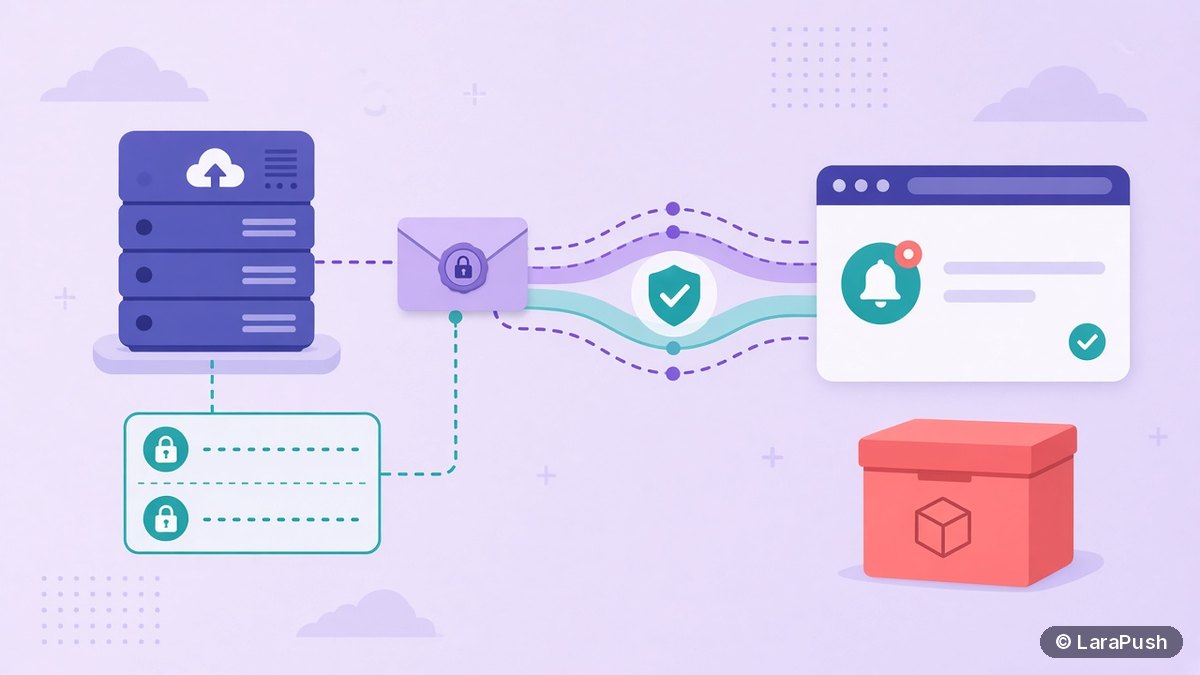

Yes, you can self-host web push without Firebase if your panel or code uses the standard Web Push protocol and VAPID keys. Chrome and Edge still deliver through Firebase Cloud Messaging (FCM) behind the scenes, but you need not create a Firebase account. Some commercial panels, including LaraPush, still ask for Firebase configuration when you add a site.
This question mixes up two different things, and I want to keep them separate. One is the open protocol: your server talks to the browser’s push service with VAPID. The other is a product requirement: a given panel may still want a Firebase project in its settings. Both can be true at the same time.
Quick facts:
- The W3C Push API, RFC 8030 and VAPID (RFC 8292) define web push. They do not require a Firebase account.
- Chrome’s documentation on web push interop and VAPID says you no longer need a Firebase project, a `gcm_sender_id`, or an FCM API key when you use VAPID.
- Google’s web.dev push FAQ makes the same point: with application server keys, Chrome does not need a Google or Firebase project set up.
- Chrome subscription endpoints may still look like `fcm.googleapis.com`. You treat that URL as a standard Web Push endpoint, not as a reason to switch to the FCM admin API.
- LaraPush’s documented setup still includes Firebase config when you add a site.
Can you self-host web push without Firebase?
Yes, you can self-host web push without Firebase if your sending software implements Web Push and VAPID. In that setup you generate a key pair, store subscriptions in your own database, and POST encrypted messages to each subscription endpoint.
You would typically do this with an open-source library or a panel that speaks the standard protocol. You would not do this by default in a product that expects FCM service-account credentials. So the accurate answer is “yes, the protocol allows it; check whether your chosen panel does”.
Self-hosting also does not mean you host the last delivery hop. Firefox still uses Mozilla’s push service and Safari still uses Apple’s. Chrome and related browsers still use FCM as their push service. The web push without Firebase question is really “without creating a Firebase project and without using the FCM HTTP API”.
What is the difference between a Firebase project and FCM delivery?
A Firebase project is an account and configuration you create in Google’s console. FCM delivery is the network Chrome uses to wake the browser. They are related, but they are not the same requirement.
When a visitor subscribes in Chrome, the browser can return an endpoint on `fcm.googleapis.com`. That happens because FCM is Chrome’s push service. If you use VAPID and the Web Push protocol, you can post to that endpoint without opening the Firebase console. Chrome’s interop note is explicit: even though the URL is an FCM URL, you should use the Web Push protocol, so the same server code works for every browser.
A Firebase project becomes necessary when your software talks to FCM the product way: the HTTP v1 API, a service account, and the Firebase JavaScript SDK. That is a valid design, and it is what I described in can you send web push with Firebase for free. It is just not the only design. FCM message delivery itself is listed as no-cost on Firebase’s pricing page, so the reason to avoid a project is usually simplicity or a preference not to add another account, not a per-message fee.
How does standard Web Push with VAPID work?
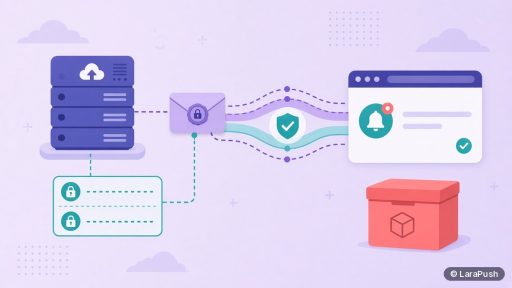
Standard Web Push with VAPID works by identifying your server with a key pair, instead of with a vendor API key. The public key goes into the browser’s `pushManager.subscribe()` call. The private key stays on your server and signs each send request.
The flow is:
- Generate a VAPID public and private key on your server.
- Serve your site on HTTPS and register a service worker on your domain.
- Ask for notification permission and subscribe the browser with your public key.
- Store the returned endpoint and keys in your own database.
- When you send, encrypt the payload and POST it to that endpoint with a VAPID signature.
I explain the keys themselves in what VAPID keys are. The important idea for this post is that VAPID replaced the older Chrome requirement to put a `gcm_sender_id` in a manifest and to authorise FCM with a project API key. That is why a self-hosted stack can exist without a Firebase login.
When do you still need a Firebase project?
You still need a Firebase project when you cannot run web push without Firebase in that tool, because it is built around FCM’s product APIs or its setup screen will not finish without the config. In that case the protocol question does not matter; the product will not start until the fields are filled.
You might also choose a Firebase project on purpose. The FCM SDK, topic messaging and the HTTP v1 API are useful if you are building your own sender and want Google’s libraries instead of a generic Web Push library. That path is free for the messaging layer, but you then have a service-account file to protect.
For iPhone, the extra requirement is not Firebase. From iOS 16.4, Safari web push works when the user adds the site to the Home Screen, as WebKit documents. Apple’s push service is the delivery hop there, whether or not a Firebase project exists for your Chrome subscribers.
What should you check in a self-hosted panel?
Check whether the panel can send with VAPID alone, or whether it requires Firebase config before a site will go live. That single product fact decides whether you can run web push without Firebase in that panel, even though the protocol allows it.
Ask these questions:
| Question | Why ask it |
|---|---|
| Can I add a site with VAPID keys only? | This is the real “without Firebase” test |
| If Firebase is required, which values do I paste? | You need to know whether that is a console task or a developer task |
| Where are VAPID keys stored? | They should live on your server, and you should be able to back them up |
| Do Chrome, Firefox and Safari all use the same sending path? | A standard Web Push path is simpler to run |
| Can I export subscriptions and keys? | This matters if you ever move panel |
LaraPush currently documents Firebase config as part of adding a website, so I would not describe it as a Firebase-free panel. It is still self-hosted: the list and the dashboard run on your VPS, and FCM is the delivery layer. If web push without Firebase is a hard requirement, you need a panel or library that says it supports VAPID-only sending, and you should test a Chrome subscription before you commit.
Where does LaraPush fit?
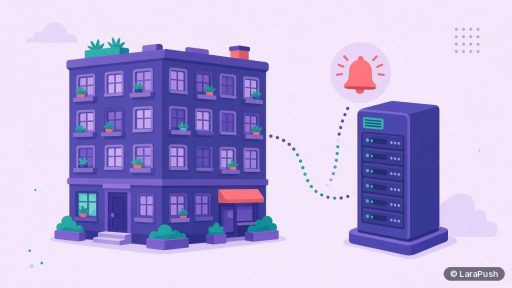
LaraPush is a self-hosted web push panel that delivers through FCM and asks you to add Firebase configuration when you connect a site. That is a product choice, not a claim that web push is impossible without Firebase. Installation is included, and the licence is a one-time payment from $499 (Startup) or $799 (Pro), exclusive of tax. Check pricing for the current price.
The trade-off is clear. You get a dashboard, segmentation and campaigns on your own server, and you also create a Firebase project as part of setup. If you want that path, read the features page and the setup guide. If you want web push without Firebase, choose a tool that documents a VAPID-only mode, or build with a Web Push library. For the wider category, see what self-hosted push notification software is and the best push notification services and tools pillar.
Frequently asked questions
No. That hostname means Chrome is using FCM as its push service. With VAPID, you send to the endpoint using the Web Push protocol. Chrome’s own guidance is to leave the URL intact and not treat it as a legacy FCM API call. A Firebase project is a separate choice.
Yes. Firebase’s pricing page lists Cloud Messaging as no-cost, with no per-message fee. You may still pay for other Google Cloud services if you use them, and you still have to host your own subscriber database and dashboard. The messaging layer itself is not billed per send.
The documented LaraPush setup is to add Firebase config when you connect a website, so you should plan to create a project. That is how this panel is set up today. The wider Web Push standard can work without one, but a product can still require the config.
No. Firefox uses Mozilla’s push service and Safari uses Apple’s. A Firebase project does not replace those services. If a panel asks for Firebase, it is usually for the Chrome and Android side of the same install, or because the panel’s own sending path is built around FCM.
Use a panel and follow its setup. If it asks for Firebase, create a free project and paste the values. If avoiding Firebase is the priority, confirm VAPID-only support before you buy, then test a Chrome, Firefox and Safari (or iOS Home Screen) subscription.